Dashboard
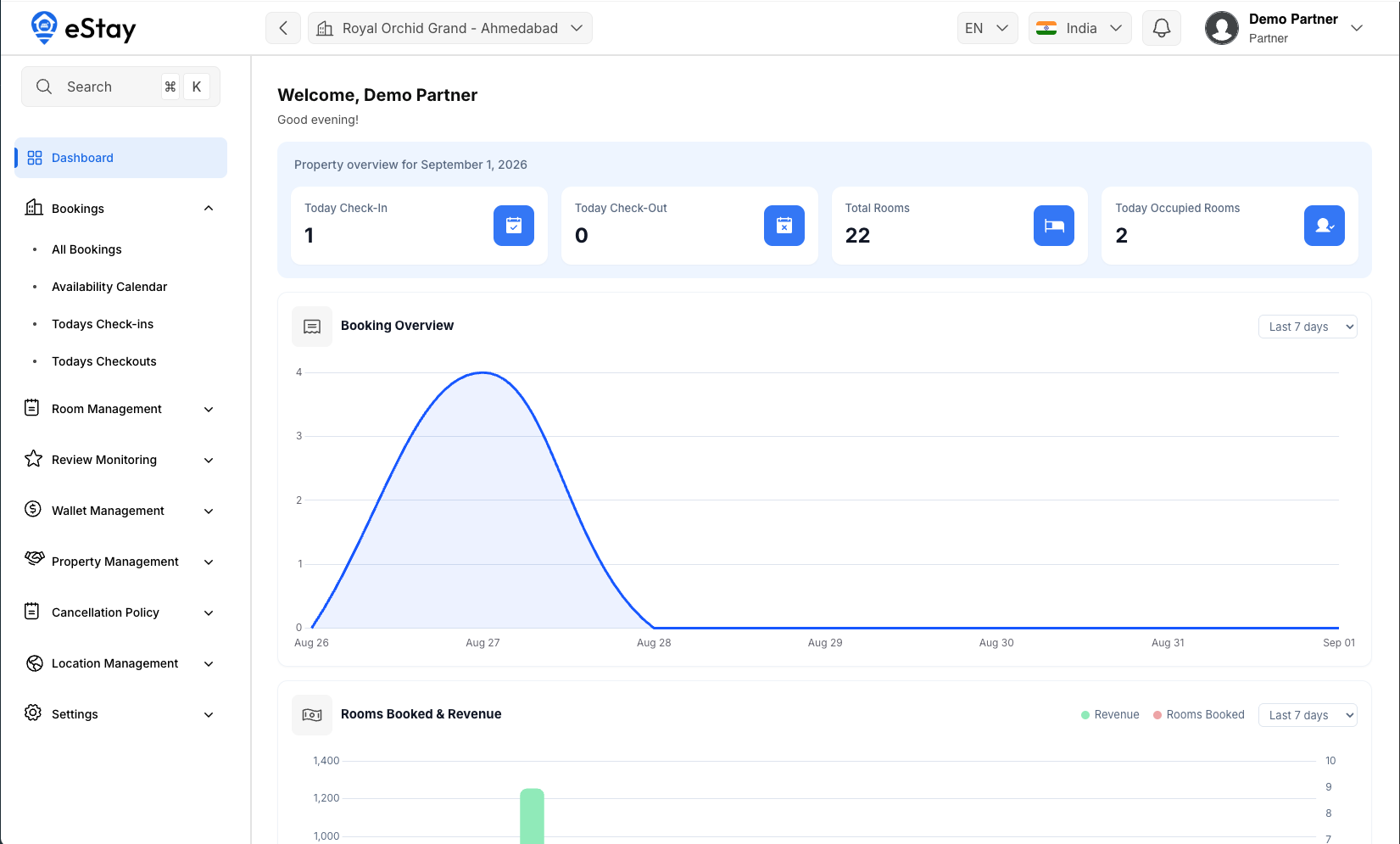
The partner's landing page after logging in — a daily overview scoped to whichever country and property they've selected in the topbar.
Before Your Account Is Approved
If a partner isn't yet Approved, the Dashboard shows nothing but a greeting — no stats, no charts. Full content only appears once verification is complete.
The Setup Checklist
Right after approval, a short checklist appears before the real dashboard does — currently just Complete Profile, checked off automatically once the partner has a first name on file (which the Setup Wizard already collected, so this is usually already done by the time they see it). The dashboard's stats and charts only replace the checklist once every item is checked off.
Stats
| Stat | What it shows |
|---|---|
| Today's Check-ins / Check-outs | Bookings checking in or out today. |
| Total Rooms | Room count for the selected property (or all properties, if none selected). |
| Today's Occupied | Rooms currently occupied today. |
| Total Bookings | All bookings, excluding expired and pending-payment ones. |
| Total Revenue | Sum of successfully captured payments. |
| Total Refund | Completed gateway refunds plus transferred manual refunds. |
| Active Customers | Distinct guests across those bookings. |
Charts
Three independently filterable charts, each with its own time range dropdown (Last 7 Days, Last 30 Days, This Month, This Year):
- Booking Overview — booking volume over time.
- Rooms Booked & Revenue — rooms booked alongside revenue.
- Top Performing Rooms — which room types are earning the most.