Notifications
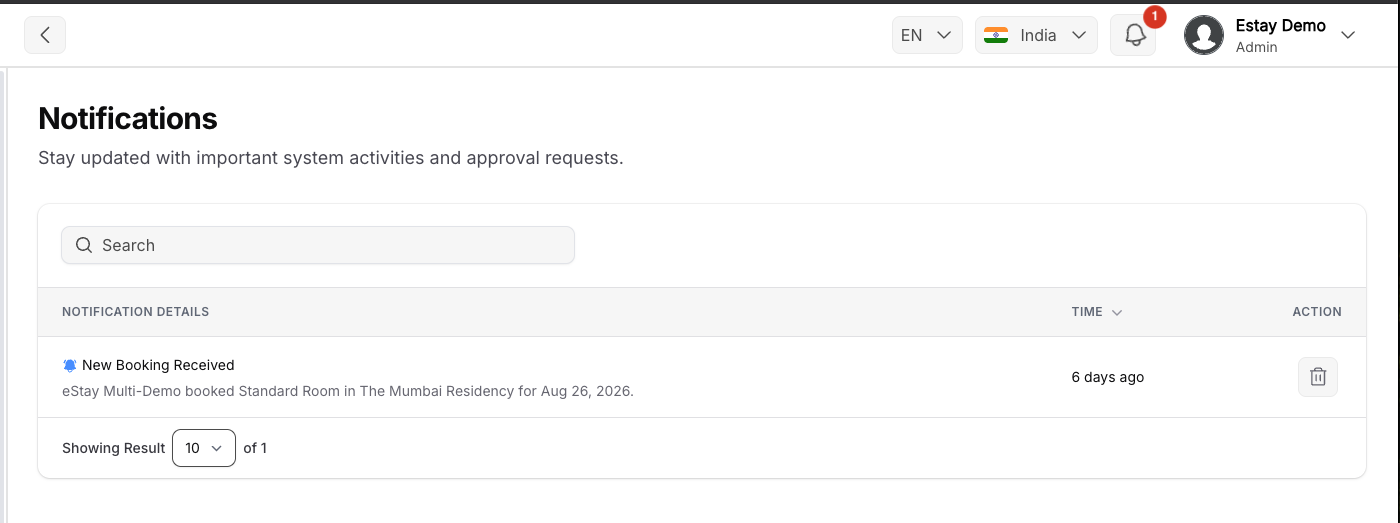
The partner's notification inbox — reached from the bell icon in the topbar, not the sidebar. Shows every in-app notification received (new bookings, cancellations, payouts, and more), unread ones marked with a filled bell icon. Delete a notification to dismiss it.
Not the same as Settings
This is the inbox itself. Whether these notifications get sent by email as well is controlled separately, in Settings.
Where to Go Next
- Turning email copies of these on or off → Settings.