Property Management
Every property the partner owns, and a detail view for each.
The List
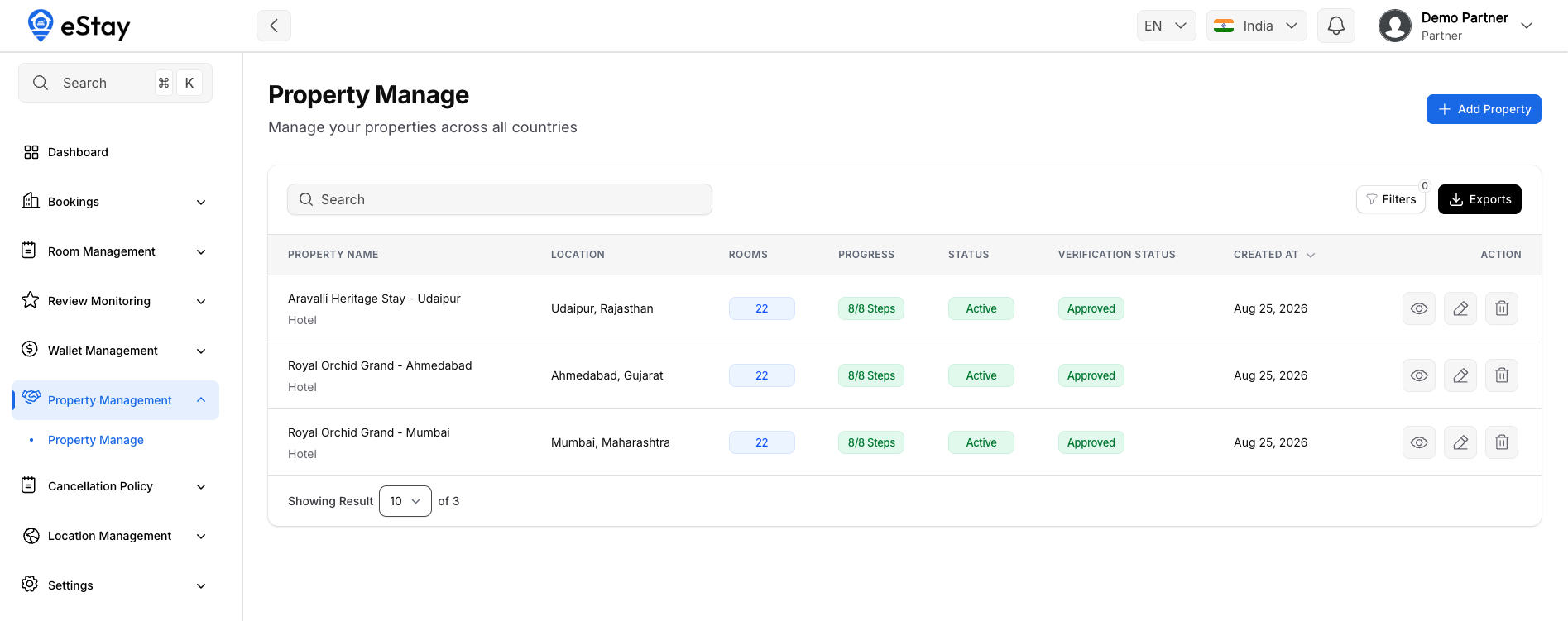
| Column | Description |
|---|---|
| Property Name | With the property type underneath. |
| Location | City, state. |
| Rooms | Total room count. |
| Progress | X/8 Steps — how far the Add Property wizard has gotten. |
| Status | Draft, Active, or Inactive. |
| Verification Status | Where it stands with admin — Pending, Approved, Rejected, Correction Requested, or Resubmission. |
Filter by status or verification status. View opens the detail page; Edit resumes the wizard (for a draft) or reopens it to change a live property; Delete removes it (blocked in some cases — see the confirmation dialog for why).
Property Detail
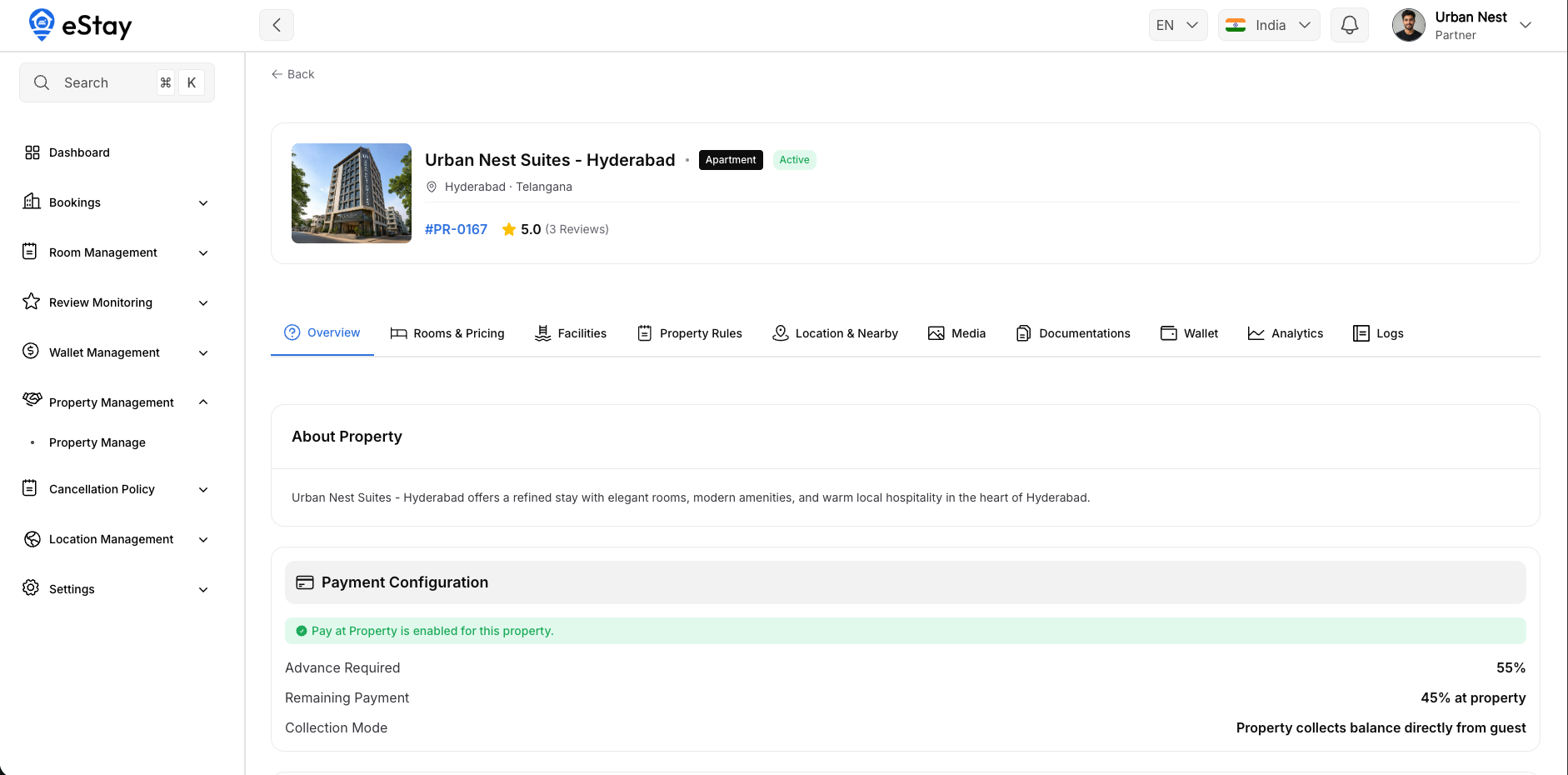
Tabs: Overview, Rooms & Pricing, Facilities, Property Rules, Location & Nearby, Media, Documentation, Wallet, Analytics, and Logs (an activity history for this property).
Where to Go Next
- Adding a new property → Adding a Property.
- What admin does with a submitted property → Property Verification.