Becoming a Partner
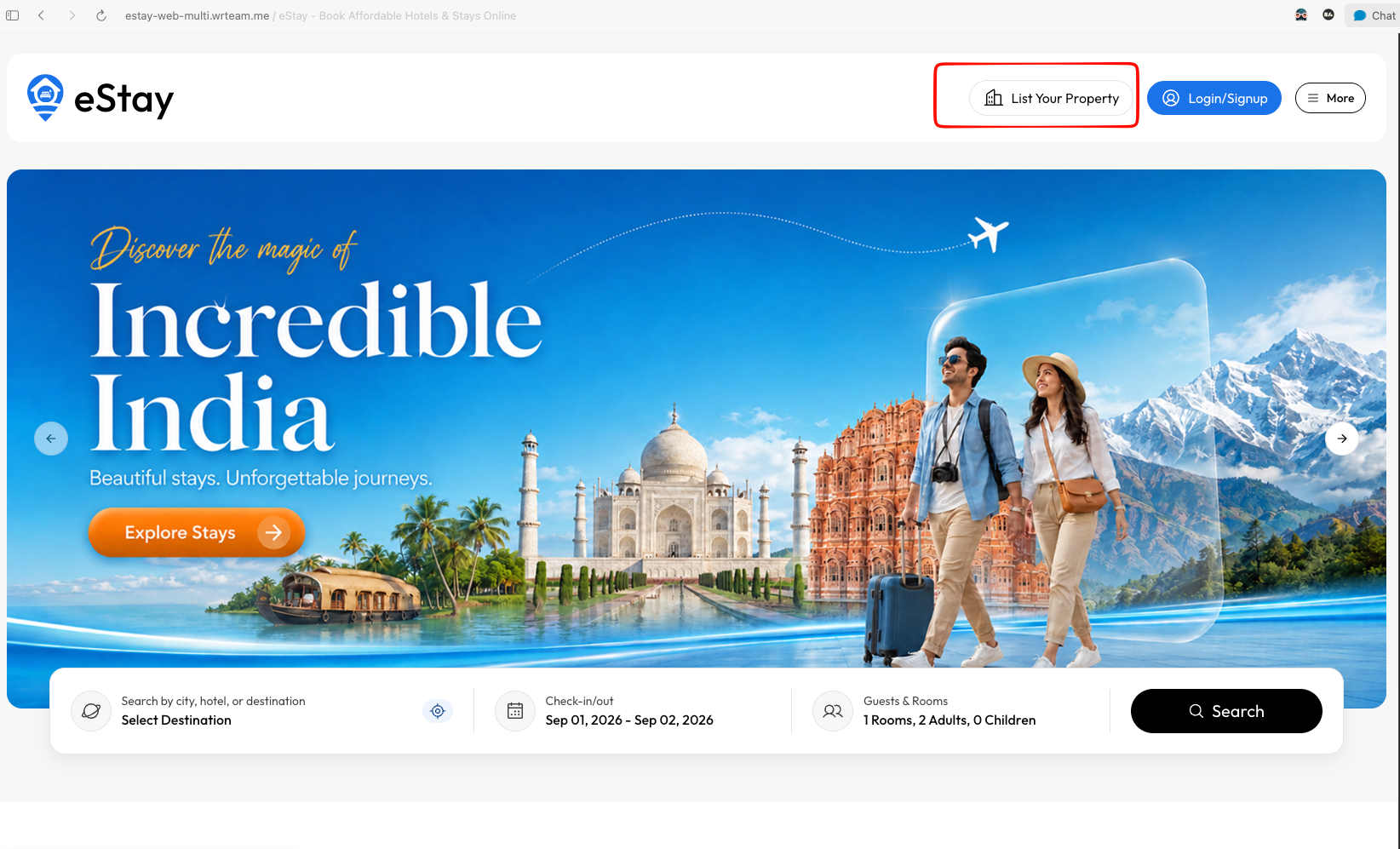
A partner's account starts on your platform's public website, not in the Partner Panel itself. The entry point is the List Your Property button in the site header:
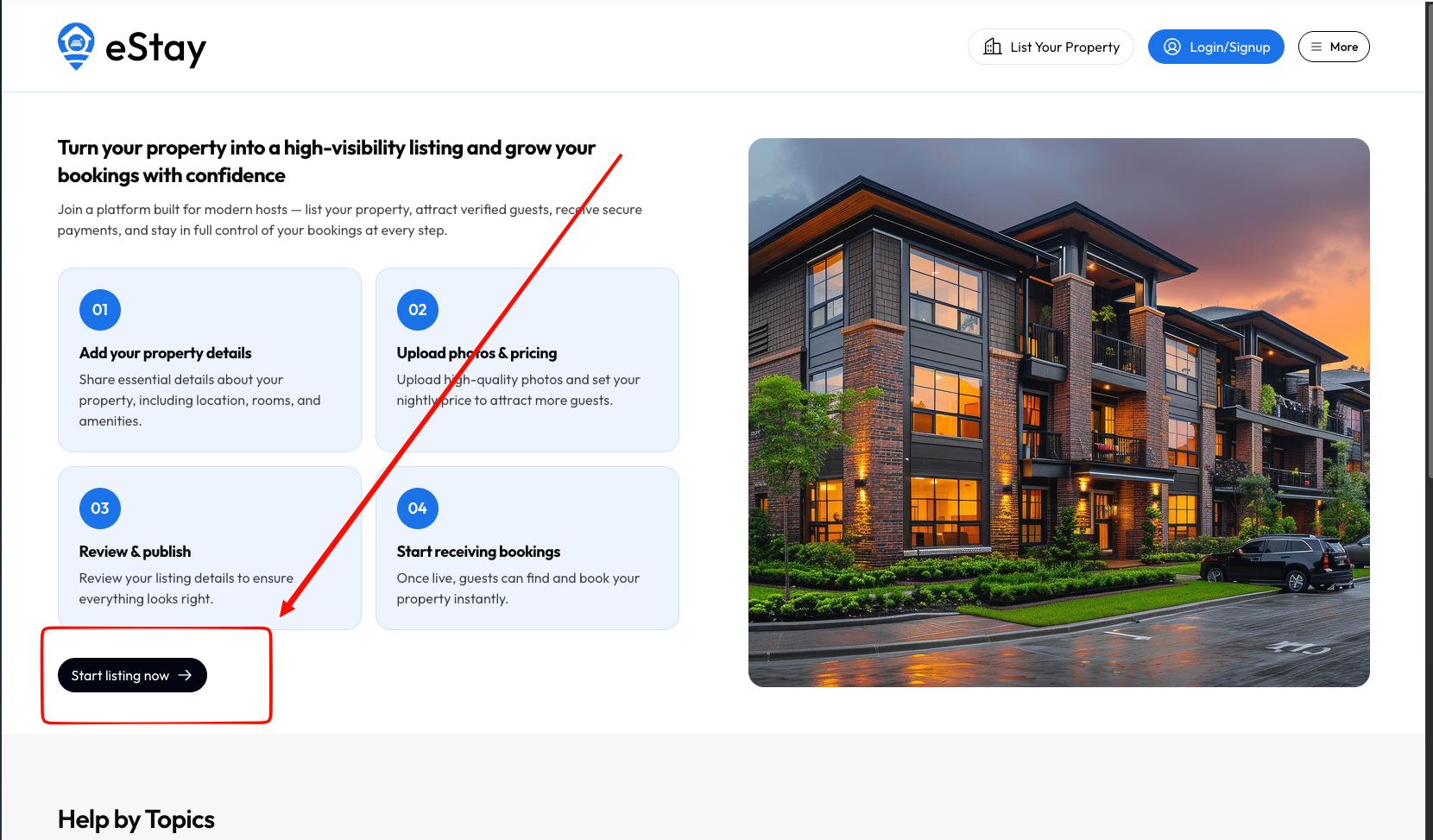
That leads to a "Become a Partner" landing page explaining the process, with a Start listing now button that opens the actual sign-up form:
The sign-up form itself collects just the basics: name, email, and password, verified with an email OTP. There's no country or property type to choose yet at this point.
Once that basic account exists, the new partner is sent to the Partner Panel login page to sign in for the first time.
There's nothing to configure here — this step happens on the customer-facing website. What you do control is everything that comes next: the Setup Wizard that runs the moment they log in, and the fields it asks for. See Partner Registration Fields on the admin side to customize what's collected.
Where to Go Next
- What happens after they log in the first time → Setup Wizard.
- Signing back in later → Login.