Room Management
Two related but distinct concepts: Room Types are reusable templates a partner defines once (e.g. "Deluxe Ocean Suite"); Rooms attach one of those templates to the currently selected property with its own size and price. Neither of these creates the physical, numbered rooms guests actually get assigned to — that's Room Inventory.
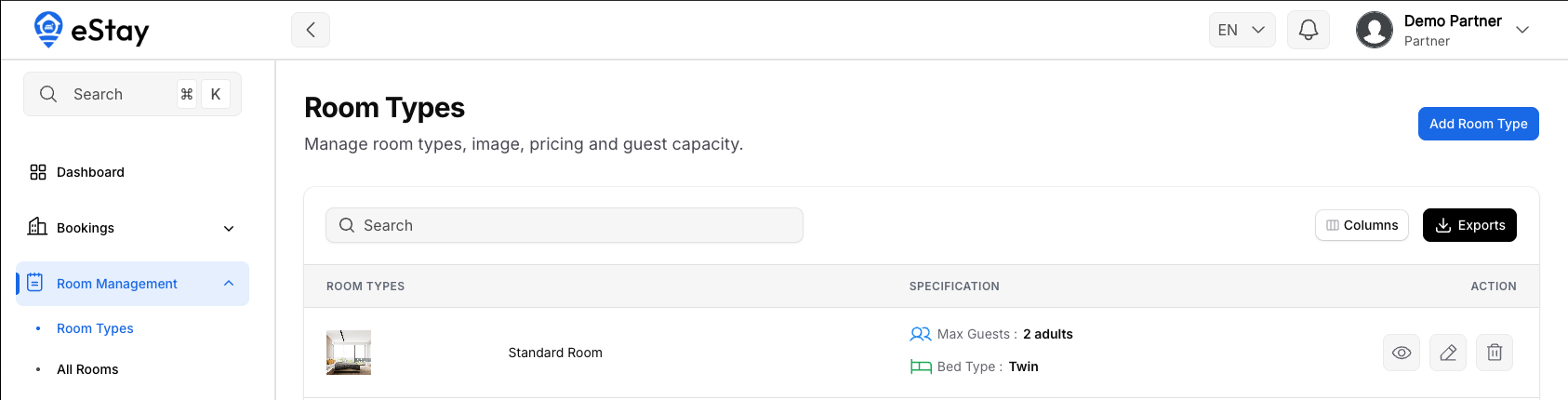
Room Types
A catalog of room templates, not tied to any one property. Add Room Type is a 3-step wizard:
- Basic Details — name, bed type, max guests, description, plus optional SEO fields (meta title/description/keywords, schema markup).
- Select Room Amenities — which global facilities apply.
- Room Images — a required number of images (the exact min/max and file size are set by admin's server config, not adjustable here — see Image Upload Limits).
Editing shows a warning: changes apply everywhere this type is used. Deleting is blocked while any room still uses the type.
Rooms
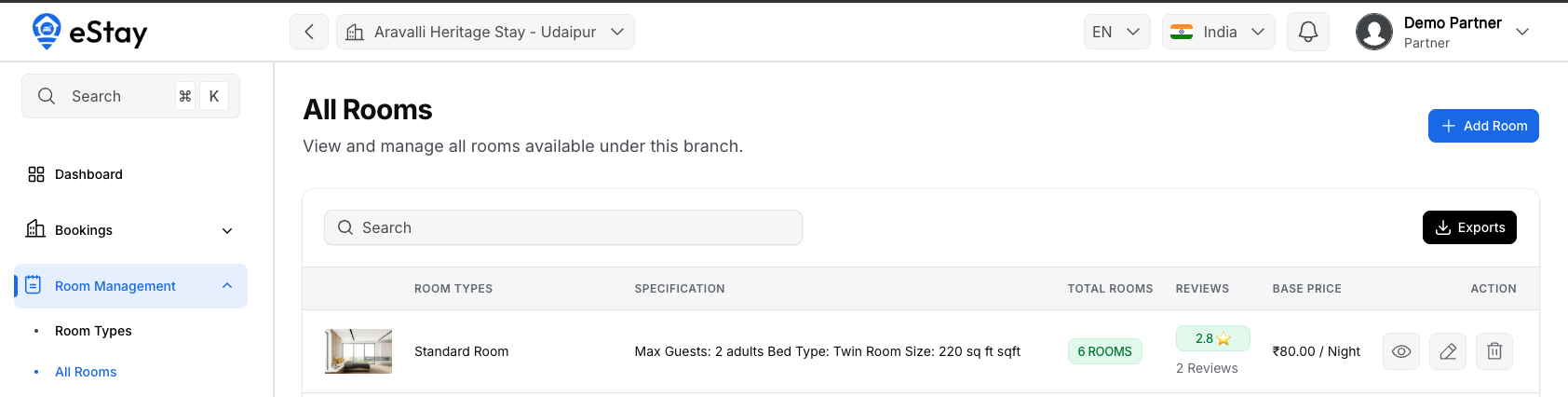
Attaches a Room Type to the currently selected property, with property-specific size, pricing, images, and amenities — these start as a copy of the room type's own, but can be edited independently per property. Add Room is a 2-step modal:
- Pick a Room Type (auto-fills name, bed type, guests, description, images, and amenities — all still editable), or fill the basic details manually.
- Set room size (sqft) and base price per night, and adjust images/amenities if needed.
A property can only use a given Room Type once — the room type picker excludes any type already added to the current property.
The list shows each room offering's specification, total room count, review rating, and base price. Edit or delete from here — deleting removes the room offering from this property (not the underlying Room Type).
Where to Go Next
- Generating the actual numbered rooms → Room Inventory.
- Setting nightly pricing happens here, on each room's edit form — see above.