Today's Check-ins & Check-outs
Two focused lists for the day's front-desk work — trimmed-down views of Bookings filtered to just today.
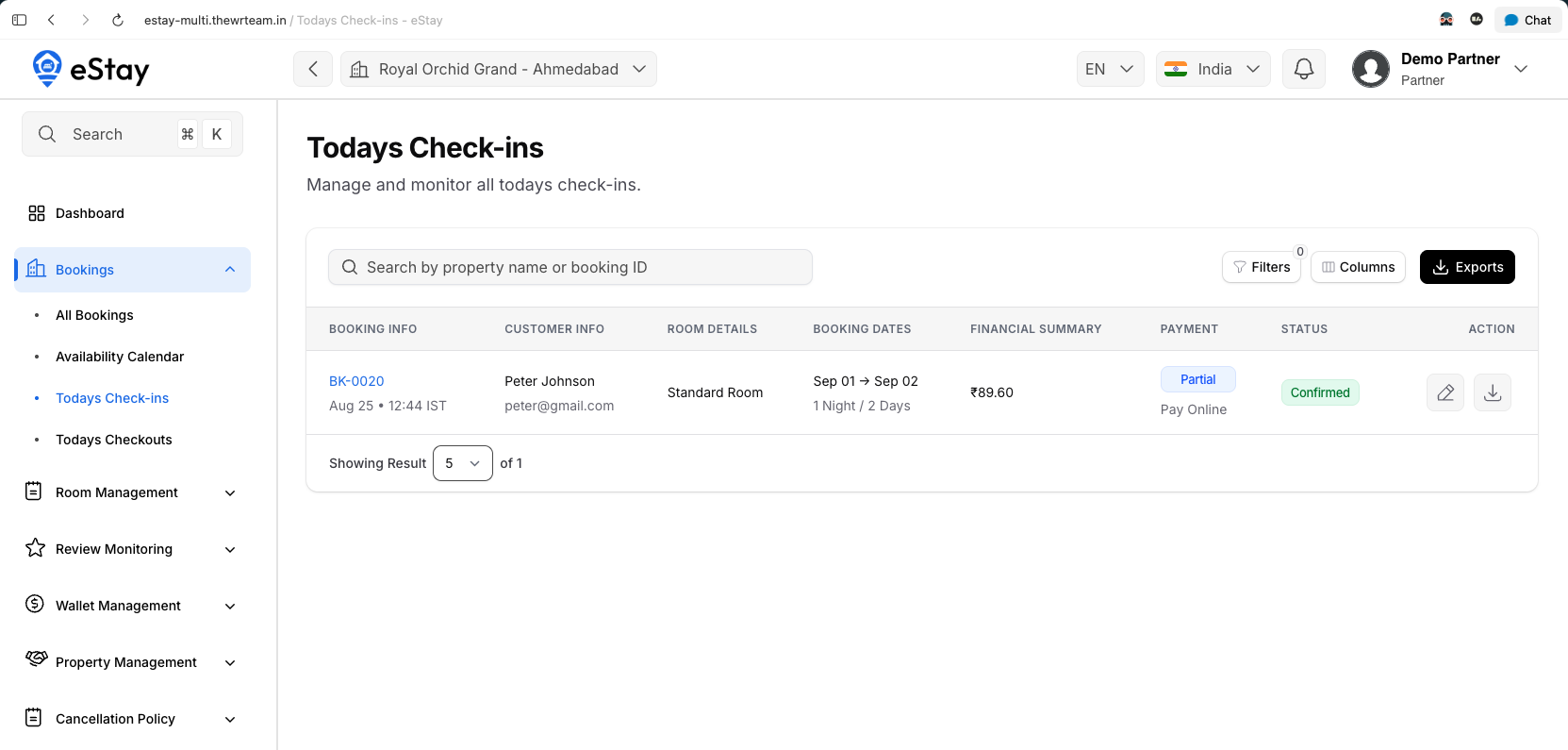
Today's Check-ins
Confirmed and Checked-in bookings with a check-in date of today. Same booking info/customer/room/dates/payment columns as the main Bookings list. Filter by status (Confirmed / Checked-in).
The edit action here does two things at once, in order:
- If payment is still outstanding (a Pay At Property booking), record the cash or UPI payment collected.
- Move the booking to Checked-in — this opens the same mandatory room-selection step as on the main Bookings page; the guest isn't marked checked in until specific rooms are assigned. You can optionally upload guest documents (ID proof, etc.) at the same step — they're attached to the booking and stay visible on its detail page afterward.
Download gets the invoice.
Today's Check-outs
Checked-in and Completed bookings with a check-out date of today. The edit action only appears on bookings still Checked-in, and simply marks them Completed.
Where to Go Next
- The full booking list, editing, and cancellation → Bookings.
- Which rooms are free right now → Availability Calendar.