Configure Home Screen
The app's Home screen is built from several sections, shown top to bottom. Most sections pull their content live from the admin panel — edit them there and the change reflects in the app on next refresh, no rebuild needed. A few sections are session-based or hardcoded and cannot be changed from the admin panel.
| # | Section | Admin-configurable? |
|---|---|---|
| 1 | Header (greeting, avatar, notifications) | No — user session data |
| 2 | Search Card (destination, dates, guests) | No — local to the app |
| 3 | Banner Carousel | Yes — Banners |
| 4 | Amenities Section | Yes — Facilities & Amenities |
| 5 | Explore Hotels / Explore Rooms | Yes — Property Management |
| 6 | How It Works | No — hardcoded steps (text only, via translations) |
| 7 | Events & Facilities | Yes — Event Management |
3. Banner Carousel
Promotional banner images shown as a horizontal carousel near the top of the Home screen.
Admin panel path: Marketing > Banner & Advertisement
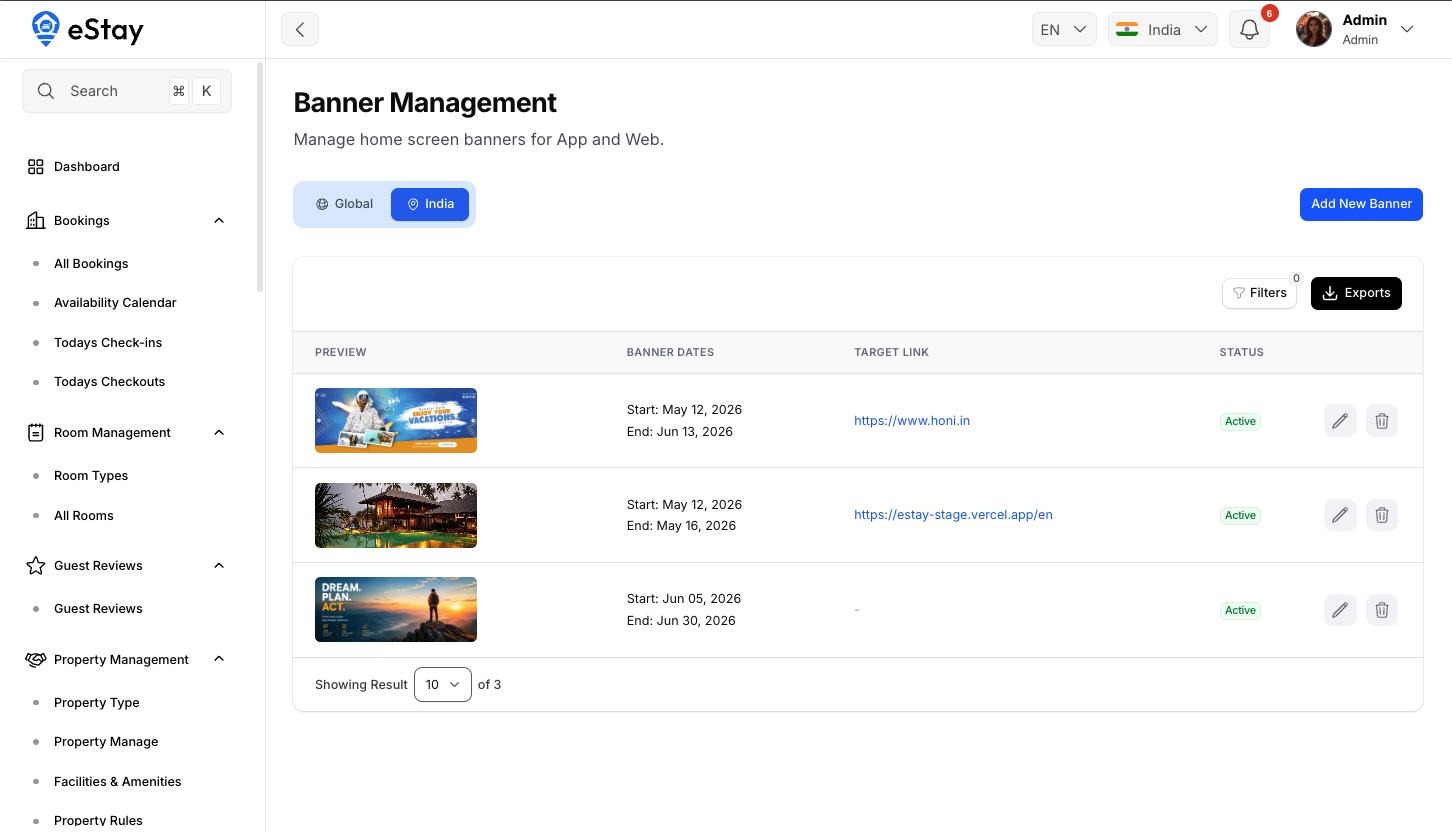
Add or disable banners here — see the full Banners guide for field details.
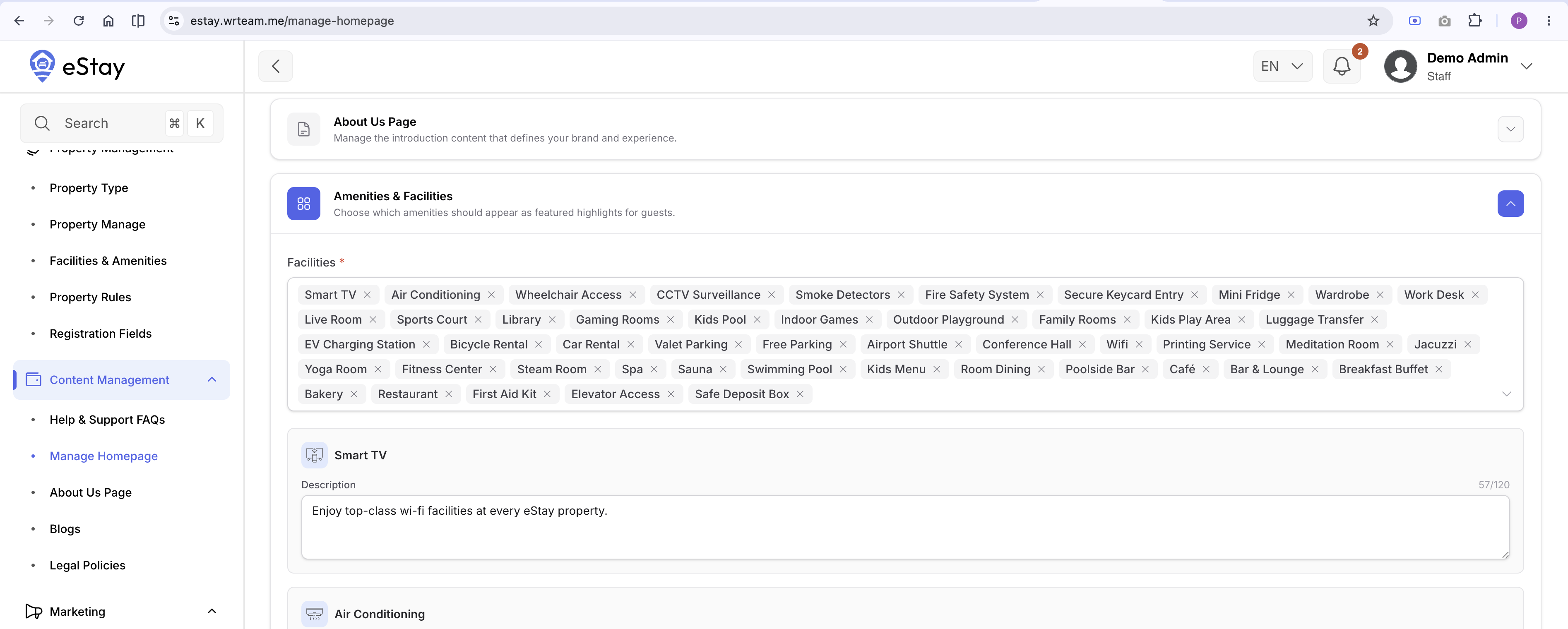
4. Amenities Section
Shows the top amenities (up to 4, by display order) configured for your platform.
Admin panel path: Sidebar → Content Management → Manage Homepage
5. Explore Hotels / Explore Rooms
Shows the first page of your properties (or rooms, in single-property mode). There is no separate "featured" flag — this section always reflects your main property/room list.
Admin panel path: Sidebar → Property Management
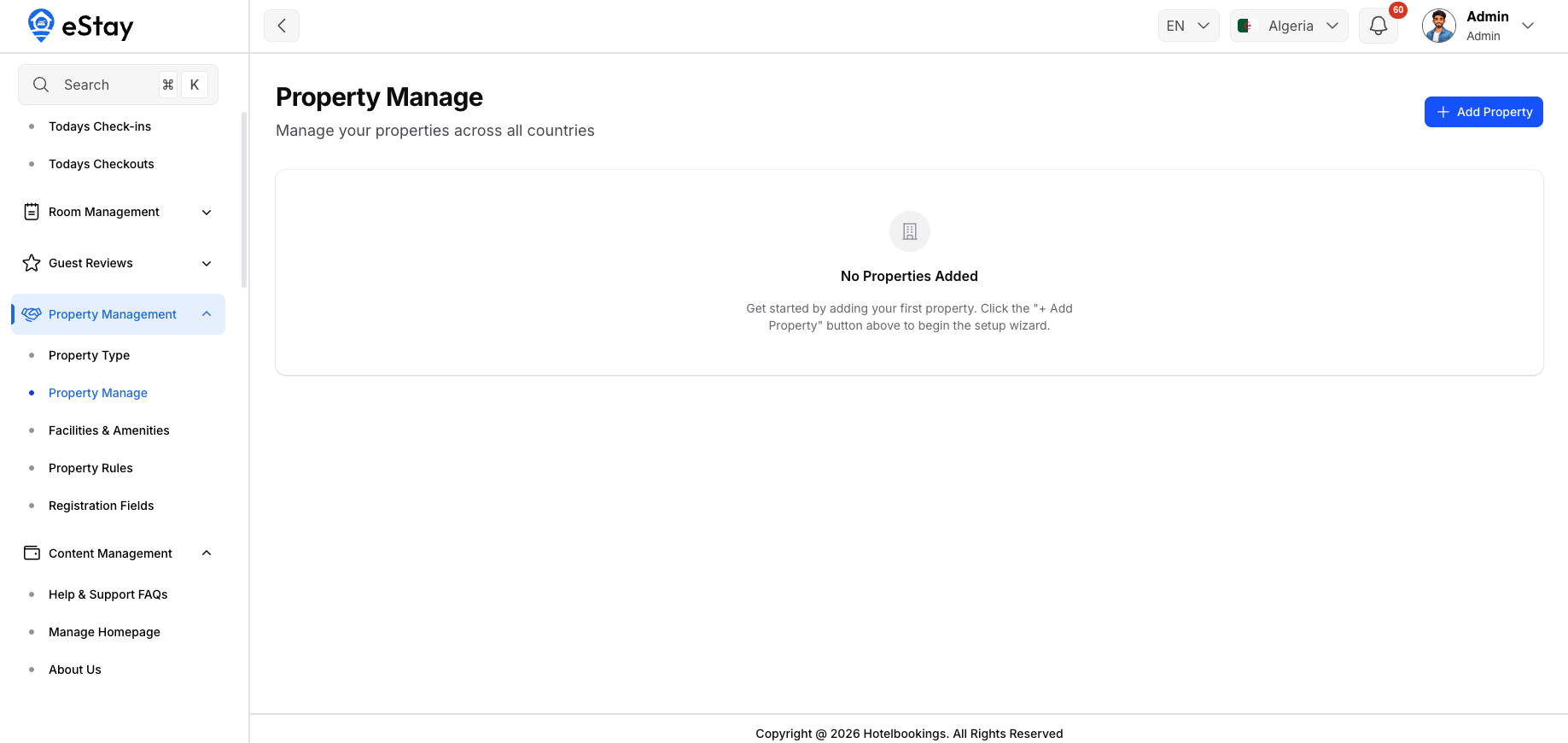
To change what appears here, edit the properties/rooms themselves — see the Property Management guide.
6. How It Works
A fixed, four-step explainer of your booking process. The step text is translatable but the steps themselves are hardcoded in the app — there is no admin panel screen for this section.
To change the wording, edit the corresponding keys in your language file
7. Events & Facilities
Shows the events your properties can host (weddings, conferences, etc.).
Admin panel path: Sidebar → Event Management → All Events
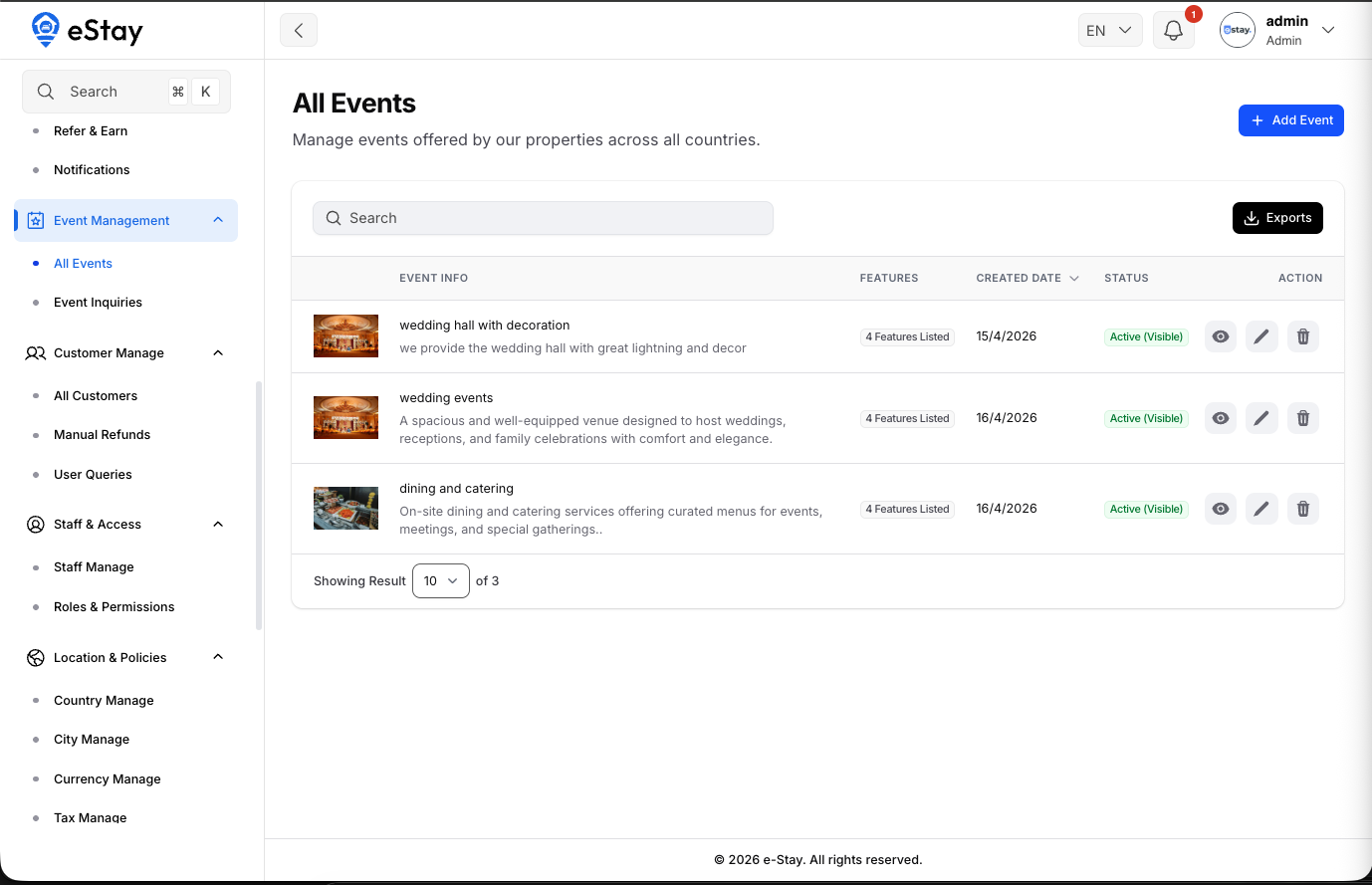
See the full Events & Inquiries guide for adding and managing events.