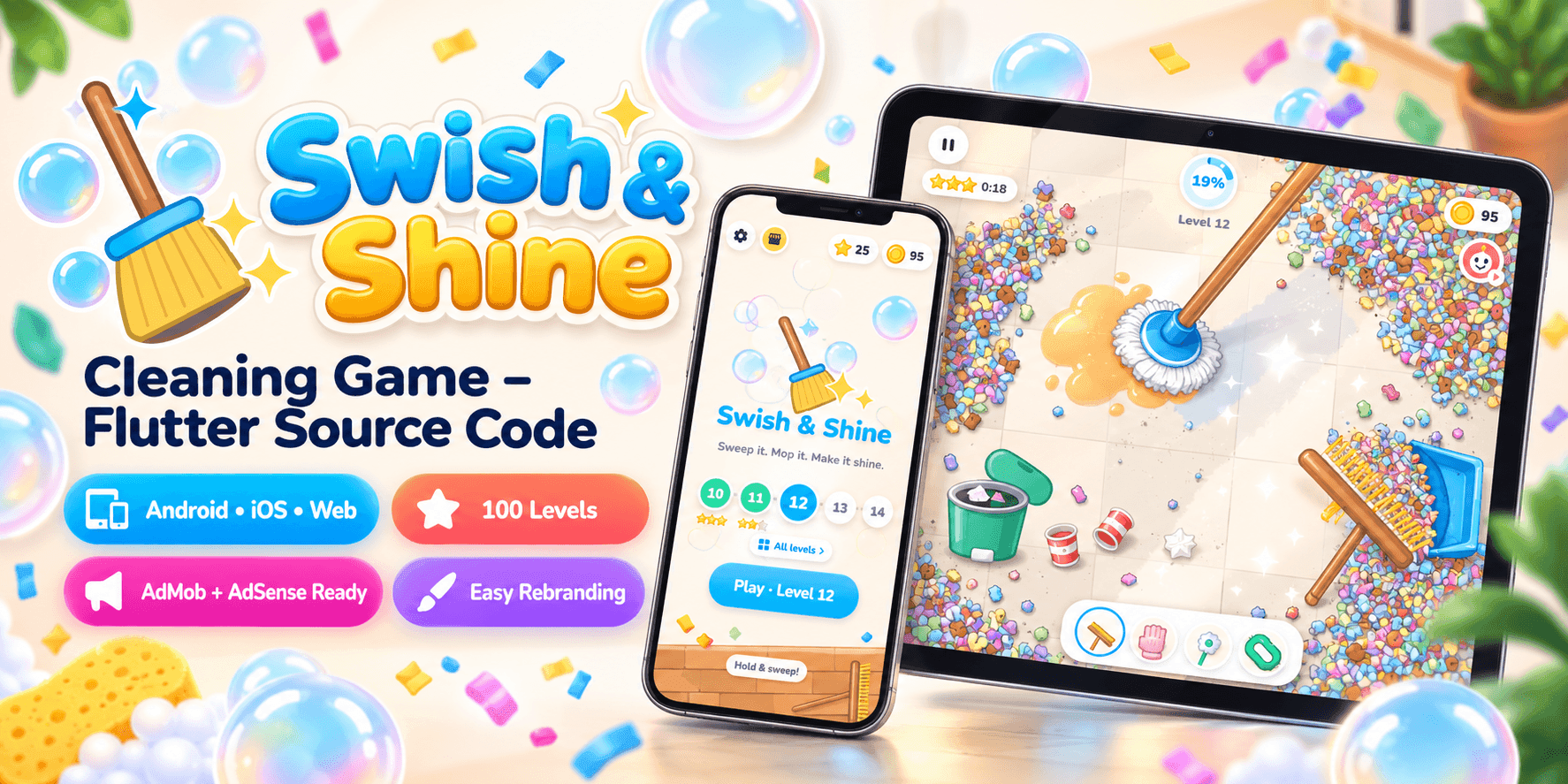

Swish & Shine
Sweep it. Mop it. Make it shine.
A satisfying cleaning game. Sweep confetti into the dustpan, bin the cups, mop the spills and scrub the stains until the floor shines. 100 short levels, four tools, a skin shop, built-in ads and art drawn entirely in code. Ready to run on Android, iOS and Web.
Watch It in Action
After the Party Comes the Clean-Up
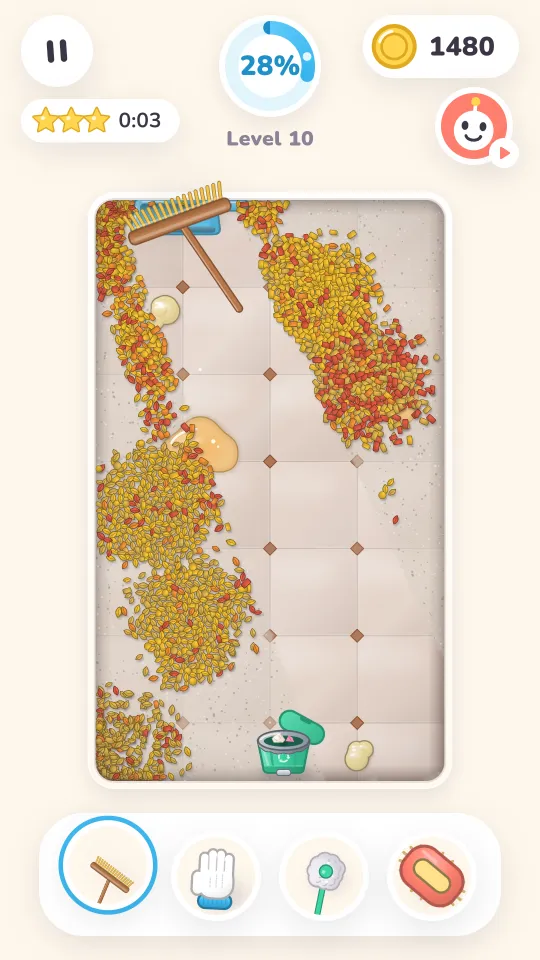
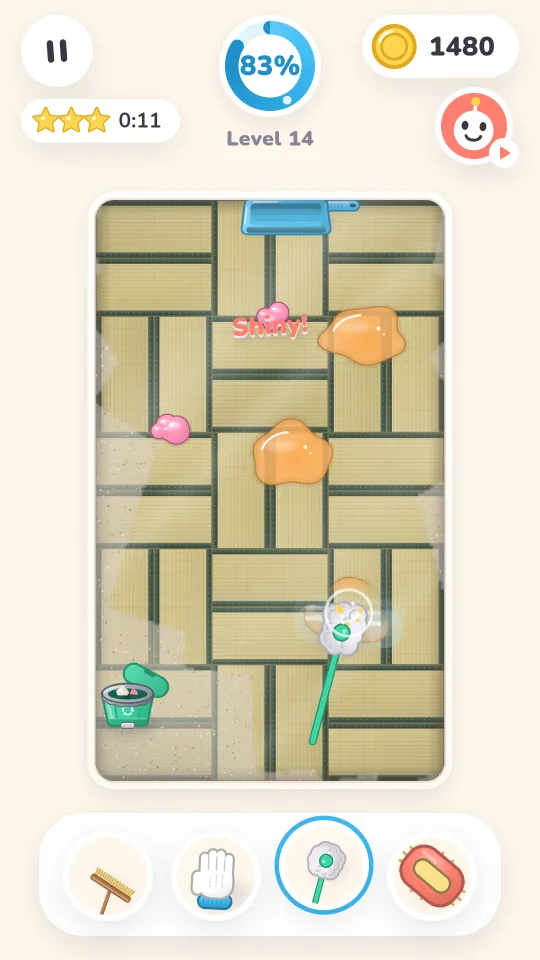
Confetti, petals, colour powder and cake crumbs cover the floor, with cups to bin, drinks spilled and sticky stains stuck on. A dust film shows exactly where you have cleaned, every stroke leaves a shiny streak, and every floor ends with a sparkle.
Real Physics Mess
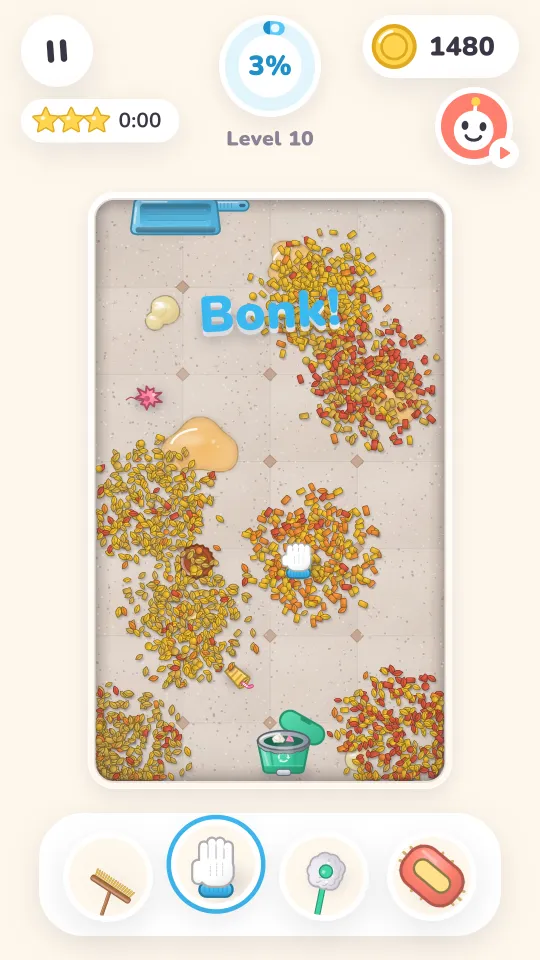
Up to 5,000 particles (3,000 on the web) pile up in front of the broom and ride along with it.
No Fail State
Every level can be finished. Time only decides the stars and the coins.
Juice Everywhere
Sparkle pops, a gulping dustpan, scrub foam, a wet mop trail, a shine sweep and confetti at 100%.
See It Running
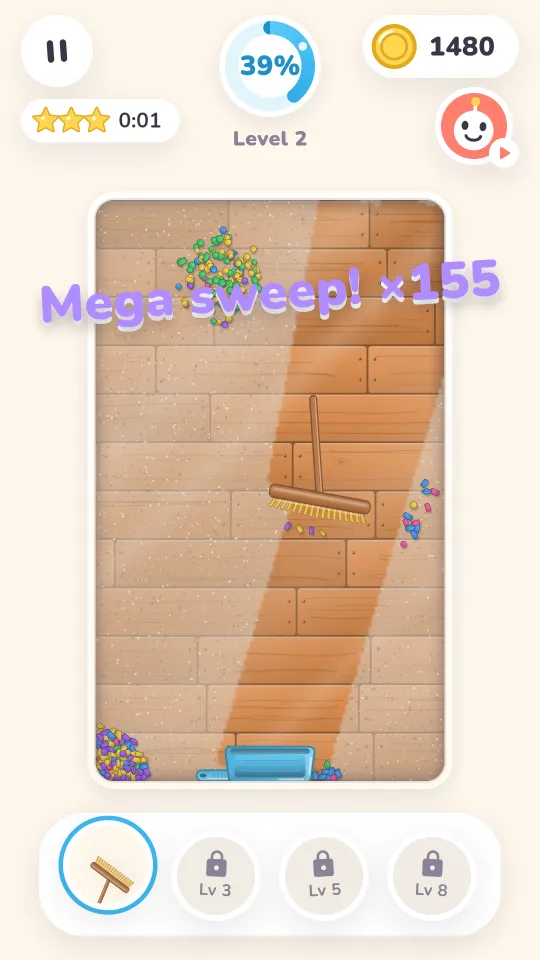
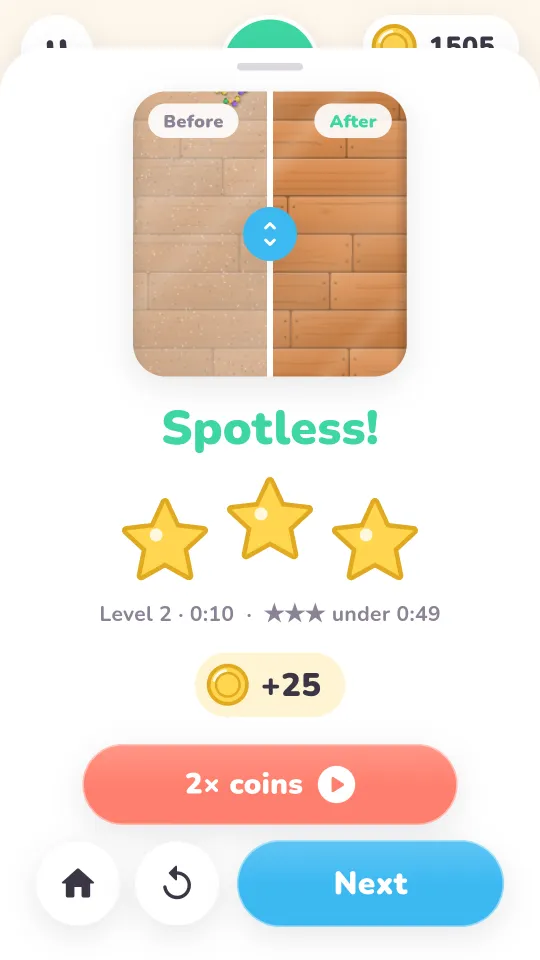
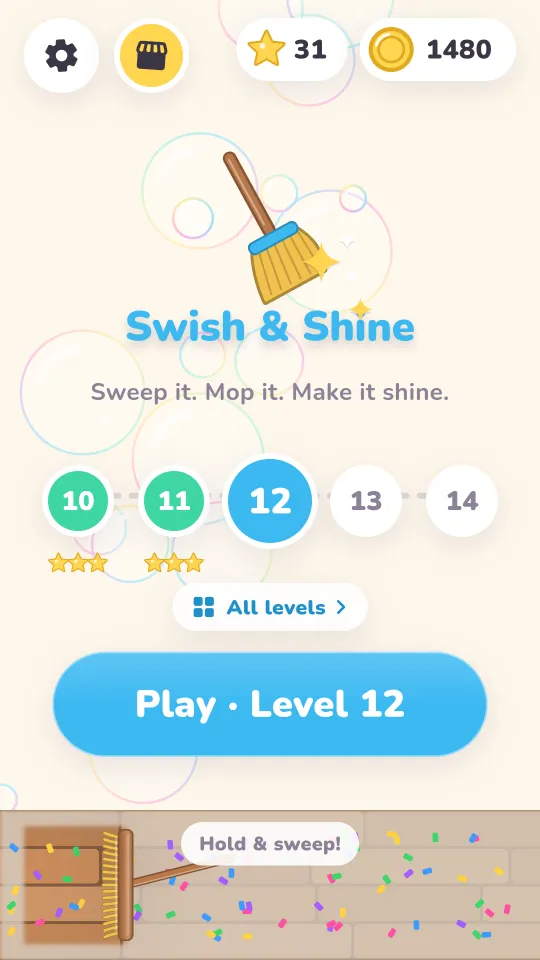
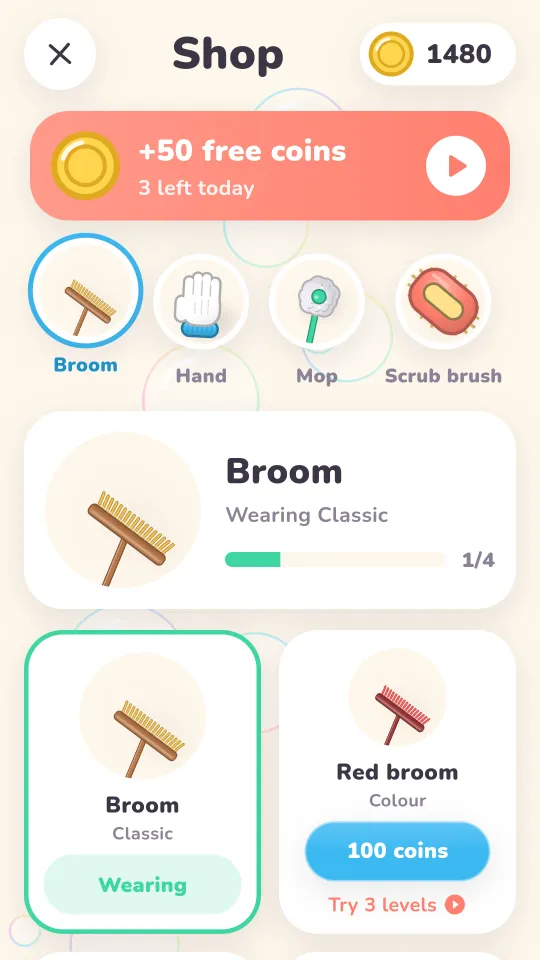
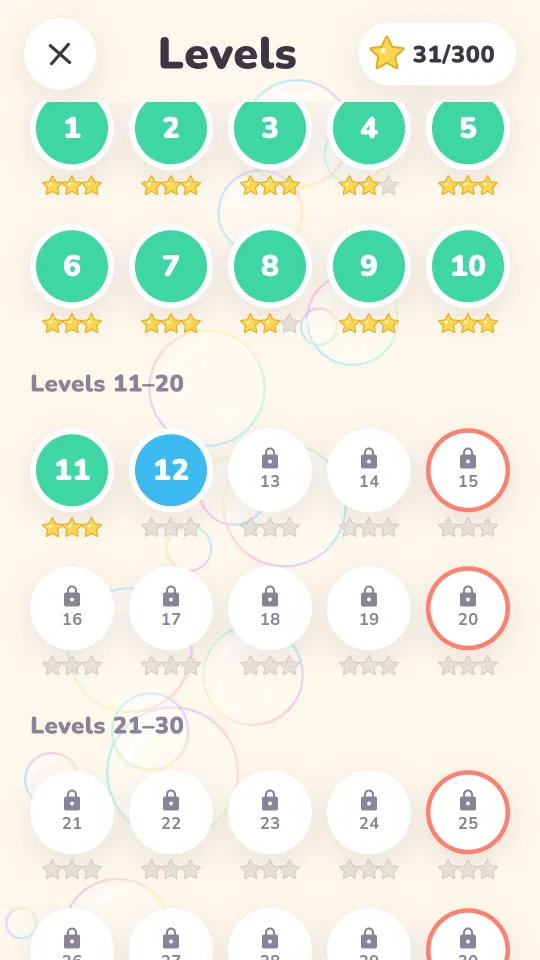
Real screenshots from the live game.
Built to Feel Good
Short levels, satisfying tools and a reason to come back.
Four Tools
Broom and dustpan, hand and bin, mop and scrub brush, unlocked at levels 1, 3, 5 and 8. The wrong tool still works, just slowly.
100 Levels, Three Themes
Holi, Diwali and Birthday mess from a seeded generator, so a level is the same for everyone.
Seven Floors
Planks, checker tiles, parquet, hexagon tiles, porcelain, marble and Japanese tatami.
Big Party
Every fifth level brings extra mess and double coins.
Skin Shop
Coins buy tool skins, from colours and patterns to a golden broom and a neon mop. Try one for 3 levels with an ad.
Before and After
A slider on the result screen to admire your work, with three stars for a fast clean.
From Mess to Sparkle
Sweep
Sweep the mess into piles and push it into the dustpan.
Bin
Pick up cups, plates and wrappers and drop them in the bin.
Mop and Scrub
Mop the spills and scrub the stains until they pop.
Earn Stars
Clean faster for three stars. You can't fail.
Shop
Spend coins on tool skins.
What You Download
A complete, working project, not a template to finish.
Ready to Run and Publish
- Full Flutter project for Android, iOS and Web that runs right after
flutter pub get - A gameplay banner, paced between-level ads and four rewarded ads (2× coins, robo helper, skin trial, free coins), with Google test IDs included
- Ad pacing built in: no interstitials before level 4, then at most one every 3 levels and 90 seconds
- All art drawn in code: floors, mess, tools, logo, app icon and splash
- Desktop controls: mouse, keys 1–4 to switch tools, Esc to pause
- A README and rebranding checklist, plus a bot benchmark to test balance changes
Tech Stack
- Flutter (stable) with the Flame game engine
- Riverpod state management and go_router
- Particle mess simulation and seeded level generator in Dart
- Local progress with shared_preferences, no backend or account
- google_mobile_ads on mobile, H5 Games Ads on web
- flutter_soloud for sound and music
Make It Your Own
There are no images to redraw: the whole game recolours itself.
Edit One File
Change the app name, colours, themes, floors, tools, skins, sounds and ad IDs in brand_config.dart.
Regenerate the Art
Render a matching logo, app icon and splash from your colours with three commands, or drop in your own artwork.
Publish
Set your package name and signing key, then release to Google Play, the App Store or the web.
Project Details
Swish & Shine, Answered
Is the source code really free?
Yes. You download the complete Flutter project at no cost.
Does it run without changes?
Yes. Run flutter pub get, then flutter run for Android or iOS, or flutter run -d chrome for the web. It ships with Google test ad IDs, so test ads show straight away.
Do I need to replace any images?
No. The floors, mess, tools and logo are drawn in code from the colours in brand_config.dart. Themes are just colour palettes you can add or recolour.
How do I add my own ads?
Put your AdMob app ID in the Android manifest and iOS Info.plist, your unit IDs and AdSense publisher ID in brand_config.dart, and your AdSense tag and ads.txt line in the web/ folder.
Can I change the number of levels?
Yes. Set maxLevel in brand_config.dart, or 0 for endless levels. Level sizes, star times and coins are tuned in the same file.
Want a Game of Your Own?
This one is on us. We also design and build custom games for mobile, web and desktop, from idea to store launch.