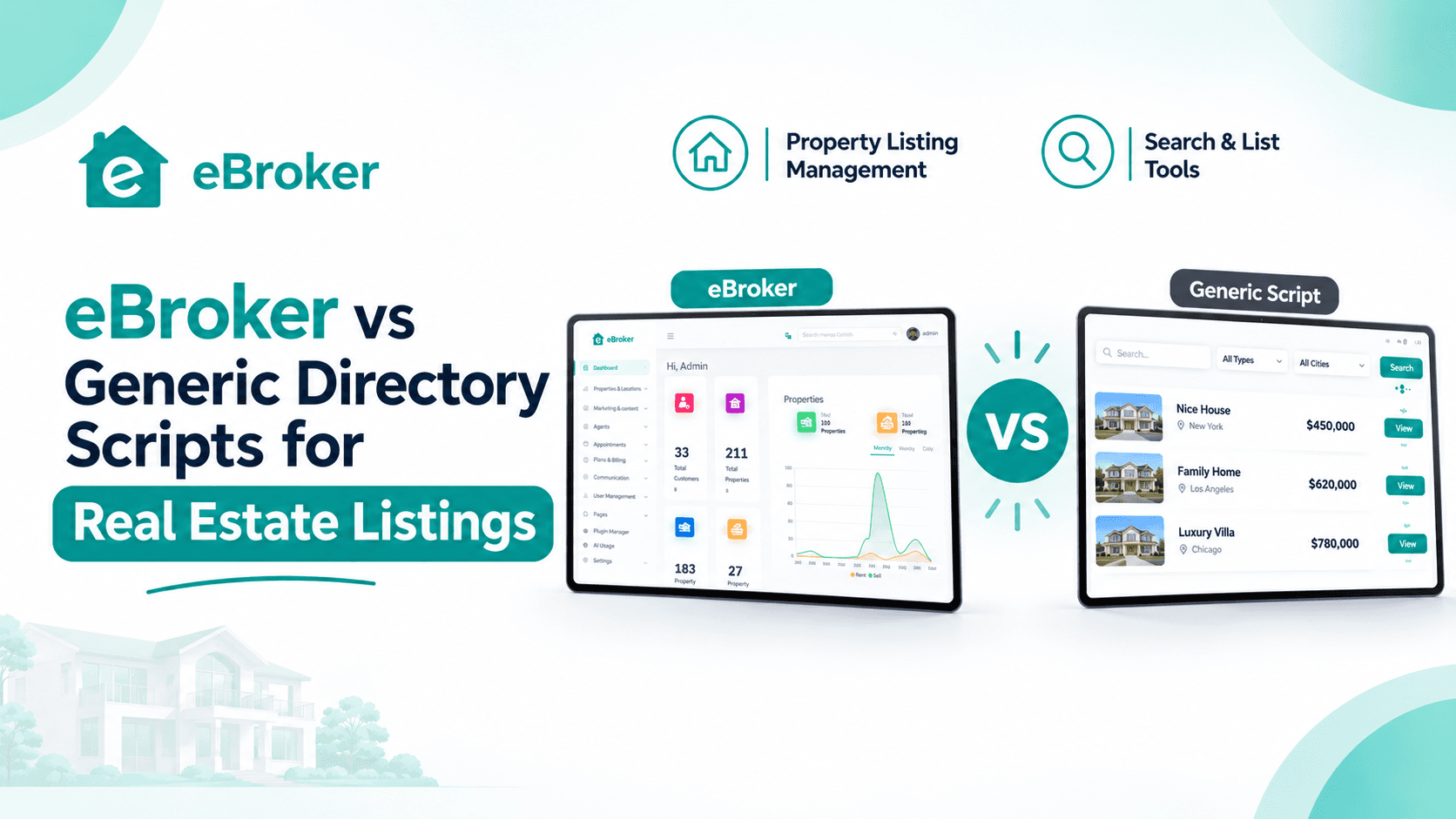
Anyone planning a property portal soon finds two very different kinds of products. One is a general directory script that can list almost anything, from restaurants to plumbers to flats. The other is purpose-built real estate software made for properties, agents and buyers. Both can put listings on a website, so the choice looks simple at first. It is not, because the differences show up later, when you need to verify agents, handle enquiries and earn from the platform.
This post compares eBroker with generic directory scripts across the areas that matter most for a property portal. You will see where each option is strong, where it falls short and how to decide.
1. What a Generic Directory Script Offers
A fair comparison starts by respecting what directory scripts do well.
Strengths of a Directory Script
Generic scripts are built to list many kinds of businesses and items. They typically offer:
-
Flexible categories that suit many industries
-
A basic search and listing submission form
-
Simple paid listing options
-
Low cost and quick setup
-
Room to run several niches on one site
Where a Directory Script Stops
A directory treats a property like any other entry. It has a title, a description, a few photos and a contact button. Real estate needs more than that, including agent trust, location-based browsing, immersive media and a way to turn interest into a viewing. Adding those features usually means custom development, extra plugins or compromises.
Why This Matters for Property Portals
Property is a high-value, high-trust purchase. Buyers want to know who is selling, see the property clearly and arrange a visit. A portal that cannot support this journey struggles to keep visitors, however many listings it holds.
2. What eBroker Offers
eBroker is a ready-to-launch real estate platform sold as source code. It combines a cross-platform Flutter mobile app, a Next.js web frontend and a Laravel admin panel, built for property buying, selling and renting.
Built for Several User Types
The platform supports regular users and professional agents in one system. Agents get branded profiles, subscription packages and more visibility, and regular users can apply to become agents. This helps you grow your broker network without manual work.
Property-Focused Tools From Day One
eBroker includes AI-written property descriptions, AI-suggested SEO metadata, interactive maps, 360° images, video, amenity details, chat and appointment booking. These are part of the product, not add-ons you assemble yourself.
3. Side-by-Side Comparison
The table below summarizes how the two approaches differ on the points that matter for a property portal.
Features of generic scripts differ from one product to another, so check any script you consider against your own requirements.
4. Listings and Property Presentation
How a property looks decides whether a buyer enquires.
Visual Presentation
A listing in eBroker can include 360° images, one video and detailed amenity information. Immersive visuals help remote buyers and renters judge a property without visiting, which shortens the time from browsing to enquiry. A watermark option also helps protect uploaded images.
Location Discovery
Property searches are about places. eBroker shows listings on an interactive map powered by Google Maps or OpenStreetMap, with location-based feeds so visitors see nearby properties first. A generic script may offer a map, but it often works as a simple pin rather than a core way of browsing.
Listing Quality and Search Visibility
Sellers who struggle to write good descriptions post weak listings. eBroker's AI tools generate descriptions and suggested SEO metadata inside the listing flow, which helps both sellers and your search visibility.
5. Agents, Verification and Trust
Trust is the main currency of a property portal.
Verified Agents
Buyers are more willing to contact sellers on a portal that confirms who is real. eBroker supports verified agents and branded agent profiles, so visitors can see which professionals have been checked.
Growing Your Agent Network
Because regular users can apply to become agents, your network can grow organically. In a generic script, you would usually have to build this approval process yourself.
Subscription Packages for Agents
Agents can subscribe to tiered packages that raise their posting limits and visibility. This gives serious agents a reason to stay and gives you predictable recurring income.
6. Turning Interest Into Viewings
A listing only creates value when a buyer becomes a conversation, and a conversation becomes a visit.
Chat Inside the Platform
Buyers can message agents directly through in-app chat. Keeping conversations inside the platform means you can see activity and keep users on your portal, instead of sending them to external messaging tools.
Appointment Booking
A property booking app experience lets interested buyers schedule viewings without phone tag. eBroker includes an appointment booking system, which shortens the lead-to-meeting cycle and keeps the process trackable.
Lead Handling
Agents need to follow who has shown interest and what was said. A real estate CRM software approach, with chat history and scheduled appointments in one place, helps agents follow up without losing leads. A directory script often leaves this to email inboxes and spreadsheets.
7. Monetization Compared
A portal must earn to survive, so revenue options deserve close attention.
What eBroker Includes
eBroker is built around several revenue streams:
-
Pay-as-you-go listing fees for casual sellers
-
Agent subscription packages
-
Featured and promoted listings
-
Ad banner revenue through a full banner management system
What to Ask About a Directory Script
Many directory scripts support paid listings, but you should check whether they handle each of the following:
-
Per-listing fees alongside subscriptions
-
Different plans for agents and individual owners
-
Promoted placement in search and category feeds
-
Banner advertising management
Why the Mix Matters
Different sellers pay in different ways. A homeowner posting once prefers a single fee, while an agent posting weekly prefers a plan. A portal that supports both attracts more sellers.
8. Admin Control and Daily Management
The admin side decides how much time you spend running the portal.
One Panel for Everything
Strong property management software gives you one place to manage users, agents, listings, packages, banners, articles and settings. eBroker's admin panel covers users, agents, listings, packages, ad banners, SEO settings, articles, homepage layout, Firebase and SMTP configuration and payment gateways, with role-based access for staff.
Content and Branding
You can create articles and custom pages, change the homepage layout and offer dark and light modes. Multi-language support and country-wise sliders help you serve different audiences.
Managing Without Code
Most day-to-day changes happen in the admin panel rather than in code. This lets a small team run the portal without constant developer help.
9. Mobile and Web Experience
Property seekers browse on their phones, so the app matters as much as the website.
A Complete App Package
Among the best real estate apps buyers compare, those with smooth mobile experiences tend to win repeat visits. eBroker includes a Flutter mobile app for Android and iOS and a Next.js web frontend, so users can choose how they browse.
Tools for Agents on the Move
Agents often work from their phones. A property management app that lets them add listings, respond to chats and check appointments helps them stay responsive. eBroker's agent tools are part of the same mobile experience, which reduces the need for separate software.
Building Mobile on a Directory Script
Some directory scripts are web only. If you want a branded mobile app, you may need to commission one separately, which adds cost and time.
10. Cost and Setup Compared
Price tells only part of the story.
The License Cost
At the time of writing, the eBroker Regular License is listed at $39 and the Extended License at $799. Both are one-time licenses with lifetime validity and free updates. The Extended License adds a ready-to-launch configuration for Android, iOS, Web and Admin Panel, with six months of dedicated support.
The Hidden Cost of Customization
A directory script may cost less up front, but turning it into a property portal often means paying for custom work: agent roles, chat, appointments, maps, subscription logic and apps. Each addition adds time and expense, and may create maintenance problems later.
Costs That Apply to Both
Hosting, Firebase usage, email services and maps usage apply whichever path you choose. Plan for these from the start.
11. When a Generic Script Is Enough
An honest comparison also says when a directory script is a reasonable choice.
Good Reasons to Choose One
A generic script may be enough if:
-
You want a broad directory with property as one small category
-
You do not need agent profiles or verification
-
You prefer to start very cheaply and add features gradually
-
Your listings are simple and enquiries happen by phone
Signs You Need a Property-Specific Platform
Consider eBroker when:
-
Agents are central to your business model
-
Buyers expect chat, maps and appointment booking
-
You want to earn from several types of sellers
-
You plan to offer a branded mobile app
12. A Simple Decision Checklist
Use this list to judge your own needs:
-
Write down the features your buyers and agents expect.
-
Check each option against that list.
-
Estimate the cost of adding any missing features.
-
Decide how you plan to earn from sellers.
-
Choose the option that covers your list with the least custom work.
Where eBroker Fits
eBroker suits property marketplace startups, agencies, independent brokers and regional listing platforms that want a finished product rather than a basic directory. Its agent tools, maps, chat, appointments and revenue streams are built in, so you can launch and start earning without assembling separate systems.
Compare eBroker for Yourself
Ready to see what a purpose-built property portal looks like? Explore the features, demo and license options for eBroker on the WRTeam Marketplace.