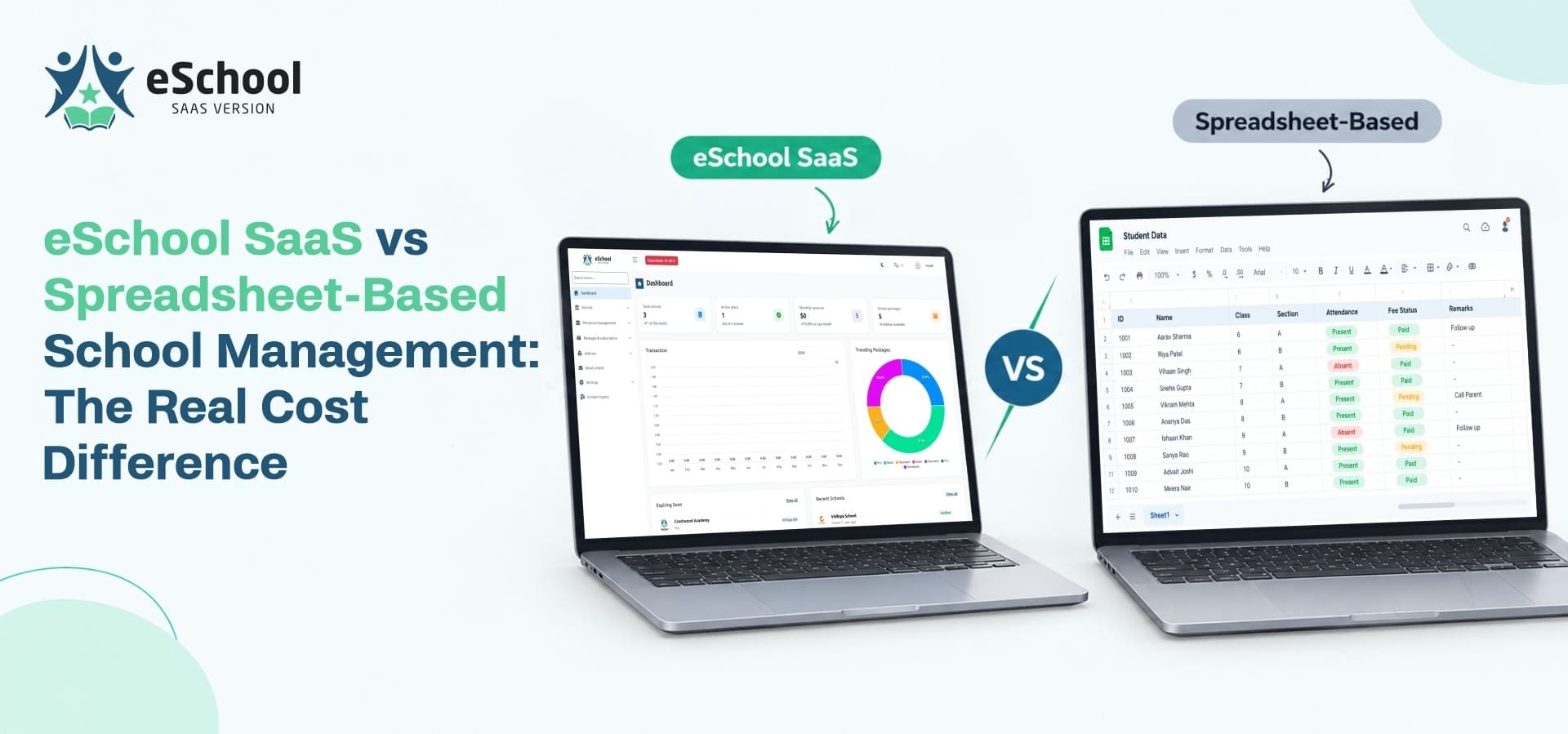
Spreadsheets are where most schools begin. They are familiar, they cost nothing to open and they feel flexible enough to handle almost anything. So when someone suggests moving to an online school management system, the first reaction is often, "Why pay for something we can already do for free?" It is a fair question, and the honest answer depends on how big the school is, how many campuses it runs and how much time staff spend keeping files up to date.
This post compares eSchool SaaS with spreadsheet-based management in plain terms. You will see where spreadsheets work well, where hidden costs appear, and how to judge the real cost difference for your own schools.
1. Why Schools Start With Spreadsheets
Spreadsheets became the default for good reasons, and it helps to understand them before comparing.
Low Entry Cost
There is nothing to buy and little to learn. A teacher can build an attendance sheet in minutes, and an office assistant can set up a fee register the same afternoon. For a small school, that speed matters.
Where Spreadsheets Work Well
Spreadsheets handle a few jobs perfectly well:
-
Simple lists such as a class roster or a staff contact sheet
-
One-time calculations such as a budget draft
-
Small schools with a handful of staff
-
Short-term tracking for a single event or project
Where They Start to Strain
Trouble appears as the school grows. More students mean more rows, more staff mean more copies of the same file, and more campuses mean more versions to reconcile. At that point, the spreadsheet is no longer one tool. It becomes a pile of files that someone must manage by hand.
2. What the Real Cost Includes
A fair comparison counts everything, not only the purchase price.
The Upfront Price
Spreadsheets have no purchase price. eSchool SaaS is sold as source code with a one-time license. At the time of writing, the Regular License is listed at $69 and the Extended License at $899. Both include lifetime license validity and free updates, and the Extended License adds a ready-to-launch configuration with six months of dedicated support. Hosting and any third-party service usage, such as Firebase, are separate costs, so factor them in.
Staff Time
This is the largest hidden cost. Every hour spent copying attendance into a master file, matching payments against a fee register or building a report by hand is an hour not spent on teaching or administration. Because these tasks repeat every week, the cost compounds quietly.
Errors and Their Consequences
Manual entry produces mistakes. A wrong fee balance leads to an awkward conversation with a parent. A missed attendance entry affects a report. A file overwritten by accident can lose a week of data. Each error costs time to find and trust to repair.
Missed Opportunities
Spreadsheets cannot send a reminder, open a parent app or show a live dashboard. Without these tools, schools miss chances to improve communication, collect fees on time and spot problems early.
3. Side-by-Side Comparison
The table below summarizes how the two approaches differ on the tasks schools handle every day.
4. Cost Breakdown by Daily Task
Looking at each area shows where the time goes.
Student Records
With spreadsheets, a student's details may live in an admission file, an attendance sheet and a fee register at once. A single student management system keeps profile, class, guardian details and fee status in one place, so updating a phone number happens once instead of three times.
Attendance
Teachers mark attendance on paper or in a sheet, then someone compiles it. In eSchool SaaS, attendance is recorded inside the platform, and parents can follow it through the student and parent app. This removes the compiling step and keeps families informed.
Fees and Payments
Fee registers need constant checking. Online payments through Razorpay, Stripe, Flutterwave or Paystack are recorded against the student's account, and staff can enter cash or bank payments manually. Fee relief can be granted inside the system. All payments end up in one record rather than several files.
Parent Communication
Notices on paper get lost, and phone calls take time. eSchool SaaS uses Firebase push notifications, WhatsApp integration and editable email templates, so messages reach parents without staff dialing each number.
Reporting
Preparing a report from several spreadsheets can take hours. The platform provides dashboards covering attendance, academics, finance and subscription health, so leaders see numbers without waiting for someone to compile them.
5. An Illustrative Cost Scenario
Numbers make the hidden cost easier to see. The figures below are assumptions for illustration, not measurements, so replace them with your own.
The Assumptions
Imagine a group of three campuses. At each campus, staff spend about 6 hours a week reconciling fees, 3 hours compiling attendance and 4 hours preparing reports.
The Arithmetic
-
Hours per campus each week: 13
-
Hours across three campuses each week: 39
-
Hours across a 40-week school year: 1,560
What It Means
If a platform removed only one third of that manual effort, the school would save about 520 staff hours a year. At whatever hourly cost your school pays, that figure usually outweighs a one-time license. Your own result will depend on your staff costs, your size and how well you set up the system.
6. The Multi-Campus Factor
Cost differences grow sharply once more than one school is involved.
Spreadsheets Multiply, They Do Not Scale
Each new campus brings its own set of files, its own formats and its own habits. Combining them for a group report means copying, cleaning and hoping nothing breaks. A multi school management system instead gives every school its own workspace, with separate data, staff and operations, while the owner views the whole network from one Super Admin panel.
Revenue Opportunities Spreadsheets Cannot Offer
If you are an education entrepreneur, a franchise or an agency, a saas school management system can also become a business. eSchool SaaS includes built-in subscription billing, so you can offer monthly or annual plans, charge by student and staff counts, sell add-ons such as transportation, chat and website management, and bill for setup and onboarding. A spreadsheet can track payments, but it cannot run this model for you.
White-Label Branding
The platform supports custom branding, domains, themes, colors and email templates, so you can launch under your own company name. Each school also keeps its own branded school management website, which gives families a recognizable home for school information.
7. When Spreadsheets Are Still Enough
An honest comparison also says when not to switch.
Good Reasons to Stay
Spreadsheets may be the right choice if:
-
You run one small school with very few staff
-
You have no parent communication needs beyond occasional notices
-
Your fee collection is simple and handled in person
-
You do not plan to add campuses
Signs It Is Time to Move
Consider a platform when:
-
Staff spend hours each week copying data between files
-
Parents regularly ask about balances or attendance
-
Reports take days to prepare
-
You are adding a second or third campus
-
Errors in records have started to affect trust
8. What Switching Involves
A move to a platform takes planning, and it helps to know what to expect.
Setup and Hosting
eSchool SaaS needs hosting and setup. Extended License buyers receive a ready-to-launch configuration, covering backend deployment and domain server configuration. This suits owners who prefer not to handle deployment themselves.
Training Your Team
Staff need time to learn new habits. Start with one campus or one process, such as attendance, then add fees and communication once the team is comfortable.
Choosing the Right Approach
Compare options by looking at total effort, not only price. A strong school management solution should reduce the number of steps your team performs, not add new ones. Ask how it handles your top three daily tasks, and test those tasks in a demo before you commit.
9. A Simple Decision Checklist
Use this list to judge your own situation:
-
Count the weekly hours staff spend on repeated data entry.
-
Note how often records disagree between files.
-
List the questions parents ask most often.
-
Decide whether you plan to add campuses or resell the platform.
-
Add up hosting, setup and training effort for the platform option.
-
Compare the two totals over one school year.
Where eSchool SaaS Fits
eSchool SaaS suits schools and education businesses that have outgrown spreadsheets and want one package for records, fees, communication, reporting and billing. As a school management system saas product, it combines Flutter apps, a Laravel admin panel and multi-tenant architecture, so each school keeps its own data while you manage the whole network. If you are ready to look at the practical side of adopting it, see how onboarding a new school works with a ready-to-launch setup.
See the Cost Difference for Yourself
Ready to compare your current process with a platform built for schools? Explore the features, demo and license options for eSchool SaaS on the WRTeam Marketplace.