A marketplace with many sellers has one difficult job: getting the right order from the right seller to the right customer, quickly. If a customer in one part of town is matched with a seller across the city, delivery is slow, food goes cold and groceries arrive late. A well-designed multi vendor marketplace script solves this by connecting customers with nearby sellers and giving every role a clear workflow, from order to doorstep.
This post is a feature walkthrough of how eMarket handles zone-based delivery and seller dispatch. You will see how zones work, what sellers and delivery partners can do, and how orders move through the system.
1. Why Zones and Dispatch Decide Delivery Quality
Before looking at specific tools, it helps to understand what typically goes wrong in multi-seller delivery.
Distance Creates Delays
When there are no boundaries, an order can be routed to a seller far from the customer. Long trips mean late deliveries, higher costs and unhappy buyers. For fresh items and medicines, speed matters even more.
Unclear Responsibility
Without a clear workflow, sellers are unsure when to prepare an order, delivery partners are unsure what to pick up, and admins have no idea where an order is stuck. Each delay leads to a support call.
Cash and Payout Confusion
Delivery partners often collect cash and earn commissions, and sellers wait for payouts. If these records are kept in spreadsheets, errors multiply as volume grows.
What a Good Platform Provides
A strong marketplace system gives you:
-
Location-based matching of customers and sellers
-
Dedicated workspaces for admins, sellers and delivery partners
-
Live order status updates
-
Clear records of earnings, cash and payouts
2. Zone-Based Delivery in eMarket
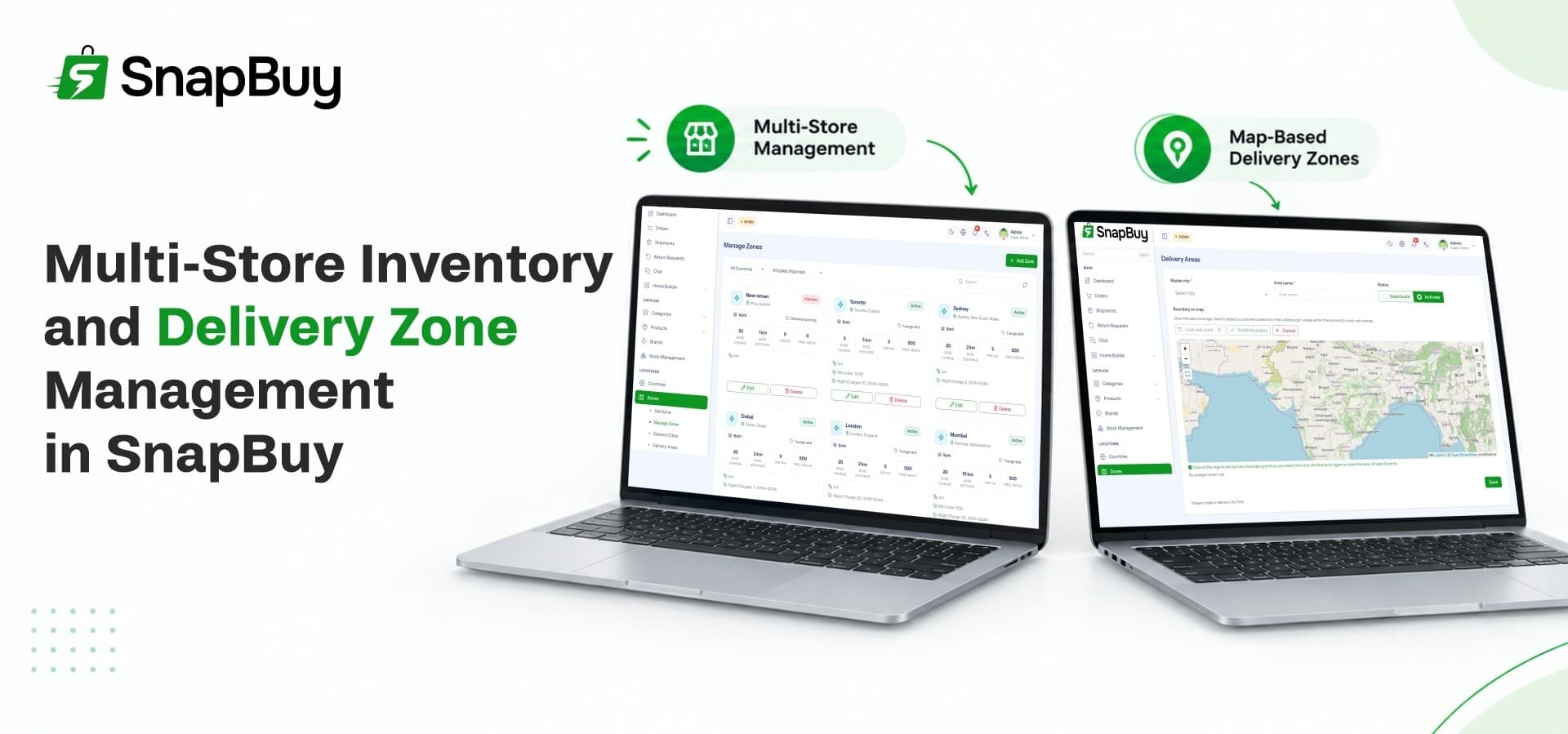
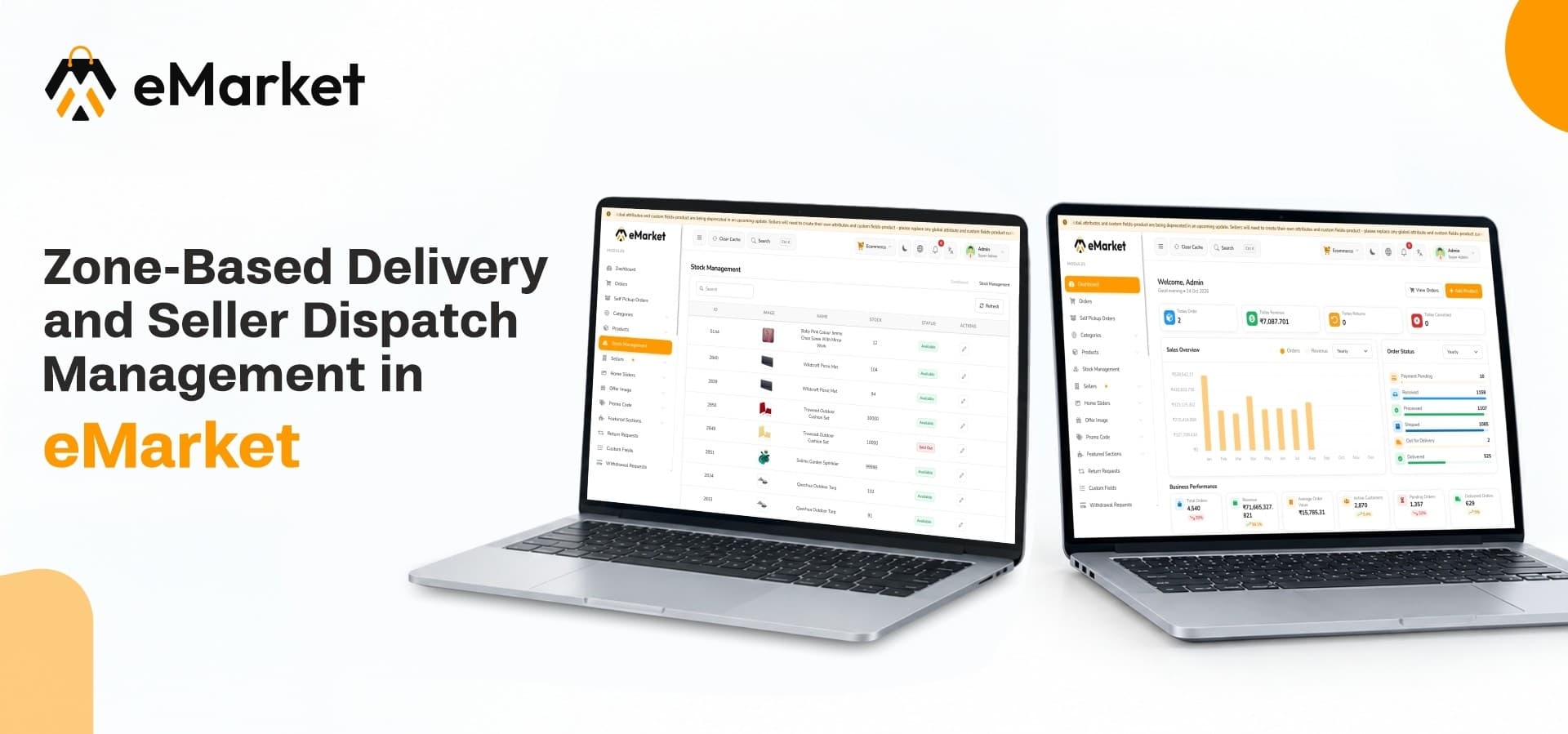
eMarket includes a smart zone-based delivery system designed to connect customers with nearby sellers and speed up fulfillment.
Connecting Customers With Nearby Sellers
Delivery zones link a customer's location to the sellers that can serve it. This means customers see options that are actually deliverable, and orders go to sellers who can fulfill them quickly. Faster fulfillment is the main advantage of location-based matching.
Managing Locations
The localization tools let admins manage languages, countries, cities and delivery locations. As you expand into new areas, you add the locations and configure how delivery works there. This supports location-based services and multilingual experiences from one panel.
One Approach Across Business Modules
eMarket supports several business modules on one platform, including Grocery, Pharmacy, eCommerce and Food Delivery. A multi vendor grocery app setup benefits from the same zone logic that serves the other modules, so you do not need to rebuild delivery rules for each vertical. Module settings such as taxes, commissions, payments, banners and workflows can be configured independently for each module.
3. Seller-Side Dispatch Management
Sellers are the starting point of every order, so their tools matter as much as the delivery tools.
Onboarding and Approving Sellers
A reliable multi vendor ecommerce script gives you control over who joins your marketplace. In eMarket, admins can create seller accounts directly, register store details and business profiles, and review incoming seller registration requests. You can verify submitted details, approve or reject applications, and activate or deactivate accounts at any time.
A Dedicated Seller Workspace
Sellers manage their stores, products, inventory, sales, returns and earnings from their own panel. They process store-specific orders there, so each seller sees only their own business.
Stock and Product Control
Sellers add, edit and update products, pricing and discounts, and they track approval status. Stock management lets them update quantities, monitor available inventory and handle low-stock or out-of-stock items. Accurate stock reduces cancelled orders, which keeps dispatch smooth.
Self-Pickup Orders
Some customers prefer to collect their orders directly. eMarket includes a self-pickup workflow where sellers prepare orders, update pickup status and coordinate collections, while admins monitor all pickup orders across the platform.
Point of Sale for In-Store Sales
Sellers who also run a physical shop can use the integrated Point of Sale system to create sales orders, register customers, apply discounts and complete billing. POS reports show order details, payment methods, invoices and total sales, so offline and online sales can be reviewed together.
4. Delivery Partner Management
Delivery partners are the link between seller and customer. A good workflow keeps them productive and accountable.
A Dedicated Delivery Workspace
Delivery partners use a dedicated workspace to handle assigned deliveries, update delivery progress, manage their availability and monitor earnings. Being able to switch availability helps them control their working hours.
Managing the Delivery Team
A dependable grocery delivery platform needs more than a map. eMarket lets admins add delivery partners, review registration requests, manage profiles and maintain delivery policies. All of this sits in one workspace, so your team can grow without losing track of who is delivering.
Cash, Funds and Salary Records
Delivery partners often collect cash on delivery. eMarket includes tools for cash collection management, fund transfer records and salary management. Partners can see credited and debited amounts, opening and closing balances and their complete transfer history, which keeps accounts transparent.
Withdrawals and Payouts
Sellers and delivery partners can submit withdrawal requests and track their status. Admins review, approve or reject requests and keep payout records. Transparent payouts build trust, which helps you keep both sellers and delivery partners.
5. How an Order Moves Through eMarket
The real value of these features shows when you follow a single order.
The Order Journey
-
A customer opens the app, and the system matches their location with nearby sellers.
-
They place an order with one or more products.
-
The seller receives the order in their panel and prepares it.
-
A delivery partner receives the assigned delivery and updates its progress.
-
The customer receives the order, and the status updates to complete.
-
Earnings, commissions and payouts are recorded for each role.
Live Status for Everyone
Unified order management gives each role a dedicated order panel. Administrators monitor and control all marketplace orders, sellers fulfill store-specific orders and delivery partners manage assigned deliveries with live status updates. This organized flow improves accuracy and visibility.
Handling Returns
When an order needs to be returned, structured return request management keeps things organized. Admins can review, verify, approve, reject or cancel requests, while sellers handle requests tied to their own products based on store policies.
6. Zones and Dispatch Across Different Business Modules
Each module has its own needs, but the same dispatch foundation supports all of them.
Grocery Orders
Groceries depend on speed and fresh stock. Zone-based matching keeps orders local, and seller stock management prevents customers from ordering items that are no longer available.
Pharmacy Orders
A pharmacy ecommerce platform handles products where accuracy matters. Sellers manage product listings and approval status, and orders follow the same tracked workflow from seller to delivery partner. Because eMarket lets you configure workflows independently for each module, you can keep pharmacy operations separate from grocery or general retail.
Food Delivery Orders
Hot food is the most time-sensitive category. A multi vendor food ordering system benefits from the same nearby-seller matching, so restaurants closer to the customer receive the order. Faster pickup and shorter trips protect food quality.
General eCommerce Orders
For standard products, the same seller and delivery tools apply. This lets you run different categories in one marketplace without managing separate apps.
7. Control, Configuration and Growth
Running a marketplace at scale requires oversight and flexibility.
Role-Based Dashboards
Every user type has a dedicated dashboard. Administrators oversee platform operations, customers, sellers, products, orders, payments and reports. Sellers focus on their stores, and delivery partners focus on their deliveries.
Reports and Analytics
Admins can monitor product sales, total revenue and commission earnings. Sellers can review product sales, overall sales and POS reports to understand their own performance.
Communication Tools
Built-in communication tools let you create notifications, manage email templates, send targeted emails and review communication history. Customers, sellers and delivery partners stay informed without manual messages.
A Complete Technical Package
The platform comes as multi vendor ecommerce app source code built with Flutter, Laravel, Firebase and Next.js, covering the customer app, seller and delivery apps, the web platform and the admin panel. Because everything shares one backend and one admin panel, your team learns one system rather than several.
Revenue Built In
You can earn through marketplace commissions on every order, delivery and service fees, and featured promotions or sponsored placements. Subscription plans can also be created with custom pricing, benefits and durations.
8. A Setup Checklist Before You Launch
Before opening your marketplace, work through this list:
-
Choose which business modules you will launch with.
-
Set up your countries, cities and delivery locations.
-
Onboard and approve your first sellers.
-
Add delivery partners and review their registration.
-
Configure commissions, taxes and payment methods for each module.
-
Place a test order and follow it from seller to delivery.
-
Test a withdrawal request for a seller and a delivery partner.
A test run through every role reveals gaps while they are easy to fix.
Where eMarket Fits
eMarket brings customer apps, seller and delivery tools, a web platform and an admin panel into one package. Zone-based delivery, seller management and delivery partner tools are built in, so you can launch without assembling separate systems.
Start Managing Zones and Sellers With Confidence
Ready to run delivery and seller dispatch from one marketplace? Explore the features, demo and license options for eMarket on the WRTeam Marketplace.