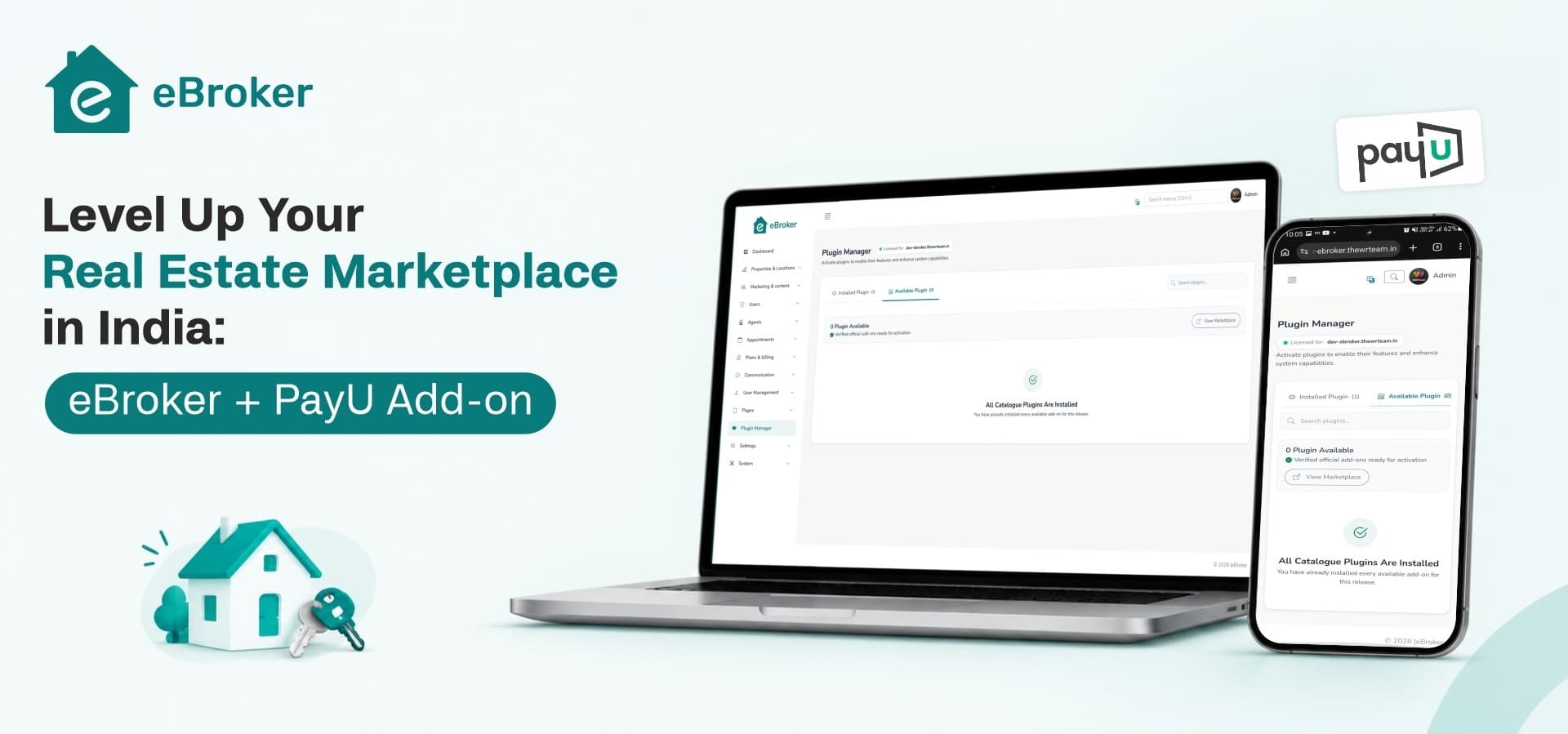
Running a property portal in India? eBroker now has a PayU add-on, so your users and agents can pay for listing fees, agent subscriptions and featured listings through a checkout they already trust. eBroker is real estate software you buy once as full source code: mobile apps, a website and an admin panel. Add the PayU plugin and you can start collecting payments in INR.
What is eBroker?
eBroker is a ready-made real estate app script for anyone who wants to run their own property marketplace. You get the source code for Android and iOS apps built in Flutter, a property listing website template built with Next.js and Tailwind CSS, and a Laravel admin panel.
People can buy, rent or sell property on it. Regular users post their own listings. Verified agents get branded profiles and subscription packages, and users can apply to become agents, so your broker network grows without manual work.
It also works as lightweight real estate CRM software. Buyers chat with agents inside the app and book property viewings through appointment booking, which keeps every lead on your platform instead of scattered across phone calls. That makes eBroker a property booking app and a listing portal in one.
Other features already in the box:
-
Map search with Google Maps or OpenStreetMap
-
360° images and a video per listing
-
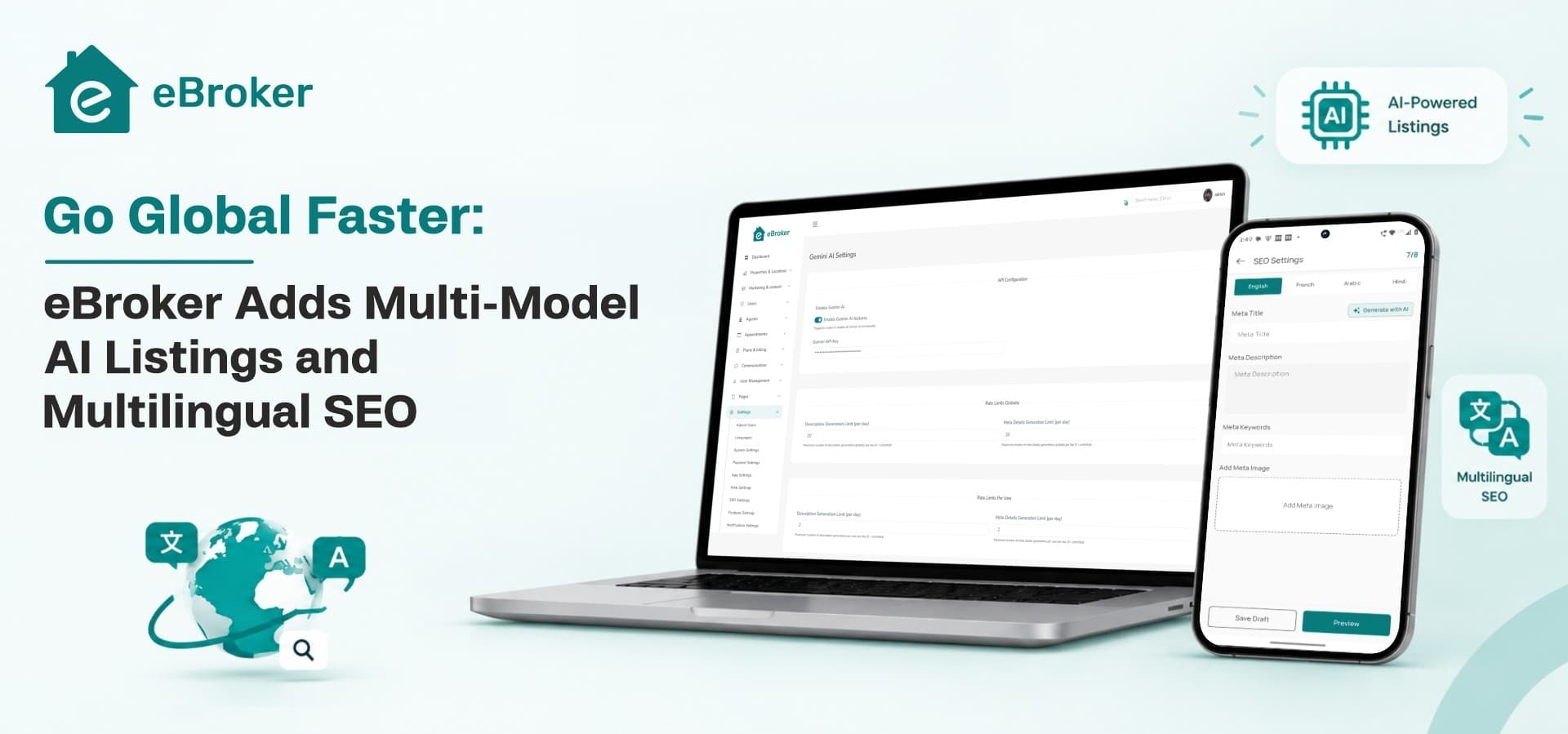
AI-written property descriptions and SEO metadata
-
Multi-language support, plus our new multilingual SEO update
-
Ad banners you can sell to local businesses
-
Dark and light modes
What does the PayU add-on do?
The add-on is a plugin that connects eBroker to PayU, one of the payment gateways Indian businesses use most. Once it is installed and linked to your PayU merchant account, people can pay inside your app and website using payment methods the add-on supports, e.g. UPI, cards, netbanking.
You switch it on from the eBroker admin panel, where you already manage your other payment gateways.
Why does a local payment gateway matter for an Indian property marketplace?
Because almost every rupee your portal earns passes through checkout. eBroker is built around several revenue streams, and most of them depend on people paying online:
If the payment page feels unfamiliar, people leave. Indian users expect to pay the way they pay everywhere else, and a gateway built for India removes that friction. A seller who wanted to list a flat today should not give up at the last step.
Should you build a property management app from scratch or buy a script?
Building your own property management software means a mobile app for two platforms, a website, an admin panel, listing logic, agent roles, chat, maps and payments. That is months of work for a team before you sign up your first agent.
With eBroker you start from working source code. You rebrand it, set your packages and prices, connect PayU, and launch. Since you own the code, your developers can still customise anything later.
Two licences are available. The Regular Licence gives you the full source code. The Extended Licence adds complete setup, configuration and live deployment by the WRTeam team, so you skip the server work. eBroker product page for current prices
What should the best real estate apps for a marketplace include?
If you are comparing real estate software for your business, check for these before you buy:
-
Separate roles for users and verified agents
-
Built-in ways to earn: listing fees, subscriptions, featured listings
-
A payment gateway your local users trust
-
Map-based search and location filters
-
In-app chat and appointment booking for property visits
-
Multi-language content and SEO for every market you serve
-
AI help for writing listings, so supply grows faster
-
Full source code, so you are never locked in
eBroker covers all of these, and the PayU add-on fills the payment gap for Indian portals.
How to set up the PayU add-on in eBroker
1. Get your Client ID, Client Secret and Merchant ID from your PayU merchant dashboard.
2. Buy and download the add-on from PayU Payment Gateway Add-on → you get a zip file and a purchase code.
3. In the admin panel go to Plugin Manager → Install & Activate. Enter the purchase code, upload the zip, install.
4. Open PayU India → Settings and fill in Client ID, Client Secret and Merchant ID.
5. Set Mode to Test, enter Transaction Currency as INR, turn Status on, and save.
6. In your PayU dashboard, set the webhook URL to https://yourdomain.com/webhook/plugin/payu.
7. Make a test payment for a package, check it shows in Payments, then switch Mode to Live.
Who is eBroker + PayU for?
It suits startups launching a property portal for an Indian city or state, agencies that want their own branded app, and regional listing platforms moving off spreadsheets and WhatsApp groups. Developers and agencies building real estate apps for clients can use it too, since you get the full source code to customise.
Start collecting payments on your property portal
Try the eBroker demo on Android, iOS, web and the admin panel. When you are ready, pick a licence, add the PayU add-on and launch. Questions before buying? Contact our sales team.