A marketplace is only as useful as its listings are easy to find and easy to trust. When categories are messy and low-quality posts slip through, buyers leave and honest sellers follow. The owner of a classified ads marketplace has two jobs that matter more than any other: keep listings organized by category, and keep the quality of ads under control.
This post is a feature walkthrough of how eClassify handles both. You will see how categories and custom fields are structured, how admins review ads and manage reports, and how seller trust tools support a cleaner marketplace.
1. Why Structure and Quality Control Matter
Before looking at specific features, it helps to understand what goes wrong when these two areas are ignored.
The Problem With Messy Categories
If a buyer looking for a used car lands among furniture and phone listings, they leave quickly. Vague categories also make search results less useful and make it harder for sellers to reach the right audience. As listings grow into the thousands, the lack of structure becomes a serious problem.
The Problem With Unchecked Ads
Fake listings, duplicate posts, misleading photos and spam damage buyer trust. Once buyers feel unsafe, they stop returning. Even a small share of bad listings can change how people see your whole marketplace.
What Good Management Looks Like
A well-run marketplace gives buyers clear paths to what they want and gives admins the tools to maintain standards. eClassify supports both from a single admin panel.
2. Category-Based Listing Management
Categories are the backbone of any marketplace. They shape how sellers post, how buyers search and how you earn.
Building a Clear Category Structure
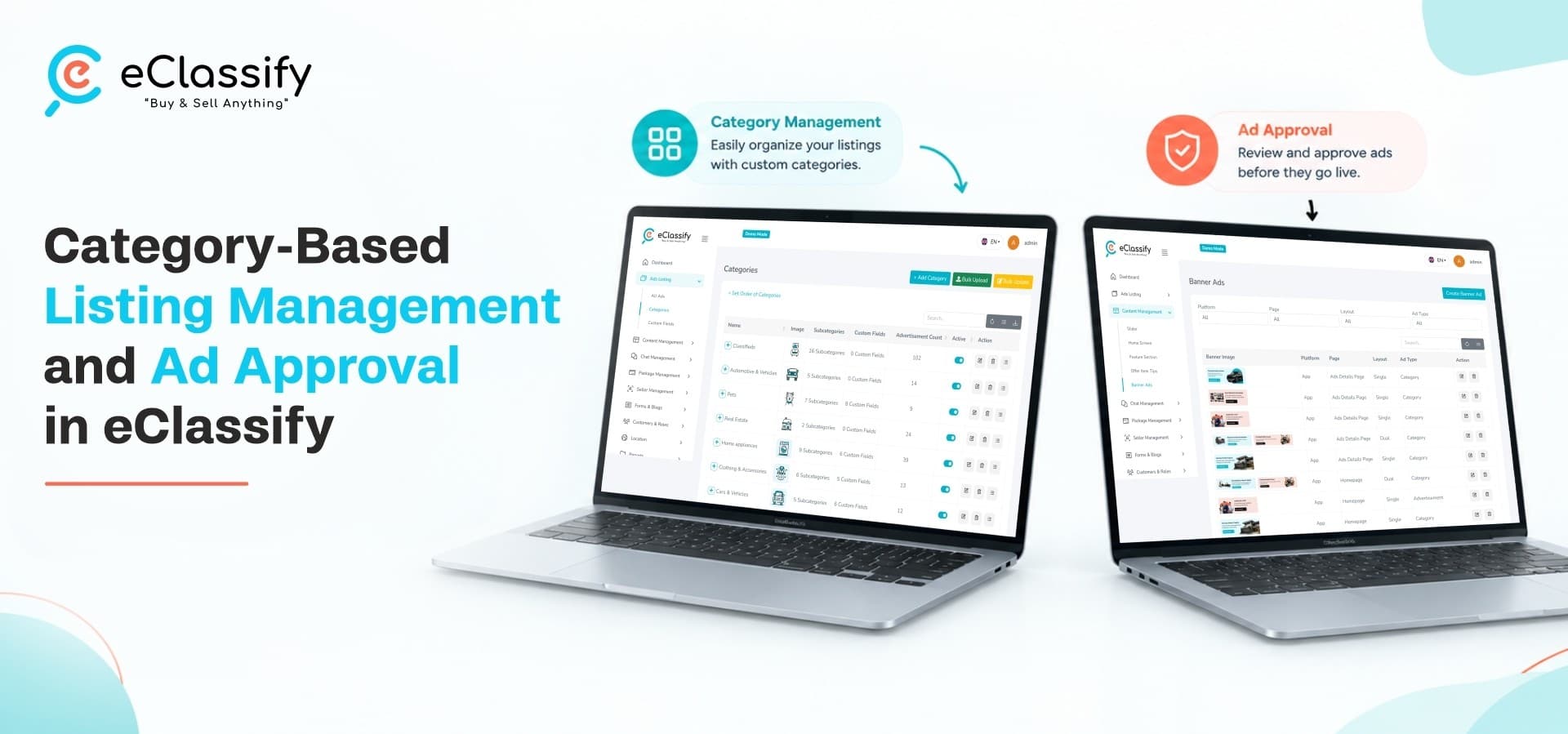
The admin panel includes a category management system where you create and organize the categories your marketplace needs. A regional marketplace might begin with vehicles, property, jobs, electronics and furniture, then add more as demand grows. A well-built classifieds platform keeps this structure simple enough that sellers can pick the right category within seconds.
Custom Fields for Each Category
Different items need different details. A car listing needs mileage and fuel type, while a job listing needs salary and experience. eClassify includes a custom field builder, so you can create fields that suit each category. The result is that sellers provide the right information, and buyers can compare listings more easily.
Examples of details that custom fields can capture:
-
Vehicle details such as make, model and year
-
Property details such as size and number of rooms
-
Job details such as role and experience
-
Product details such as condition and brand
Category-Based Subscription Plans
Not every category has the same value. A vehicle or property listing often justifies a higher fee than a household item. eClassify lets you create different subscription plans for different categories, so you can charge more for high-value segments and keep everyday categories affordable.
Location and Language Support
Local marketplaces depend on location. eClassify includes location management, so listings can be organized by area and buyers see relevant results first. Multi-language support helps you serve communities that speak different languages, which widens your potential audience.
3. Ad Review and Moderation
Organizing listings is only half the task. The other half is making sure what appears on your marketplace is genuine.
Why Review Matters
An online classified platform earns long-term loyalty by being reliable. Reviewing ads helps you catch duplicates, spot misleading content and remove posts that break your rules. Some owners prefer to review ads before they go live, while others prefer to review after publication and act on reports. The right choice depends on your market, your team size and how much risk you are comfortable with.
Managing Ads From the Admin Panel
eClassify gives admins tools for advertisement management and a reports and moderation center. From these areas, your team can look at ads, handle reports from users and take action on content that does not meet your standards. Everything sits in the same panel you use for the rest of the marketplace, so reviewers do not need to switch between tools.
Seller Management and Verification
Trust is built on knowing who is selling. eClassify includes seller management and a user verification system, which helps buyers identify authentic sellers and reduces fraud. Seller badges and a review system add further signals, so a buyer can see at a glance whether a seller has a good track record.
Protecting Seller Images
Photos are the most reused content on a marketplace, and they are often copied. Automatic image watermarking helps protect seller photos and discourages content theft. Sellers feel safer posting quality images, and buyers see consistent, original photos.
A Suggested Review Workflow
You can adapt a process like this to your own rules:
-
Set clear posting rules and share them with sellers.
-
Check new ads for the right category and complete details.
-
Look for duplicates, misleading photos and prohibited items.
-
Act on user reports quickly and consistently.
-
Verify trusted sellers to give them extra visibility.
-
Review activity regularly to spot patterns.
4. Helping Sellers Post Better Ads
The best way to reduce moderation work is to help sellers post good ads in the first place.
AI-Assisted Listing Creation
eClassify integrates Gemini AI to help sellers write professional descriptions and SEO-friendly metadata in seconds. Sellers who are not confident writers can still publish a clear ad, and well-written listings are easier for buyers to understand.
Free Limits and Paid Options
You can set how many listings a user may post for free, and you can earn from users who exceed the limit. This keeps casual sellers welcome while encouraging frequent sellers to choose a paid option.
Featured and Premium Listings
Sellers who want more visibility can promote their ads in search results, category pages and homepage placements. Premium seller packages can bundle listing credits, featured ads and extended visibility. These options reward sellers who invest in quality and give you additional income.
Chat and Reviews
Buyers can chat with sellers inside the platform, and a review system helps build reputation over time. Honest sellers benefit from this transparency, while poor performers become easier to spot.
5. Managing Your Team and Permissions
As your marketplace grows, you will need more people to help. Staff and role management lets you assign different responsibilities and permissions to team members. A content reviewer can handle ads, a support member can answer users, and only senior admins reach sensitive settings.
This setup keeps responsibilities clear and protects important controls. It also makes it easier to scale your review process without handing everyone full access.
6. Turning Category Management Into Revenue
Good structure also supports your income. Because eClassify connects categories, plans and listing options, your earning model can follow the way your marketplace is organized.
Pricing by Category
A classified ads platform that charges the same price for every category leaves money on the table. With category-based plans, you can set higher fees for segments such as vehicles or property and lower fees for everyday items.
Multiple Ways to Earn
eClassify supports several income paths:
-
Seller subscriptions, monthly or yearly
-
Fees for featured and premium listings
-
Revenue from users who exceed free posting limits
-
Google AdMob, Google AdSense and direct advertising partnerships
Accepting Payments
The platform supports popular payment gateways, including PayPal, Stripe, Razorpay, Paystack, PhonePe, Flutterwave and bank transfer. Sellers in different regions can pay in the way that is most convenient for them.
Analytics for Better Decisions
The admin panel includes analytics and business insights, so you can see which categories perform well and where to focus your promotion. Over time, this guides decisions about new categories and pricing.
7. A Setup Checklist Before You Open Your Marketplace
Before inviting sellers, work through this list:
-
Plan your main categories and keep names clear.
-
Create custom fields for each category.
-
Decide which categories need premium plans.
-
Write posting rules and prohibited item guidelines.
-
Assign roles to your moderation team.
-
Test the full flow from posting an ad to reviewing it.
A trial run with a small group of sellers will show where categories or fields need adjusting.
Where eClassify Fits
eClassify brings category management, custom fields, moderation tools, seller trust features and monetization into one package, with Flutter mobile apps, a web platform and a Laravel admin panel. If you are searching to buy classified ads script options, focus on how well each one helps you organize listings and keep quality high, because these areas decide whether buyers stay. You may also want to see how eClassify compares with Facebook Marketplace groups for local sellers before you decide on your launch approach.
Start Building a Well-Organized Marketplace
Ready to launch a marketplace with clear categories and trusted listings? Explore the features, demo and license options for eClassify on the WRTeam Marketplace.