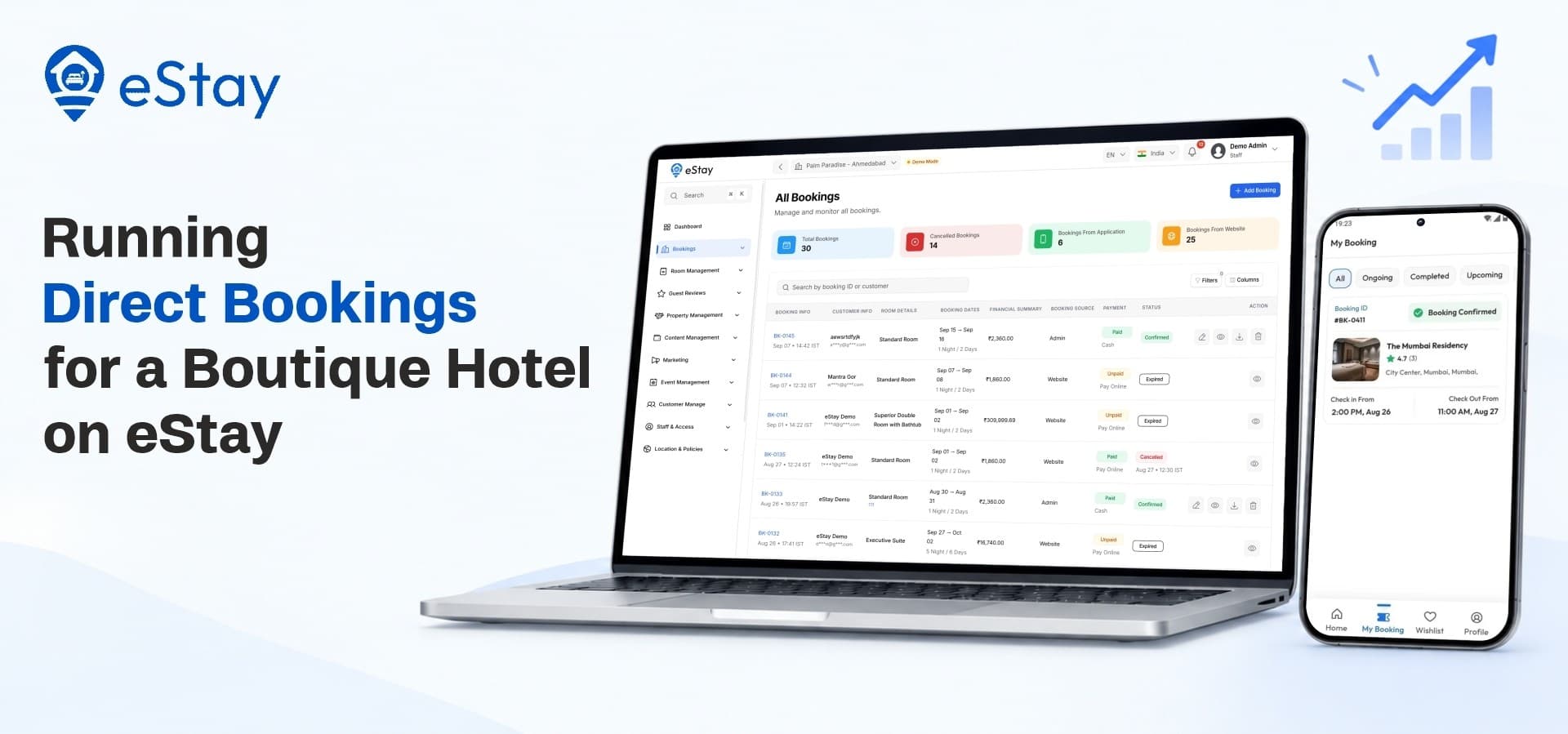
A boutique hotel sells more than a room. It sells a style, a feeling and a personal touch that guests remember. Yet many small properties hand their bookings to third-party listing sites that charge commission and control the guest relationship. Taking bookings directly puts the guest, the pricing and the profit back in your hands. A dependable hotel booking management system makes this possible without needing a large technical team.
This post follows a practical use case: a boutique hotel owner who wants to run direct bookings on eStay. You will see how to set up rooms, accept payments, welcome guests and grow revenue, all from one platform.
1. Why Boutique Hotels Benefit From Direct Bookings
Before setting anything up, it helps to understand why direct bookings matter so much for smaller properties.
Commission Adds Up
Listing sites often charge a share of every booking. For a property with a limited number of rooms, that share can take a noticeable part of the income. Direct bookings let you keep more of what each stay earns.
You Own the Guest Relationship
When a guest books through a third party, you often know little about them. When they book directly, you can welcome them by name, reward repeat visits and send offers that fit their stay. That relationship is a long-term asset.
You Control the Story
A boutique hotel's identity lives in its photos, descriptions and details. On your own website, you present your property exactly as you want it seen, without being placed next to dozens of competitors.
What a Boutique Hotel Needs
A small property typically needs:
-
A website guests can trust and book from
-
Accurate room availability at all times
-
Flexible payment options
-
Simple tools for staff to manage arrivals and departures
-
Ways to attract repeat guests
2. What eStay Offers a Single Property
eStay is a hotel booking and management platform with a Flutter mobile app, a Next.js website that works as a Progressive Web App, and a Laravel admin panel. It supports both single-property and multi-property businesses. For a boutique hotel, the single-property setup gives you a dedicated panel to run your own property.
One Panel for the Whole Operation
From the single hotel panel, you manage bookings, room types, availability, facilities, policies, reviews, customers, staff and promotions. You do not need to jump between separate tools for each task.
A Booking Website That Can Be Found
Strong online hotel booking software should help guests discover you, not just process payments. The eStay website is built with Next.js and installs as a Progressive Web App, giving guests an app-like experience in the browser. Its pages are SEO-friendly, which helps your property appear in organic search results.
3. Setting Up Your Hotel Step by Step
Here is a practical path from empty panel to first direct booking.
Step 1: Add Your Property Details
Start with the basics: your hotel's name, description, location, facilities and amenities. Add the house rules guests should know, such as check-in times and policies. Clear details reduce questions and set the right expectations.
Step 2: Create Room Types and Inventory
Boutique hotels often have rooms that are each slightly different. eStay lets you set up room types and manage inventory, so every category has its own details, photos and capacity. A hotel room booking system works best when guests can see exactly what they are choosing, so give each room type a clear description.
Step 3: Manage Your Availability Calendar
The availability calendar shows which rooms are open and which are booked. Keeping it accurate avoids double bookings and disappointed guests. Staff can check the calendar at any time to see what is coming up.
Step 4: Choose How Guests Pay
Payment flexibility is one of eStay's strengths. Owners can choose full online payment, partial advance collection or pay-at-property for each listing. Online payments run through Stripe, Razorpay and Flutterwave, and you choose the option that matches your cash flow and your guests' habits.
Step 5: Set Cancellation and Refund Rules
Guests feel more confident when policies are clear. eStay includes cancellation and refund management, so you can define the rules and apply them consistently. This protects your income while treating guests fairly.
Step 6: Configure Taxes, Currency and Language
eStay supports multi-currency bookings and manages country-wise tax settings. If you host guests from different regions, this keeps pricing clear and accounting accurate.
Step 7: Test the Full Booking Flow
Before announcing your website, make a test booking yourself. Search for a room, review the details, check out and confirm that the booking appears in your panel.
In short, the setup looks like this:
-
Add property details and policies
-
Create room types and inventory
-
Check the availability calendar
-
Choose payment options
-
Set cancellation and refund rules
-
Configure tax and currency
-
Test a booking from start to finish
4. The Guest Journey From Search to Stay
Understanding what your guests experience helps you spot problems before they happen.
Finding and Choosing a Room
Guests can search for properties with adaptive search and filters, then open detailed property and room pages. Good photos, clear descriptions and listed amenities help them decide quickly. Reviews and ratings add social proof, which matters a great deal for a small hotel.
Booking and Confirmation
During checkout, guests apply promo codes if they have them and pay based on the option you selected. After booking, they receive an instant confirmation. Fast confirmation reduces anxiety and cuts the number of messages your team has to answer.
Staying in Touch
Notifications keep guests informed about their booking. Guests can also manage their profile and see their bookings from the app or website.
5. Running Daily Operations
A direct booking only helps if your team can handle arrivals, departures and requests smoothly.
Check-In and Check-Out
The panel includes tools for guest check-in and check-out operations, so front-desk staff can follow the status of each reservation without paper registers.
A Practical Hotel Management App
A reliable hotel management app should reduce the daily work of a small team. With eStay, staff can view bookings, handle changes and review customer details from one place. Role-based access lets you limit each team member to the areas they need, such as a front-desk employee handling bookings or an accountant handling refunds.
Reviews and Reputation
Guest reviews appear on your property pages, and you can manage them from the panel. Responding to feedback and acting on it helps your reputation, which brings in more direct bookings.
Customer Records
The customer management area keeps guest information organized, so you can see who has stayed, who returns and who might appreciate a special offer.
6. Growing Revenue Beyond Room Nights
Direct bookings give you room to earn in more ways than the nightly rate.
Promo Codes for Slow Periods
Quiet weekdays or off-season weeks can be filled with targeted promo campaigns. You create discount codes and share them through your channels, so guests have a reason to book directly instead of elsewhere.
Referral Rewards
The refer and earn program rewards guests who bring friends. Word of mouth is powerful for boutique hotels, and referral rewards turn happy guests into promoters.
Events and Venue Bookings
Many boutique properties have spaces suited to weddings, small conferences or private gatherings. eStay supports event and inquiry management, so you can list your venue and capture inquiry-based bookings beyond standard room nights.
Email and Notifications
Notification and email tools help you keep in touch with past guests. A short message about a seasonal offer can bring a guest back for another stay.
Room for More Property Types
If you later add a villa, an apartment or a homestay to your portfolio, the same platform can handle it. A villa booking app setup does not need a separate system, because eStay supports hotels, resorts, villas, apartments and homestays. Growth becomes a matter of adding new listings, not changing tools.
7. Measuring What Works
Direct bookings should be tracked like any other part of your business.
Dashboard Analytics
The admin dashboard shows bookings, occupancy and revenue in one place. Quick-action cards make it easy to see what needs attention each day.
Property Performance Reports
Reports on property performance help you understand which room types sell best, which periods are busy and where there is room to improve. Use these insights to adjust pricing, promotions and photos.
Content That Brings Guests
eStay includes a content management system and a blog module. Posts about your neighborhood, local events or seasonal stays can attract search traffic and bring new guests to your booking pages.
8. A Launch Checklist for Your First Direct Bookings
Before inviting guests to book, work through this list:
-
Write clear room descriptions and add quality photos.
-
Set room inventory and confirm the availability calendar.
-
Choose your payment option and connect your gateways.
-
Write cancellation and refund policies in plain language.
-
Assign staff roles so everyone has the right access.
-
Prepare one launch promo code for your first direct guests.
-
Test a full booking before going public.
Where eStay Fits
eStay gives a boutique hotel its own booking website, mobile app and admin panel in one package, with the tools to manage rooms, payments, staff and promotions. You keep control of your brand and your guest relationships, and you can grow into events or additional properties when you are ready. If you are weighing a dedicated property setup against a shared marketplace model, take a look at how a single-property setup compares with a multi-vendor hotel booking platform before you decide.
Start Taking Direct Bookings
Ready to build a direct booking channel for your boutique hotel? Explore the features, demo and license options for eStay on the WRTeam Marketplace