Every new property portal faces the same early problem. Buyers visit portals that already have plenty of listings, and sellers post on portals that already have plenty of buyers. Until one side arrives, the other has no reason to show up. The way you price listings often decides which side moves first. With the right real estate software, you can offer a pay-as-you-go listing fee that lets any seller post a property and pay only for what they use, with no long commitment.
This post explains how that pricing model works, why it attracts casual sellers, and how to combine it with other income streams. You will also see a step-by-step approach for launching it on eBroker.
1. Why Sellers Hesitate to Join a New Property Portal
Before choosing a pricing model, it helps to understand what makes a seller hesitate.
The Cost of Commitment
A homeowner who wants to sell one flat does not want a monthly plan. A subscription feels like paying for something they will use once. If your portal asks for payment before the seller has seen any benefit, many of them will simply go to another site or rely on word of mouth.
The Trust Gap on New Platforms
New portals have no track record. Sellers wonder whether their listing will be seen, whether buyers are real and whether the platform will still exist next year. A small, clear fee for a single listing feels like a low-risk way to test the platform.
The Needs of Different Seller Types
Not every seller behaves the same way:
-
Casual sellers post one or two properties and leave
-
Active agents post often and want visibility
-
Owners with several units sit somewhere in between
A single pricing plan rarely suits all three. This is why portals benefit from a mix of options rather than one fixed price.
2. How Pay-As-You-Go Listing Fees Work
The idea is simple. Instead of charging a recurring fee, you charge a fee each time someone posts a property.
The Basic Model
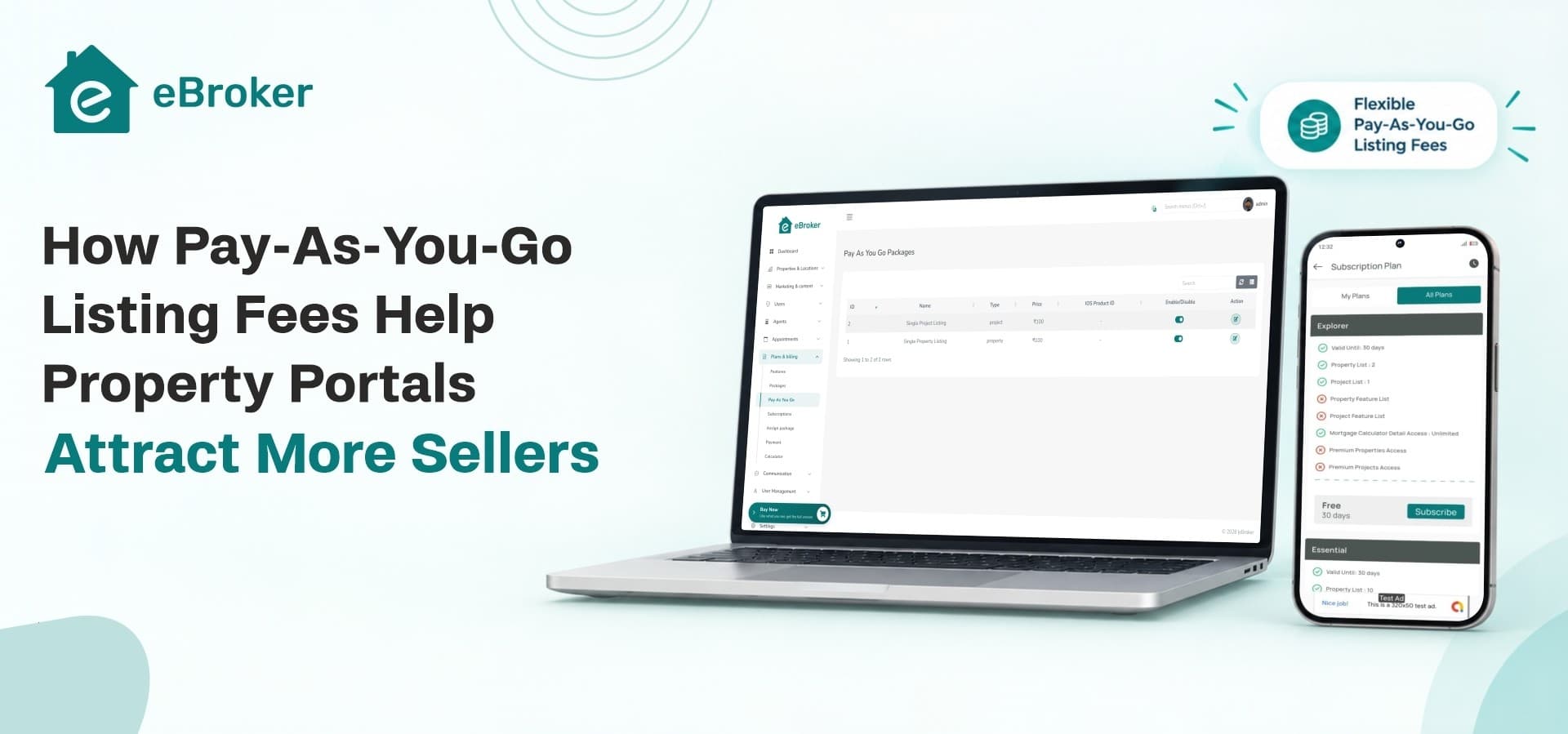
A seller creates an account, adds a property and pays a fee for that listing. When they have another property to post, they pay again. There is no contract and no monthly bill. In eBroker, this is one of the built-in revenue streams, designed for individual users who pay per property they post.
Why It Lowers the Barrier to Entry
The first payment is small and clearly tied to a result, which makes the decision easy. A seller who might never pay for a yearly plan will often pay for one listing. Each of those small payments also turns a visitor into a registered user, which grows your seller base.
A Simple Illustrative Example
Imagine a regional portal that wants 200 new sellers in its first quarter. If it asks for a subscription up front, only a few agents may sign up. If it lets homeowners post a property for a small one-time fee, many more people are willing to try it. Even if each person pays only once, the portal gains inventory, income and data about what sellers want. This example is illustrative, and your own numbers will depend on your market and pricing.
3. Setting Up a Pay-Per-Listing Model Step by Step
A pricing model works best when the seller journey is smooth. Here is a practical way to set it up.
Step 1: Decide Your Fee Structure
Choose what a single listing costs and what it includes. You may want to match the fee to the property type, or keep one simple price. Simple pricing is easier to explain and reduces questions.
Step 2: Make Posting Easy
If posting is difficult, fees will not matter because people will leave before paying. eBroker supports AI-written property descriptions and AI-suggested SEO metadata inside the listing flow, which saves sellers time and improves how well listings can be found on search engines.
Step 3: Let Listings Look Professional
Sellers pay more willingly when the result looks good. Listings can include 360° images, one video, amenity details and a location on an interactive map powered by Google Maps or OpenStreetMap. A watermark option helps protect uploaded images.
Step 4: Configure Payments
The admin panel lets you manage packages and payment gateways, so you control what each seller pays and how the money reaches you. You do not need to edit code to change these settings.
Step 5: Guide Sellers Toward More
After a seller has posted once, they are familiar with your platform. This is the right moment to show them agent packages or featured placement for faster results.
To summarize the process:
-
Set a clear fee per listing
-
Keep the posting flow short
-
Present listings professionally
-
Connect payment gateways in the admin panel
-
Offer upgrades after the first sale
4. Combining Pay-Per-Listing With Other Revenue Streams
Pay-as-you-go is a strong entry point, but it works best alongside other income. eBroker is built around several streams that work together.
Agent Subscription Packages
Professional agents post often, so a per-listing fee quickly becomes costly for them. Tiered subscription packages give them higher posting limits and better visibility, while giving you predictable recurring income. Casual sellers pay per listing, and agents pay monthly, so each group pays in the way that suits them.
Featured and Promoted Listings
Some sellers want faster results. Paid promotion places a property higher in search results and category feeds. This option often appeals to people who have already tried the basic listing and want more enquiries.
Ad Banner Revenue
As traffic grows, you can sell banner space to local businesses that want to reach property seekers. Mortgage providers, interior designers and moving companies are natural advertisers. The admin panel includes full ad and banner management.
Why the Mix Matters
Each stream serves a different seller. Together they create a pricing ladder: post once, post often, promote a listing and advertise. Sellers can move up as their needs grow, and your income grows with them.
5. Keeping Sellers After the First Listing
Attracting a seller once is helpful, but keeping them is more valuable. Sellers return when they see results.
Verified Agents Build Buyer Trust
Buyers are more willing to contact sellers on a platform that shows who is real. eBroker supports verified agents and branded agent profiles. Regular users can also apply to become agents, which helps grow your broker network without manual work from your team.
Chat and Appointments Turn Views Into Meetings
Interest means little if it does not become a conversation. Buyers can message sellers through in-app chat and schedule visits using the appointment system. A dependable property booking app experience like this shortens the path from browsing to a site visit, and it keeps communication inside your platform.
Handling Enquiries in One Place
Sellers and agents need a clear view of who has shown interest. With an organized flow of messages and appointments, a real estate CRM software approach helps them follow up without losing track of anyone. Sellers who feel supported are more likely to list again.
Location and Search Features Increase Exposure
Buyers find properties faster when listings appear on a map and in location-based feeds. More views mean better results for sellers, and good results are what bring sellers back.
6. Managing the Marketplace Behind the Scenes
A growing portal needs good controls. The admin side of the platform should give you control without constant technical work.
One Panel for Daily Operations
Strong property management software lets an admin manage users, agents, listings, packages, banners, articles and settings in one place. In eBroker, the admin panel also covers SEO settings, homepage layout and role-based access, so different team members can handle different tasks.
Tools for Agents and Owners
Agents and owners benefit from a simple property management app where they can add listings, edit details and check enquiries without calling your team. The easier it is to manage a listing, the more likely sellers are to keep their properties on your platform.
Content and Search Visibility
Articles and SEO settings help your portal attract buyers through search. When more buyers visit, listings perform better, and sellers see the value of paying for them.
7. A Launch Checklist for Pay-Per-Listing Pricing
Before opening your portal to sellers, check the following:
-
Choose the fee for a single listing and write a clear description of what it includes.
-
Set up packages for agents who want ongoing access.
-
Connect your payment gateways in the admin panel.
-
Add a few sample listings so the portal does not look empty.
-
Test the full flow from sign-up to published listing.
-
Prepare a short help page that explains fees in plain words.
A test run with a friendly seller will show whether the pricing and flow feel natural.
Where eBroker Fits
eBroker gives you the apps, website and admin panel in one package, with pay-as-you-go fees, agent subscriptions, featured listings and ad banners already part of the design. Among the best real estate apps buyers will compare, your portal can stand out by making it easy for any seller to start.
Start Attracting More Sellers
Ready to launch a property portal that welcomes every type of seller? Explore the features, demo and license options for eBroker on the WRTeam Marketplace.