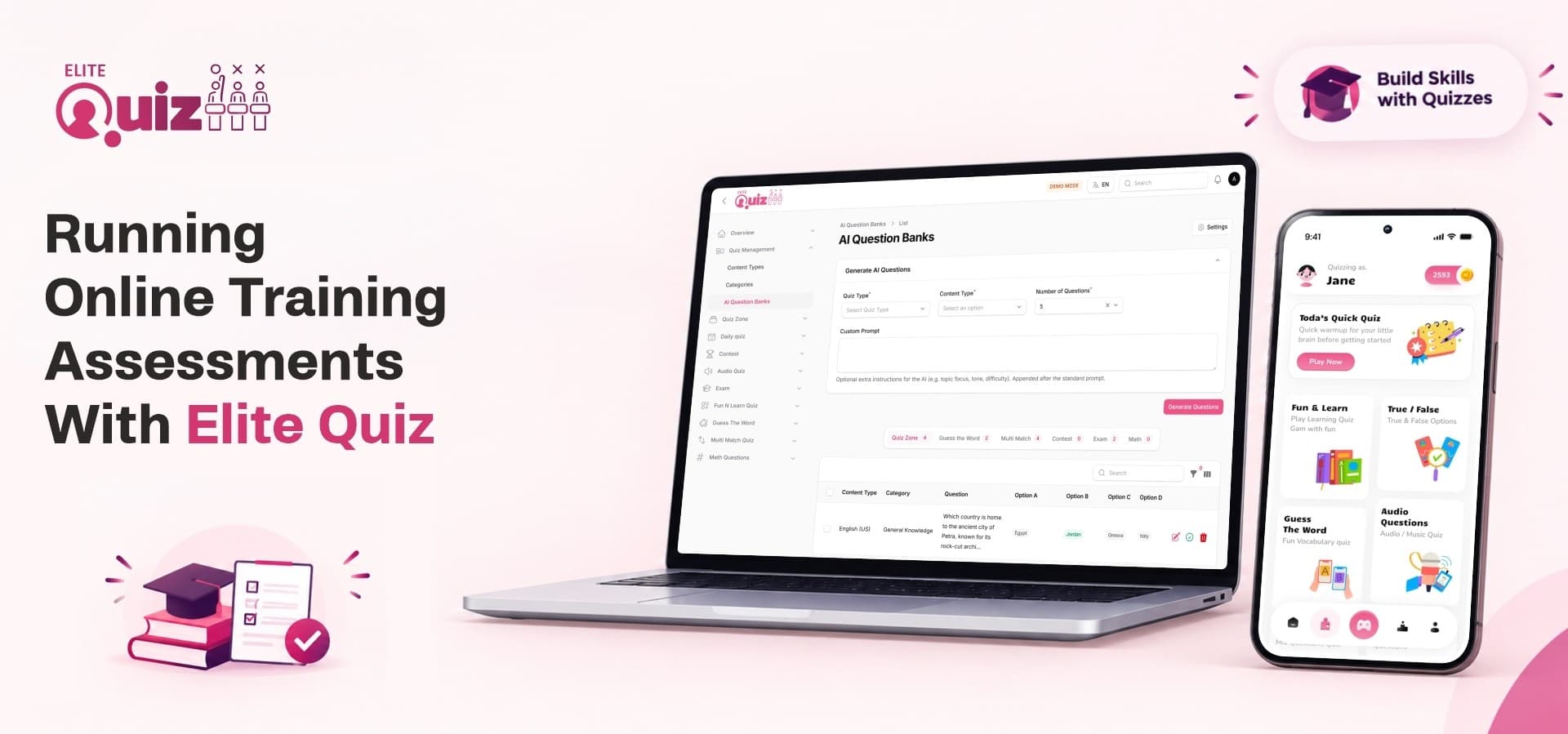
Training does not end when the session does. Managers want proof that new hires understand the material, coaching centers want to know who is ready for the real exam, and trainers want results without marking hundreds of papers by hand. Paper tests and scattered forms make all of this slow. An online quiz platform built for exams and learning lets you write questions once, deliver them to any number of learners on their phones, and see results as soon as people finish.
This post shows how training teams, institutes and EdTech founders can run online assessments with Elite Quiz. You will see the setup process, the scenarios where it works best, and what to prepare before your first assessment goes live.
1. The Problem With Traditional Training Assessments
Most training programs invest heavily in content and very little in measuring whether it worked. The gap shows up in three places.
Slow Marking and Delayed Feedback
When papers are marked by hand, learners wait days for results. By the time feedback arrives, the topic is no longer fresh and the chance to correct a misunderstanding has passed. Trainers also lose hours that could go into improving the course.
Low Participation and Weak Recall
Long written tests feel like a chore. People rush through them or skip them entirely. An interactive quiz platform replaces passive reading with active recall, where learners answer short questions, see instant results and try again. Active recall is one of the most dependable ways to help people remember what they studied.
No Clear Picture of Who Is Ready
Without structured data, trainers rely on gut feeling. They cannot easily answer simple questions:
-
Which learners passed and which needed more support?
-
Which topics caused the most mistakes?
-
Who completed the assessment on time?
-
How does one batch compare with the last?
A digital assessment gives you these answers without extra paperwork.
2. Setting Up a Training Assessment With Elite Quiz
Elite Quiz works as a complete system: a mobile app for learners and an admin panel for you. The following steps show how a typical assessment comes together.
Step 1: Build Your Question Bank
Start by organizing questions into categories and subcategories that match your course modules. Elite Quiz supports text, image and audio questions, so you can test reading, visual recognition and listening skills. Large question sets can be added through bulk import.
If you need new content quickly, the built-in AI integration with Gemini or OpenAI can generate multiple-choice and true or false questions. You review the output, keep what is accurate and publish. This reduces the time it takes to launch a new topic from days to minutes.
Step 2: Choose the Right Format
Different goals call for different formats. For formal assessments, Exam Mode lets you run timed tests with access keys, rankings and detailed analytics. For practice, you can use formats such as Quiz Zone, Daily Quiz, Math Quiz, Audio Questions, True/False and Multi Match. Using both gives learners a safe place to practice before the graded test.
Step 3: Pair Lessons With Questions
Assessment works best when study material sits next to the test. The Fun & Learn module lets you attach lessons, PDFs or YouTube videos to quizzes, so learners read or watch first and are tested straight afterward. Your trainers do not need to send learners to a separate tool for materials.
Step 4: Publish to Your Learners
Elite Quiz is built as a Flutter quiz app for Android and iOS, with a Laravel admin panel and a Next.js web platform behind it. You can rebrand the app with your own name and identity so learners experience it as part of your organization. Multi-language support, including right-to-left languages, helps when your learners speak different languages.
Step 5: Review Results and Act on Them
Once learners complete the test, rankings and analytics show who performed well and where the group struggled. Leaderboards add friendly competition, while trainers use the numbers to decide which topics need a repeat session.
In short, the workflow looks like this:
-
Create categories and add questions
-
Pick Exam Mode or a practice format
-
Attach lessons or videos where useful
-
Share the app with your learners
-
Review rankings and analytics
3. Training Scenarios That Fit Well
The same tools support very different audiences. Here are four situations where online assessments make a clear difference.
Employee Onboarding and Product Knowledge
New hires need to learn products, processes and policies quickly. A short quiz after each onboarding module confirms understanding and highlights what to revisit. Managers get a simple way to check readiness before a new team member speaks to customers.
Coaching Institutes and Exam Preparation
Coaching centers run frequent mock tests, and marking them is a heavy burden. With timed exams, rankings and detailed analytics, students see where they stand after every test. Teachers spend their time on coaching rather than grading.
Schools and Universities
Teachers can set revision quizzes by subject and chapter, and students practice on their phones. Audio questions suit language classes, while math quizzes suit numerical subjects. Institutions get a steady flow of low-pressure practice before the major exams.
Training Businesses That Sell Assessments
If your business sells courses or test series, Elite Quiz also supports earning from them. You can lock premium categories behind coins, offer coin packages through in-app purchases, charge entry fees for paid contests and show ads. A free practice category can bring people in, while premium mock exams generate income.
4. Keeping Learners Engaged Between Assessments
A single exam rarely changes behavior. Regular, enjoyable touchpoints do. Elite Quiz includes features that keep learners returning between formal tests.
Live Sessions That Energize Teams
A live quiz app experience turns a workshop or classroom review into a shared event. Elite Quiz offers Random, Friend and Group Battles powered by Firebase, so participants compete in real time. A trainer can close a session with a group battle, and the energy in the room usually rises right away.
Light Trivia for a Daily Habit
Not every interaction needs to be a test. An online trivia platform approach, such as a Daily Quiz with a handful of questions, builds a routine without feeling like work. Push notifications remind people when something new is available, and bookmarks let learners save difficult questions for later review.
Recognition and Rewards
People respond to recognition. Badges, leaderboards and a rewards system give learners visible goals beyond a pass mark. Teams can celebrate top scorers, and quieter learners still see their own progress improve.
5. Managing the Program Behind the Scenes
Running assessments at scale means more than writing questions. The admin side matters just as much.
Roles and Permissions
Role-based access control lets you create staff accounts with specific permissions. A content editor can add questions, a coordinator can manage users, and only senior admins reach sensitive settings. Everyone sees only what they need.
Question Quality and Moderation
Learners can report questions that look wrong, and admins review them from one dashboard. This keeps your question bank accurate over time, which matters when results influence decisions about people.
Contests and Battle Settings
For events and competitions, you can configure battles and contests, set entry rules and control how rewards are distributed. This helps when you run a company-wide competition or a public contest.
6. A Pre-Launch Checklist for Your First Assessment
Before inviting learners, work through this list:
-
Define the learning goal and passing standard for the assessment.
-
Organize categories that mirror your course structure.
-
Add and review at least a first set of questions.
-
Decide which tests are graded and which are practice only.
-
Run a trial with a small group and fix unclear questions.
-
Prepare a short guide telling learners how to install and sign in.
A pilot with a few people usually reveals confusing wording before it affects real results.
Where Elite Quiz Fits
Elite Quiz suits organizations that want one system for practice, graded exams and engagement, without assembling a development team. You get the learner apps, admin panel and monetization tools together, ready to rebrand and launch.
Start Running Smarter Assessments
Ready to turn your training content into measurable results? Explore the features, demo and license options for Elite Quiz on the WRTeam Marketplace.