A small business owner comparing platforms usually starts with a generic search: the best eCommerce Solution for a growing store, a delivery app, or a way to sell online without hiring a development team. Somewhere in that research, the conversation shifts from "website builder" to something more specific, because a storefront alone doesn't run a commerce business. Orders need to be tracked, delivery zones need to be mapped, payments need to settle correctly, and a catalog with hundreds of products needs a system that can actually manage it.
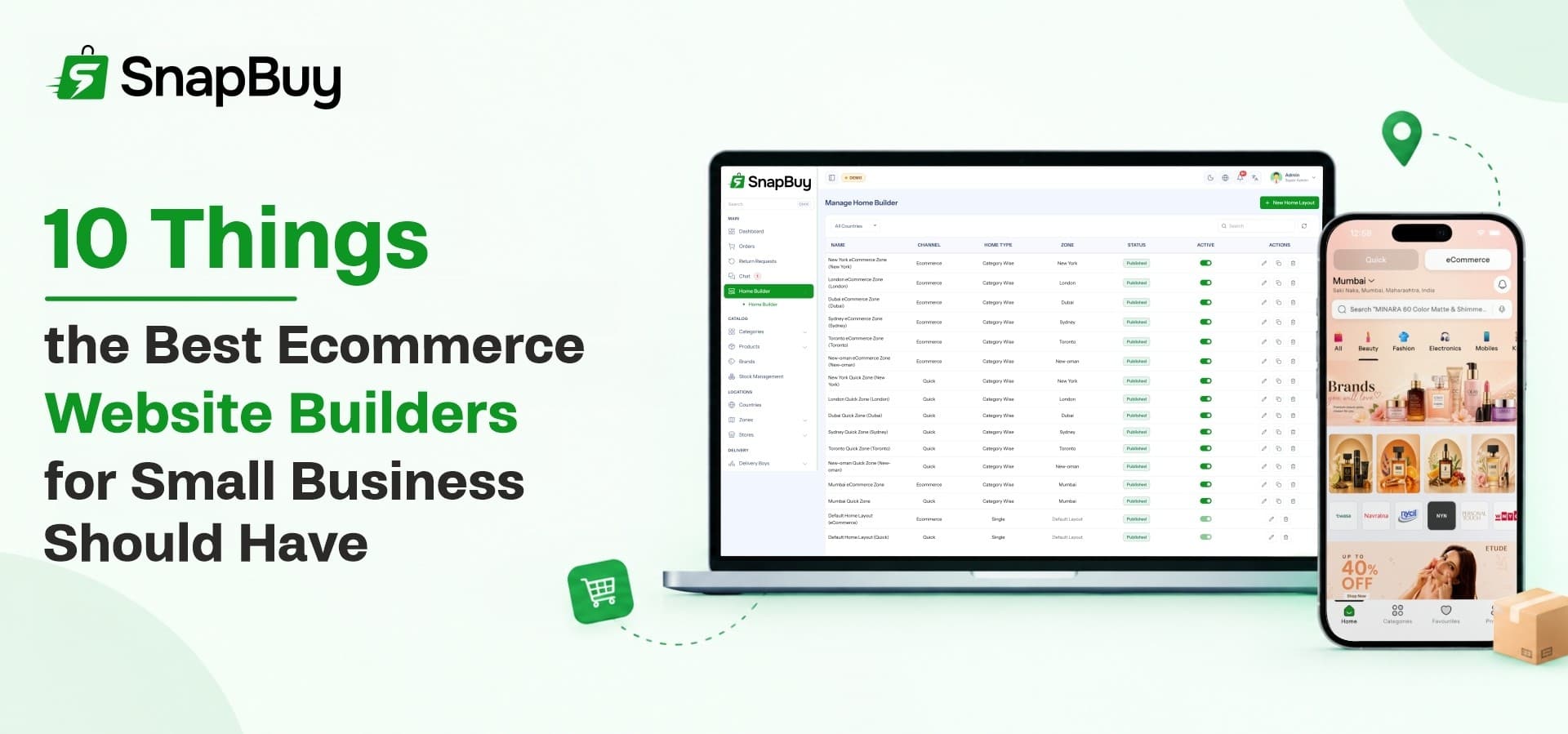
This guide breaks down the ten things worth checking before picking a platform, whether the goal is a single online store, a multi-branch retail brand, or a full hyperlocal ecommerce platform built around fast local delivery. Each point below reflects a capability that shows up in SnapBuy, a ready-made ecommerce Marketplace Software built for businesses that want both quick commerce and standard online retail running from the same system.
1. Multi-Store and Multi-Branch Management
A single storefront works fine for one location. It breaks down the moment a business opens a second branch, adds a warehouse, or wants to franchise the model. The platform needs to support unlimited stores from one admin panel, with each location keeping its own operating hours, contact details, product availability, and map location, while the owner retains centralized control over the whole network.
This matters because managing separate logins or separate systems per branch multiplies admin work for no real benefit. SnapBuy handles this through multi-store management built directly into the admin panel, so a business can:
-
Add new store locations without touching code or hiring a developer
-
Set store-specific hours, contact info, and map pins
-
Keep pricing and catalog control centralized while location details stay local
2. A No-Code Homepage and Storefront Builder
Design flexibility usually gets sacrificed first when a business picks a rigid template-based builder. A storefront should be able to change banners, featured categories, and promotional sections without a developer touching a single line of code, and those changes should appear instantly on both the website and the mobile apps.
SnapBuy includes a visual homepage builder that lets store owners customize layouts, banners, and featured sections for different channels, languages, and delivery zones. Updates made in the admin panel reflect live across every customer touchpoint, which keeps seasonal promotions and layout experiments fast to launch instead of being stuck in a development queue.
3. Smart Product Search and Discovery
Customers abandon a store when they can't find what they came for. A commerce platform needs real search infrastructure: category filters, product variants, a quick-view option, and a memory of recently viewed items, not just a basic search bar that matches exact titles.
SnapBuy builds this discovery layer in as a standard feature, giving shoppers:
-
Filterable search across categories and product variants
-
A quick-view option to preview products without a full page load
-
A recently viewed section that brings customers back to items they were considering
Faster discovery translates directly into higher conversion rates, which is exactly why this belongs on any evaluation checklist.
4. Complete Product Catalog Management
Small catalogs can survive manual product entry. Catalogs with hundreds or thousands of SKUs cannot. The platform should support variants, attributes, tax rules, multiple images, and inventory tracking, along with bulk import and export so large catalogs don't have to be built one product at a time.
SnapBuy's product management module covers all of this, including Excel-based bulk import and export for catalog updates at scale. Combined with AI-assisted product description and SEO metadata generation, store owners can populate a full catalog with searchable, well-written listings in a fraction of the time manual entry would take.
5. Multiple Payment Gateways and a Digital Wallet
Checkout friction is one of the fastest ways to lose a sale. A commerce platform should support several payment gateways, Cash on Delivery, coupon-based discounts, and a built-in digital wallet, giving customers the freedom to pay however they're most comfortable.
SnapBuy pairs multiple gateway integrations with a customer wallet that handles balance top-ups, cashback tracking, and withdrawal requests. Guest checkout is also supported, with cart contents automatically syncing once a shopper logs in, so a customer never loses their selections between browsing on mobile and finishing checkout on desktop.
6. Delivery Zone Mapping and Flexible Pricing
For any business handling its own deliveries, the platform needs precise control over where it delivers and what it charges for that delivery. That means visual zone mapping to prevent overlapping coverage areas, and pricing rules that can flex by city, slab, flat rate, or surge conditions.
SnapBuy's delivery zone management lets store owners:
-
Draw delivery coverage areas visually on an interactive map
-
Set different zones for quick commerce and standard eCommerce orders
-
Apply flat, slab-based, or surge delivery pricing depending on demand and distance
This level of control is what separates a genuine Quick Commerce Software platform from a basic online store bolted onto a shipping plugin.
7. Coupon, Promotion, and Loyalty Tools
Growth rarely happens without some form of incentive, whether that's a first-order discount, a referral bonus, or a loyalty reward for repeat customers. A platform worth choosing should let a business build promotional campaigns targeted by audience, schedule, zone, or sales channel, not just a single flat coupon code.
SnapBuy includes a full promotion engine covering percentage discounts, fixed offers, free delivery campaigns, and audience targeting, alongside a referral program that rewards customers for bringing in new sign-ups. A digital wallet with cashback support ties these incentives together into an ongoing loyalty loop rather than a one-time discount.
8. Unified Order Management with Live Tracking
Every order touches several stages: placement, assignment, fulfillment, delivery, and sometimes a return. A platform that handles this well keeps every stage visible from one dashboard, and gives the end customer live visibility into where their order actually is.
SnapBuy centralizes order management so a business can:
-
Update order status, assign delivery staff, and generate invoices from one screen
-
Give customers real-time tracking with live delivery location and in-app support chat
-
Process cancellations, item-level returns, and one-tap reorders without separate tools
OTP-based delivery verification adds a layer of security for in-house delivery teams, reducing disputes over undelivered or misdirected orders.
9. Multi-Language, Multi-Currency, and Multi-Country Support
A platform that only works for one market limits growth by design. Expanding into a new city, language, or country shouldn't require a rebuild. The system should support multiple languages, currencies, time zones, and country-specific business rules from the same admin panel.
SnapBuy is built as a genuine hyperlocal ecommerce platform with multi-country configuration, letting a business set independent currencies, payment gateways, and date formats per country. Translation support, including Google Translate-assisted localization, means adding a new language doesn't require hiring a translation team just to get started.
10. A Business Analytics Dashboard
Decisions made without data tend to be guesses. A commerce platform should surface revenue trends, top-performing products and stores, and low-stock alerts in real time, filterable by zone, country, and time period, so an owner can actually see what's working.
SnapBuy's live dashboard gives store owners a side-by-side comparison of quick commerce and standard eCommerce performance, along with inventory monitoring and top-performer tracking. This kind of visibility is what turns a platform from a place to list products into an actual ecommerce Management System for running the business day to day.
Where SnapBuy Fits
SnapBuy was built to check every item on this list from a single codebase rather than stitching plugins together. Multi-store management, delivery zone mapping, a full promotion engine, and a live analytics dashboard all run through one Laravel admin panel, paired with Flutter apps for customers and delivery staff and a Next.js web storefront. A business evaluating platforms against this checklist can use SnapBuy as a working reference point for what a complete setup actually looks like.
Ready to compare features hands-on? Explore SnapBoy on WRTeam Marketplace and see how the full feature set fits your commerce business.