A course is only as convincing as its assessments. Learners want proof that they understood the material, and instructors want a fast way to see who is ready to move on. When quizzes feel clumsy or assignment feedback arrives late, completion rates fall and refund requests rise.
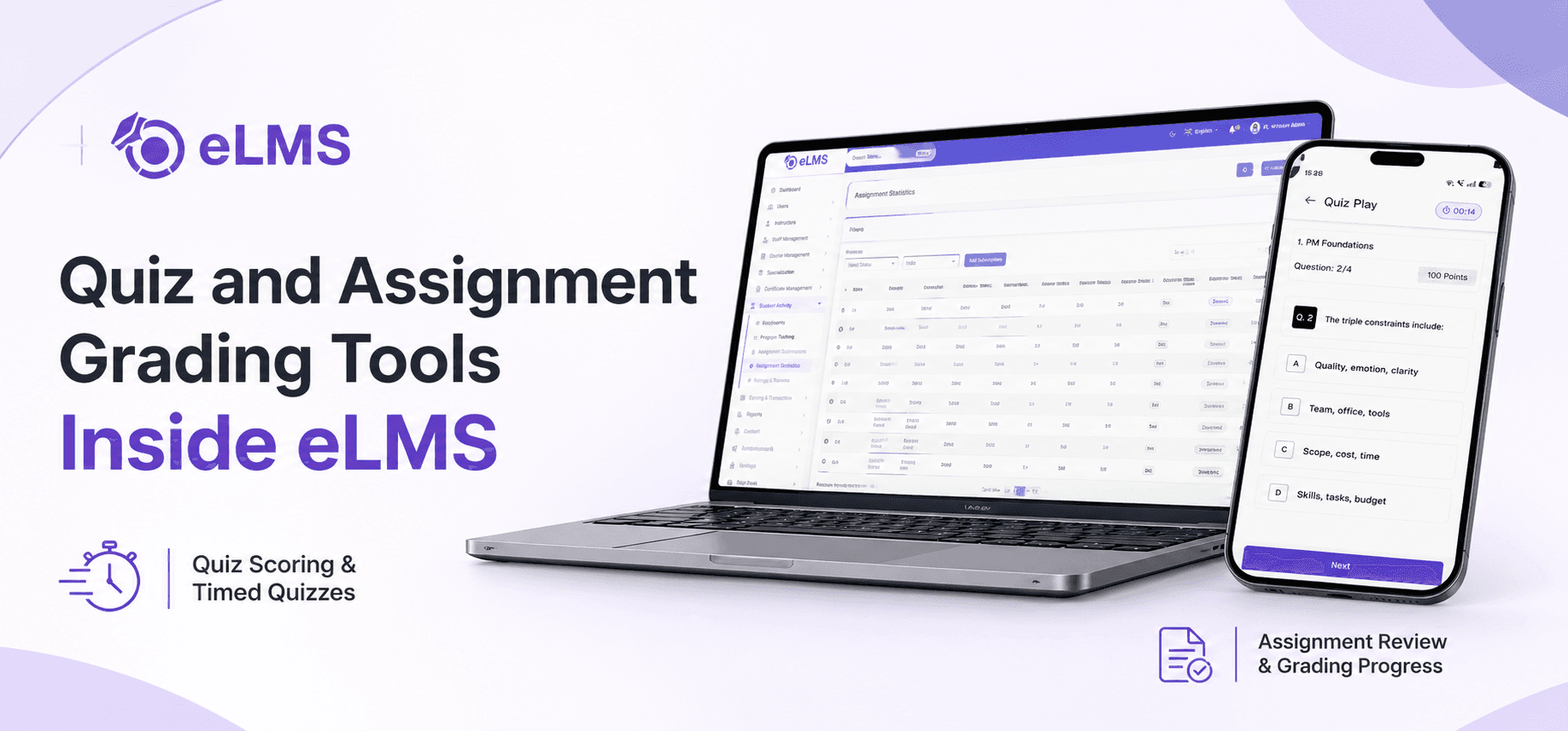
This post walks through the grading tools built into eLMS, a ready-to-launch learning management software package with a Flutter app, a Next.js website, and a Laravel admin panel. You will see how quizzes are configured, how submitted work is reviewed, and how grades connect to progress tracking and verifiable certificates.
1. Why Assessment Tools Make or Break a Course Platform
Quiz and assignment grading sits at the center of every serious course business. Content delivery is easy to copy, but the feedback loop is what keeps learners engaged and paying.
What Learners Expect
-
Clear rules before they start a quiz, such as pass marks and attempt limits
-
A simple way to submit work in the format that suits the task
-
Written feedback they can act on, not just a number
What Instructors and Owners Expect
-
One place to review submissions without chasing files across email and chat
-
Consistent standards across every course on the platform
-
Reports that show where learners struggle
Many learning management platforms advertise assessments as a checkbox feature and then offer little beyond a basic multiple-choice form. eLMS treats grading as a core workflow, which is why quizzes and assignments sit directly inside the course curriculum instead of living in a separate add-on.
2. How Quizzes Are Built and Scored
The quiz system in eLMS gives instructors control over how tough, how fair, and how repeatable each test should be. Plenty of learning management systems stop at simple question lists, but real subjects need more room to work with.
Points and Pass Grades
Every quiz carries points and a pass grade, so a learner knows exactly which score counts as success. An instructor can set a stricter bar for professional certification courses and a gentler one for introductory lessons.
Attempt Rules and Skip Control
Attempt rules decide how many times a learner can retake a quiz, which matters when a course leads to a credential. Skip control lets the instructor choose whether learners may leave a question unanswered and return to it, or must commit to an answer before moving on.
Question Formats for Real Subjects
-
Images inside questions for diagrams, charts, and visual identification tasks
-
LaTeX support so scientific and mathematical notation stays readable
-
Multi-answer questions where more than one option is correct
These options make quizzes practical for science, engineering, language, and professional training courses, not only general knowledge tests.
Detailed Results and Performance Insight
After each attempt, learners see detailed results, which turns a raw score into a study guide. Instructors also get a quiz performance dashboard that shows how the whole group is doing. If most learners miss the same question, that is a signal to rewrite the question or revisit the lesson that came before it.
3. How Assignments Are Submitted and Reviewed
Some skills cannot be tested with multiple choice. A design brief, a recorded presentation, or a written case study needs a human reviewer, and the assignment grading workflow in eLMS is built for exactly that.
Flexible Submission Types
Instructors can ask learners to submit work in whichever format fits the task:
-
Images, such as sketches, screenshots, or photographed work
-
Video, such as a recorded demonstration or pitch
-
Audio, such as a language speaking exercise
-
Documents, such as essays, reports, or spreadsheets
A Simple Review Process
-
The learner uploads their work from the Flutter app or the website.
-
The instructor opens the submission from the assignment review screen.
-
The instructor chooses an outcome: accept, reject, or suspend.
-
Marks and written feedback are added so the learner knows what to improve.
-
The learner sees the decision and can act on it.
The suspend option is useful when a submission needs clarification or a correction before a final call. Instead of forcing a harsh rejection, the reviewer keeps the work in a pending state and explains what is missing.
Admin Oversight
Platform owners are not left in the dark either. The admin panel includes assignment oversight, so someone responsible for quality can see what has been submitted and how it has been handled across courses. That matters when several instructors are publishing on the same platform and you want review standards to stay consistent.
4. Turning Grades Into Progress and Credentials
Assessments only create value when the result leads somewhere. In eLMS, grading feeds directly into the learner journey.
Assessments Inside the Curriculum
The curriculum builder lets instructors arrange reorderable chapters that hold video lectures, downloadable resources, quizzes, and assignments in one flow. A learner moves from watching a lesson to testing it without leaving the course.
Sequential learning can be switched on per course. When it is active, learners must finish steps in order, so a quiz works as a real checkpoint rather than an optional extra. When a course suits a looser approach, the same curriculum can stay open for free movement.
Progress Tracking
Lesson, chapter, and course completion are tracked automatically, with percentage progress shown across the app and the web. Learners always know how far along they are, and instructors can see who is stuck before a learner quietly drops out.
Certificates That Prove the Result
Once a learner passes, a certificate is the natural reward. eLMS includes a drag-and-drop certificate template builder in both the admin and instructor panels, with dynamic placeholders and a separate template for each course. Every certificate carries a unique code, a public verification link, and a printed QR code, so an employer can confirm it without logging in.
Certificates can also be paid. That makes assessments useful for a business that wants an online course selling platform where free courses attract learners and the credential becomes the paid upgrade.
5. Managing Grading Across Teams and Marketplaces
Grading becomes harder as a platform grows. More instructors, more courses, and more learners all mean more submissions to review.
Team Instructors
eLMS supports individual and team instructor accounts. Co-instructors can be invited to a course and given course-level access, which helps when one person writes the lessons and another reviews the assignments. A shared team workspace keeps this collaboration in one place.
Staff Roles and Permissions
Owners can build custom roles from feature-level permissions and assign them to staff accounts. A teaching assistant, for example, can be given the access needed for review work without touching payments or settings.
Reports That Show What Is Working
The admin panel offers sales, enrolment, course, instructor, commission, and revenue reports, each filterable and exportable to PDF or Excel. Combined with learner progress data, this gives owners a clear view of which courses keep learners moving and which ones lose them at the assessment stage. For any online learning management system that aims to grow, this kind of visibility is what turns grading from a chore into a source of decisions. A course with a very low pass rate may need easier early quizzes, while one with many suspended assignments may need clearer instructions from the instructor.
Reaching Learners on Any Screen
Learners can take quizzes and submit work through the Flutter app on Android and iOS or through the Next.js lms website. Both draw from the same course data, so a learner can start on a phone and continue on a laptop. Push notifications can also be targeted to specific users, all learners, or all instructors, which helps when a deadline or a graded result needs attention.
6. A Practical Checklist for Evaluating Assessment Features
Before you commit to any platform, test the grading tools with a real course. Use this checklist:
-
Can you set pass grades, attempt limits, and skip rules per quiz?
-
Do questions support images, scientific notation, and multiple correct answers?
-
Can learners submit images, video, audio, and documents?
-
Can reviewers add marks and written feedback with a clear outcome?
-
Do results feed into progress tracking and certificates?
-
Can certificates be verified by someone outside the platform?
-
Can you control who is allowed to review work?
If the answer to most of these is yes, the platform can support serious teaching. If several are missing, you will probably end up paying for extra tools later.
7. Where eLMS Fits
eLMS suits coaching institutes, training teams, universities, creators, and entrepreneurs who want grading built into the product from day one. It ships as a white label lms app with full source code, so you can rebrand it, host it yourself, and keep every sale. Support includes lifetime free updates and technical help from the team that built it.
If you want the bigger picture of how the platform works for a single institution, read the guide on deploying a self-hosted learning platform with eLMS.
One technical note: secure HLS video and SEO-friendly rendering need a VPS rather than shared hosting, and a Firebase project is required for OTP login and push notifications. Plan for this when you choose your server.
Start Building Your Course Business
Ready to launch a platform with built-in quiz and assignment grading? Explore eLMS, review the documentation, and try the demo apps on the product page: Explore eLMS on WRTeam Marketplace