A guest's stay is judged long before the room key changes hands. The first real moment of truth is the arrival desk, and the second is the bill. If check-in is slow, or nobody can say whether a deposit was received, the guest remembers that more than the lobby design.
Many small properties still run these two moments on paper registers, chat threads and memory. A modern hotel booking management system replaces that patchwork with one record per booking, so the person at the desk sees the same facts as the person in the back office.
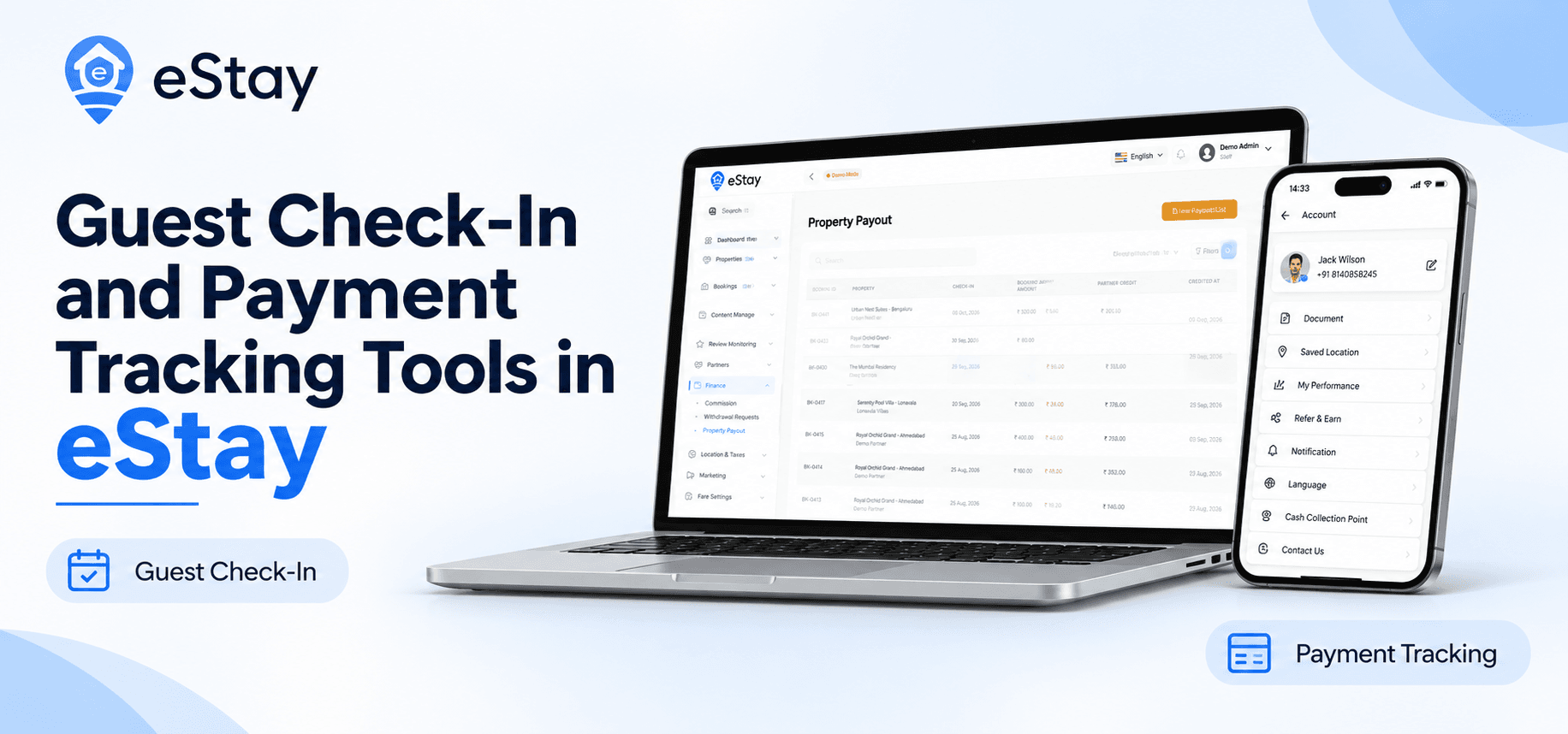
This guide explains how eStay handles guest check-in and payment tracking, step by step. You will see what your staff can do, what your guests experience, and how the numbers stay clean at the end of the day.
What you will learn:
-
How a booking moves from confirmation to check-in and check-out
-
How full, partial and pay-at-property payments are recorded
-
How refunds, taxes and currencies are handled
-
How staff roles keep money-related actions under control
Why Check-In and Payment Tracking Need Dedicated Tools
Most booking problems do not start at the booking. They start when the guest arrives and the information does not match what was promised.
The Front Desk Problem
A desk team under pressure needs answers in seconds:
-
Is this booking confirmed?
-
Which room type did the guest reserve?
-
Has any advance amount already been paid?
-
Is the room actually free right now?
When those answers live in different places, check-in turns into a conversation full of guesses. Queues grow, guests get irritated, and staff start making manual notes that nobody else can read.
The Money Problem
Payment confusion causes quieter damage. A deposit gets collected but not recorded. A refund is promised verbally and then forgotten. A balance due at the property is never reconciled with the day's cash.
Each gap is small, but together they make monthly reporting unreliable. Owners end up unsure what a property truly earned, which makes pricing and staffing decisions harder than they should be.
How Guest Check-In Works in eStay
eStay keeps the arrival process inside the same system that took the booking. Nothing needs to be re-entered, so the desk works from one trusted record.
Booking and Reservation Control
Every reservation, whether it came from the mobile app or the website, lands in the admin or partner panel with its guest details, room type, dates and payment status. Staff can open any booking and see the full picture without switching tools.
For teams that want day-to-day control from a phone, a hotel management app approach helps. Property managers can review arrivals, watch new reservations come in and respond to guests without waiting to get back to a desktop.
Check-In and Check-Out Operations
The panel includes dedicated check-in and check-out operations. Instead of editing notes or messaging a colleague, staff mark the stay's status inside the booking itself.
A typical arrival day looks like this:
-
Review the arrivals list. The team sees which bookings are due today and which room types they hold.
-
Open the booking. Guest details, dates and payment status appear together.
-
Confirm what is owed. If the guest paid in full, nothing more is needed. If a balance remains, the desk knows exactly how much.
-
Complete check-in. The booking status is updated, so everyone else sees the guest as arrived.
-
Complete check-out. At departure, the status closes out and the stay is ready for reporting.
Availability Calendar Stays Honest
Check-in only works smoothly if the room is genuinely free. eStay's availability calendar shows real-time room availability, and room types and inventory are managed in the same place. That means a late checkout, a cancellation or a new booking is reflected immediately, which reduces the chance of two guests expecting the same room.
What Guests Notice
Guests do not see the admin panel, but they feel its effects:
-
Instant booking confirmation after checkout
-
Notifications and alerts as their booking status changes
-
Accurate room and property details from the listing pages
-
A shorter, calmer arrival conversation
Payment Tracking Tools in eStay
Payment handling is where property software earns its keep. eStay lets owners decide how money is collected, then records the result against each booking.
Three Ways to Collect Payment
Owners can configure payment per listing, which matters because a city hotel and a countryside stay rarely have the same needs. The options are:
-
Full online payment: the guest pays the entire amount at booking.
-
Partial advance: the guest pays a portion upfront and settles the rest later.
-
Pay at property: the booking is held, and payment is collected on arrival.
This flexibility is a core strength of any online hotel booking software, because it lets you protect cash flow without scaring away guests who prefer to pay at the desk.
Supported Payment Gateways
For online collection, eStay supports Stripe, Razorpay and Flutterwave. Having several gateway options helps owners choose the provider that works best for their guests and region.
Once a guest pays through a gateway, the transaction status sits next to the booking. Staff do not need to cross-check a separate payment dashboard just to confirm a deposit.
Currency and Tax Handling
Pricing gets complicated quickly when guests come from different places. eStay includes multi-currency support along with currency and tax management, so a booking shows the right amount in the right format.
For groups operating in several countries, country-wise taxes and currencies keep each property's figures organized instead of mixed together.
Cancellations and Refunds
Cancellations are where disputes begin, so clear rules matter. Partners and admins can set cancellation policies, and the platform includes cancellation and refund management to follow those rules.
The practical benefits are:
-
Guests see the policy before they commit
-
Staff apply the same rule every time, instead of improvising
-
Refund actions are recorded against the booking
-
Finance can review what was returned and why
Keeping Staff Accountable With Role-Based Access
Money tools are only as safe as the people allowed to use them. eStay includes role-based staff access, so each team member sees only what their job requires.
Who Gets Which Permissions
A sensible setup might look like this:
-
Front-desk staff: manage bookings and complete check-ins and check-outs
-
Finance team: review payments and handle refund actions
-
Managers: view dashboards, reports and performance insights
-
Content or marketing staff: manage banners, blogs and promo codes without touching bookings
Why This Protects Your Revenue
Restricting access does two things at once. It reduces honest mistakes, such as someone accidentally cancelling a paid stay. It also makes it clear who performed each action, which discourages misuse and simplifies internal reviews.
Turning Payment Data Into Decisions
Tracking each payment is useful, but the bigger value comes from seeing the pattern.
Dashboard and Analytics
The admin dashboard shows bookings, occupancy, revenue and staff activity in one place. Property-level performance reports help you compare locations or room types and spot what drives income.
Questions you can answer quickly include:
-
Which room types fill fastest?
-
How much revenue came from advance payments versus on-arrival payments?
-
Which periods bring the most cancellations?
-
Are promo codes bringing in bookings or just reducing margins?
Promo Codes and Referrals
Because promo codes and the refer-and-earn program sit inside the same platform, discounted bookings are tracked alongside regular ones. You can judge each campaign by actual bookings instead of guesswork.
Check-In and Payment Tracking for Multi-Property and Villa Businesses
Not every operator runs a single hotel. eStay supports single-property and multi-property setups, including hotels, resorts, villas, apartments, homestays and dharamshalas.
Villa and Homestay Owners
Villa hosts often manage arrivals without a full front desk. A villa booking app setup suits that reality, because the owner or caretaker can confirm the stay, check what has been paid and record the guest's arrival from the same booking record.
Partner Properties
In the multi-property model, partners get their own panel to manage bookings, check-ins, wallet earnings and payout requests. The platform owner can earn commission on bookings made through partner properties, with partner finance and payouts handled in the admin panel.
Event and Venue Inquiries
Properties that host weddings or conferences can list events and handle inquiry-based bookings. This adds another revenue line that you can track alongside regular room nights.
A Simple Daily Routine for Smoother Operations
Software helps most when the team follows a routine. Here is a practical rhythm that fits eStay:
-
Morning: review today's arrivals and departures.
-
Before arrivals: check which bookings still have a balance due.
-
During check-in: confirm payment status, then update the booking.
-
Afternoon: respond to new inquiries and booking notifications.
-
Evening: review the day's payments and any refunds issued.
-
Weekly: study the dashboard to spot trends in occupancy and revenue.
Where eStay Fits
If your property runs on one team and one set of rooms, a hotel room booking system that covers booking, check-in and payment records together is far easier to manage than separate tools. eStay brings those pieces into one platform, with a Flutter mobile app, a Next.js website and a Laravel admin panel.
It is not meant to replace good hospitality. It simply removes the admin friction around it, so your team has more attention for the guest in front of them. For a broader view of how every module connects across one property, read about running a single-property hotel business from start to finish with eStay.
Start Managing Guest Check-In and Payments the Easy Way
If you want one platform that handles bookings, arrivals and payment records together, explore eStay and see the modules in action.