Shoppers get most of the attention, but a marketplace is really won or lost behind the scenes, in how sellers join and how they get paid. A multi vendor marketplace script that handles both well lets you grow your vendor base without drowning in spreadsheets, chat threads, and manual payout math. This matters even more when one platform runs grocery, pharmacy, eCommerce, and food delivery side by side, because each business type brings its own seller expectations and its own earning rules.
This guide shows how eMarket handles seller onboarding and commission management across its modules. You will see how new sellers are added and approved, how vendor accounts stay organized, how earnings and payouts flow, and how to build a repeatable seller program for your own marketplace.
1. Why Seller Onboarding and Commissions Need One System
The Cost of Handling Sellers Manually
Many new marketplace owners start with a simple process: collect seller details over chat, create accounts by hand, and calculate earnings at the end of the month. It works for five sellers. It breaks at fifty.
Common problems include:
-
Seller details scattered across emails, messages, and documents
-
No clear record of who was approved, when, and on what terms
-
Commission calculations that differ from one seller to the next
-
Payout disputes because nobody can see a clean transaction history
-
Slow response times that push good sellers toward competing platforms
What Changes When You Run Multiple Modules
Running more than one business type multiplies the complexity. A grocery vendor, a pharmacy store, and a restaurant do not operate the same way, and they rarely deserve the same earning terms. eMarket is built around one admin panel, one backend, and one delivery system serving all modules, so you manage every vendor in one place while still configuring commissions, taxes, and workflows separately for each module.
2. How Seller Onboarding Works in eMarket
Seller onboarding in eMarket follows a clear path from application to active store. Here is the flow at a glance:
-
A seller is added by the admin or submits a registration request
-
The admin reviews the business details
-
The request is approved or rejected
-
The approved seller gets a store profile and dashboard access
-
The seller lists products and starts receiving orders
Adding Sellers From the Admin Panel
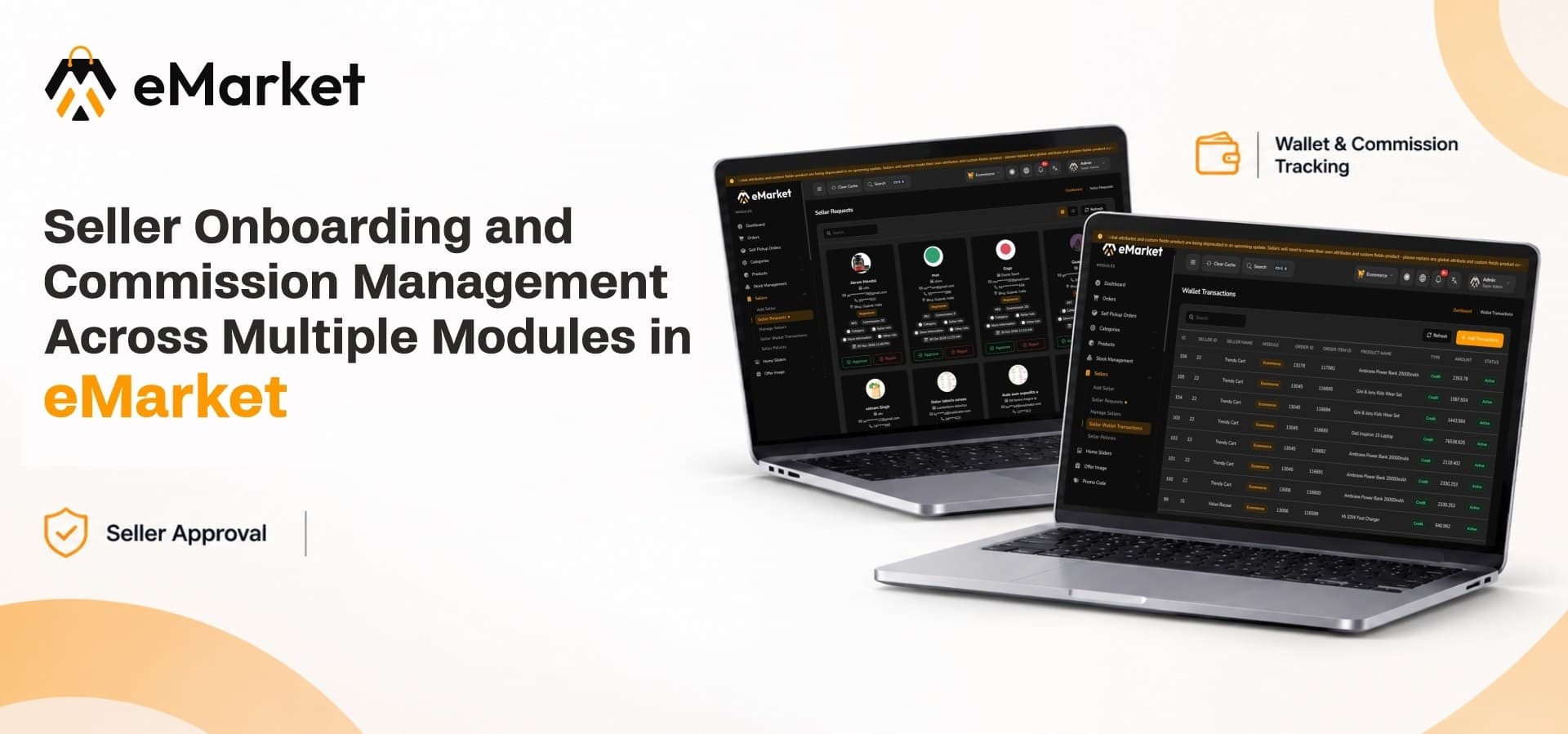
With Smart Seller Onboarding, you can create seller accounts directly from the admin panel and register each store's details, contact information, and business profile in one structured flow. This is useful when you are recruiting vendors yourself, such as local shops you have already spoken to, and want them to live quickly.
Reviewing Registration Requests
Not every seller will come through your own outreach. Seller Request Management gives you a single place to review incoming registration requests. You can verify submitted business details, approve good applications, and reject the ones that do not fit your standards. For anyone building on a multi vendor ecommerce script, this step is what keeps quality high as the marketplace grows, because you decide exactly who joins.
Managing Seller Accounts After Approval
Onboarding does not end at approval. Seller Account Management lets you:
-
View seller information in one workspace
-
Update business details when something changes
-
Activate or deactivate accounts as needed
-
Monitor all marketplace vendors with complete visibility
Setting Clear Seller Policies
Disputes often start with unclear rules. Seller Policy Management lets you create and update seller privacy policies and terms and conditions from the admin panel. Keeping these current means every seller knows what is expected before they list their first product.
3. Giving Sellers the Right Tools From Day One
A seller who can run a store without asking for help is a seller who stays. For teams evaluating multi vendor ecommerce app source code, role-based dashboards are one of the most important things to check, and eMarket includes dedicated workspaces for admins, sellers, and delivery partners.
What Sellers Can Manage on Their Own
Each seller gets a workspace to:
-
Add, edit, and monitor products, pricing, discounts, and approval status
-
Update stock quantities and handle low-stock or out-of-stock items
-
Process and fulfil store-specific orders
-
Handle return requests related to their own products
-
Create in-store sales through the built-in Point of Sale (POS)
-
Review sales reports, product sales reports, and POS reports
Why This Supports Commission Accuracy
When sellers manage their own catalog and orders inside the platform, every sale is recorded in the same system that calculates earnings. That means fewer manual corrections later and more trust between you and your vendors.
4. Commission Management Across Modules
Commission management is how your marketplace earns, so it deserves as much planning as onboarding. eMarket lets you earn commissions from orders across its available modules: Grocery, Pharmacy, eCommerce, and Food Delivery. Parcel Delivery and Ride Booking are listed as planned modules.
Configuring Rules Per Module
Because eMarket lets you configure taxes, commissions, payments, banners, and workflows independently for every business module, you are not forced into a single earning model. A high-volume grocery module and a specialized pharmacy module can follow different rules, which is how most real marketplaces operate.
Tracking Commission Earnings
Setting rules is only half the job. Business Reports and Analytics cover product sales, total revenue, and commission earnings, so you can see what each part of the marketplace contributes. Reviewing these numbers regularly shows you which modules and sellers drive your income.
Building Revenue Beyond Commission
Commission is the foundation, not the ceiling. eMarket also supports:
-
Delivery and service fees on orders
-
Featured listings, promotional banners, and sponsored placements sold to vendors
-
Subscription plans with custom pricing, benefits, and durations
A seller who pays for a featured slot or a subscription plan adds income that does not depend on order volume alone.
5. Seller Payouts and Wallet Tracking
Sellers stay loyal to marketplaces that pay clearly and on time. eMarket gives both sides a transparent record.
Seller Wallets
With Seller Wallet Management, you can review credits, debits, balances, and order-related transactions. Sellers see the same activity from their own dashboard, which cuts down on "where is my money" questions.
Withdrawal Requests
Payouts follow a structured request flow:
-
The seller submits a withdrawal request
-
The admin reviews it
-
The request is approved or rejected
-
The seller tracks the payment status from their dashboard
Every decision is stored in a payout record, which gives you an audit trail you can rely on.
Delivery Partner Payments
Sellers are not the only people you pay. For anyone planning a grocery delivery platform, delivery partner finances matter just as much. eMarket includes fund transfer records, cash collection tracking, and salary management for delivery partners, so riders can view credits, debits, balances, and payment history without chasing the admin team.
6. Onboarding Sellers by Business Type
Each module attracts a different kind of vendor, and your onboarding approach can reflect that.
Grocery Sellers
Supermarkets and neighborhood stores care about stock accuracy and fast order handling. Teams building a multi vendor grocery app will find that real-time stock management, zone-based delivery, and self-pickup workflows give these sellers what they need from the first day.
Pharmacy Sellers
Pharmacy stores deserve a careful review. When you run a pharmacy ecommerce platform, the request review step lets you check submitted business details before approving anyone, and seller policies let you set clear terms for how products are listed and returned.
Food and Restaurant Sellers
Restaurants move quickly and depend on fresh listings. If you are launching a multi-vendor food ordering system, the Food Delivery module sits inside the same admin panel, so you can onboard restaurants with the same approval flow and manage their orders alongside everything else.
7. Best Practices for a Smooth Seller Program
A good platform helps, but a good process helps more. Try these steps:
-
Define your approval criteria before you accept the first application
-
Write seller policies in plain language and update them as your marketplace grows
-
Start with one module, perfect the onboarding flow, then activate others
-
Review commission reports monthly and adjust rules where the numbers justify it
-
Process withdrawals on a regular schedule so sellers know when to expect payment
-
Use notifications and email templates to welcome new sellers and share updates
8. Where eMarket Fits
eMarket suits owners who want to run several commerce verticals from one platform without rebuilding for each. The seller and commission tools above come ready to use with the apps, web version, and admin panel. The Regular License includes the full source code, and the Extended License adds ready-to-launch setup and dedicated support. To see how the platform connects groceries, pharmacy, and eCommerce into one business, read about running grocery, pharmacy, and eCommerce sales from one eMarket platform.
Start Managing Sellers and Commissions With eMarket
Ready to build a marketplace with clean seller onboarding and clear commission control? Explore the full feature list, demos, and license options on the eMarket product page