Shopping for a platform to run a property marketplace usually starts with a long feature list and very little way to tell which items actually matter once real listings, real agents, and real buyers show up. Whether you're comparing real estate crm software, evaluating a property booking app, or trying to figure out what separates a serious property management software option from a bare-bones script, the features below are the ones that consistently determine whether a platform holds up past launch day.
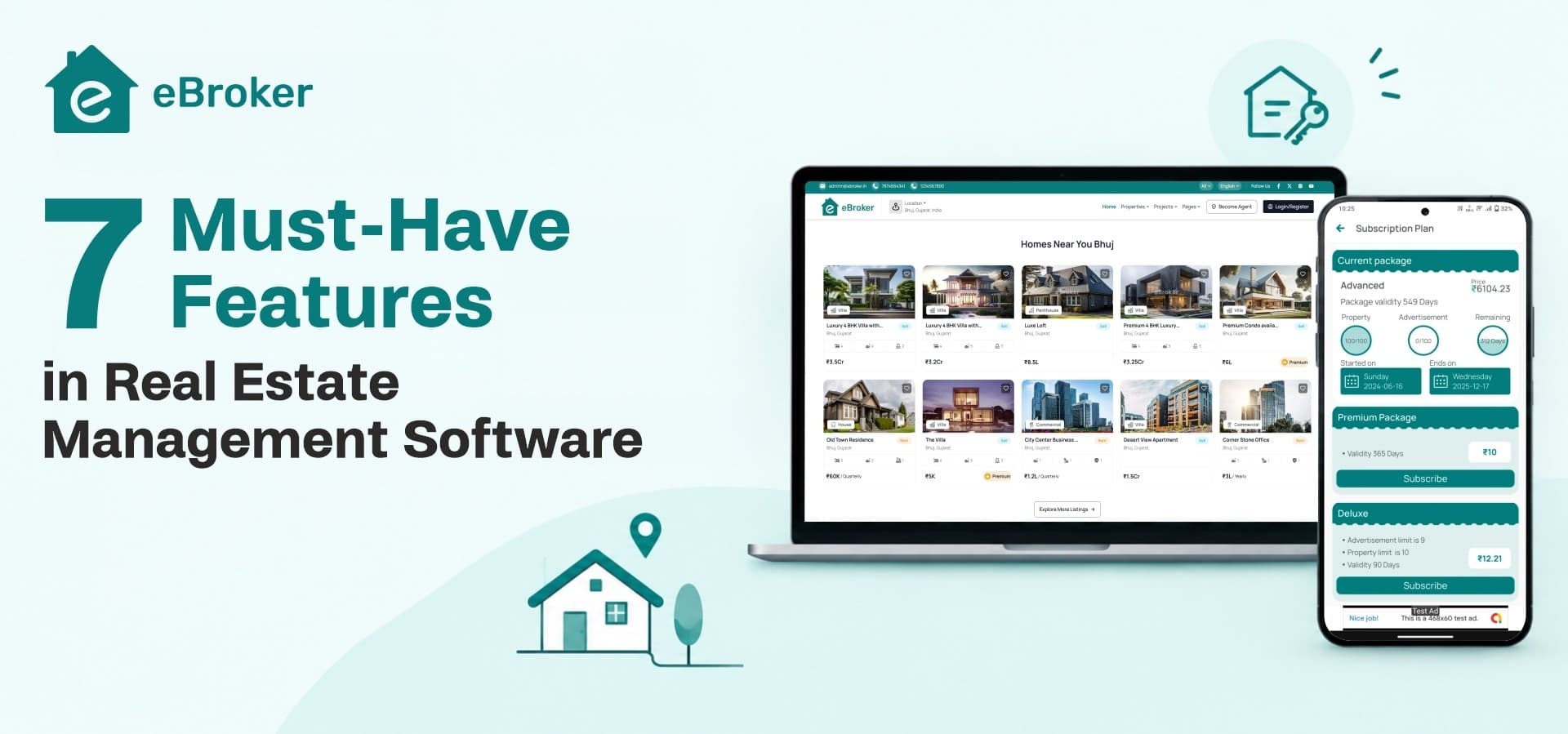
Each one is explained in plain terms: what it does, why buyers and agents notice when it's missing, and how it shows up in a working platform like eBroker.
1. Dual-Role Architecture for Agents and Users
Most property platforms eventually need two very different kinds of accounts: everyday users browsing or listing a single property, and professional agents managing a portfolio of clients and listings. Real estate software that treats these as the same account type tends to get messy fast, with casual sellers competing for visibility against full-time brokers, or agents unable to access the tools they need to manage volume.
A platform built with dual-role architecture from the start avoids that problem. Regular users get a straightforward way to post a property, while agents get branded profiles, subscription-based visibility tiers, and dedicated listing management tools. In eBroker, users can also apply to become verified agents directly inside the app, which means the agent network grows organically instead of requiring manual outreach or onboarding on your end.
2. AI-Powered Listing Creation and SEO
Writing a good property description for every single listing is tedious, and skipping it hurts both conversion and search visibility. This is one of the more overlooked items on any best real estate apps checklist, since it affects how easily listings get found on Google in the first place, not just how they look once a visitor lands on them.
Look for a platform that generates property descriptions and suggests SEO metadata automatically at the point of posting. This removes friction for sellers and agents who aren't skilled writers, keeps listing quality consistent across the platform, and improves the odds that individual property pages rank in organic search. eBroker builds this directly into its listing flow, so AI-written descriptions and SEO suggestions are available without needing a separate tool or manual copywriting step.
3. Interactive Maps and Location-Based Discovery
Buyers and renters think in neighborhoods, commute distances, and nearby landmarks long before they think in filters like square footage or price range. A property management app without map-based browsing forces users to mentally translate a list of addresses into a sense of place, which is a poor experience compared to platforms where location is the primary way to explore.
An interactive map view, ideally with contextual filtering so nearby or relevant listings surface first, keeps engagement higher and reduces the number of irrelevant results a user has to scroll past. eBroker includes this through Google Maps and OpenStreetMap integration, letting properties be browsed visually and filtered by proximity rather than relying on address search alone.
4. Rich Visual Listings With 360° Images
Photos alone rarely tell buyers what they need to know, especially for remote or out-of-town buyers who can't easily schedule an in-person walkthrough before deciding whether a property is worth pursuing further. This matters more for rental platforms and long-distance buyers than for local, drive-by-the-property markets, but it has become a baseline expectation across most serious listing platforms.
The features to check for here are support for 360° image uploads, video attachments per listing, and structured fields for amenity details, rather than a single flat photo gallery. eBroker supports 360° images alongside one video upload per listing plus full amenity details, which shortens the gap between browsing and reaching out, since buyers arrive at a viewing or chat already confident about what they're looking at.
5. Buyer-Agent Chat and Appointment Booking
A listing that generates interest but no easy way to follow up is a missed lead. Contact forms and phone numbers buried in a listing description create friction at exactly the point where a buyer's interest is highest, and that friction is often where deals quietly die.
Direct, in-app messaging between buyers and agents, paired with a built-in way to schedule a property viewing, keeps the conversation moving without pushing users off the platform to email or a third-party messaging app. eBroker includes both: buyers can message agents directly and book appointments through the same interface where they found the listing, which shortens the lead-to-meeting cycle and keeps the full conversation history in one place.
6. Flexible, Built-In Monetization Options
A platform that can only earn through one revenue model tends to stall once that model hits its ceiling, whether that's subscription fatigue among agents or a lack of casual sellers willing to commit to a plan. This is worth checking closely on any real estate crm software shortlist, since retrofitting new revenue streams onto an existing platform later is far harder than having them available from day one.
Look for support for multiple concurrent models: pay-per-listing for casual sellers, tiered subscriptions for professional agents who need ongoing visibility and higher posting limits, and paid promotion for listings that want to jump to the top of search results or category feeds. eBroker ships with all three, plus an ad banner system for selling display space to mortgage providers, interior designers, and other businesses that want access to a property-seeking audience.
7. A Centralized Admin Control Panel
Every feature above eventually needs to be configured, monitored, or adjusted, and doing that across a patchwork of separate tools or manual database edits is not sustainable once a platform has real users. A single property booking app deserves a single place to run it from.
The admin panel is where day-to-day platform operations actually happen: approving listings, managing agent verification, adjusting subscription packages, configuring ad banners, controlling SEO settings, and managing payment gateway setup. eBroker's admin panel covers all of this alongside homepage layout, article management, and Firebase and SMTP configuration, so operational changes don't require touching code.
Where eBroker Fits
None of the features above are exotic asks. They're the baseline for any platform expected to support real agents and real buyers past the first few months. What eBroker changes is how much of that baseline arrives pre-built: the dual-role structure, AI listing tools, map-based discovery, rich media support, buyer-agent communication, layered monetization, and a full admin panel are already in place inside a Flutter mobile app, a Next.js web frontend, and a Laravel admin panel working together as one system.
Agent verification is one part of that system worth a closer look on its own, particularly how listing permissions and approval workflows are structured once a platform has more than a handful of agents to manage. Agent verification and listing workflows covers exactly that.
Ready to Launch Your Own Real Estate Platform?
Explore eBroker on WRTeam Marketplace to see full feature set and licensing options.