Choosing a learning management system for your courses is a bigger decision than most buyers expect. Get it right and you own a platform that grows with your institute or coaching business. Get it wrong and you're stuck paying recurring fees for a tool that never quite fits how you actually teach.
This guide walks through the eight capabilities worth checking before you commit to any learning management software, whether you're comparing hosted platforms or a source-code solution you install and run yourself.
Why the Platform You Choose Matters
Most course creators start by comparing price tags. That's the wrong first filter. The better question is whether the platform can handle how your courses are actually structured, how your instructors get paid, and how your learners consume content on mobile versus web.
A good online learning management system should support your business model from day one, not force you to redesign your courses around its limitations. Here's what to check.
1. Course Builder With Structured Modules and Certifications
A course is more than a video upload. Look for a builder that lets you organize content into sections, lessons, and modules in a logical sequence, so learners always know what's next.
Certification matters just as much. Once a learner finishes a course, the platform should be able to issue a certificate automatically, giving your courses a completion incentive and giving you a way to justify premium pricing on top of the base course fee.
-
Structured lesson and module hierarchy
-
Automatic certificate issuance on completion
-
Support for both free and paid course formats
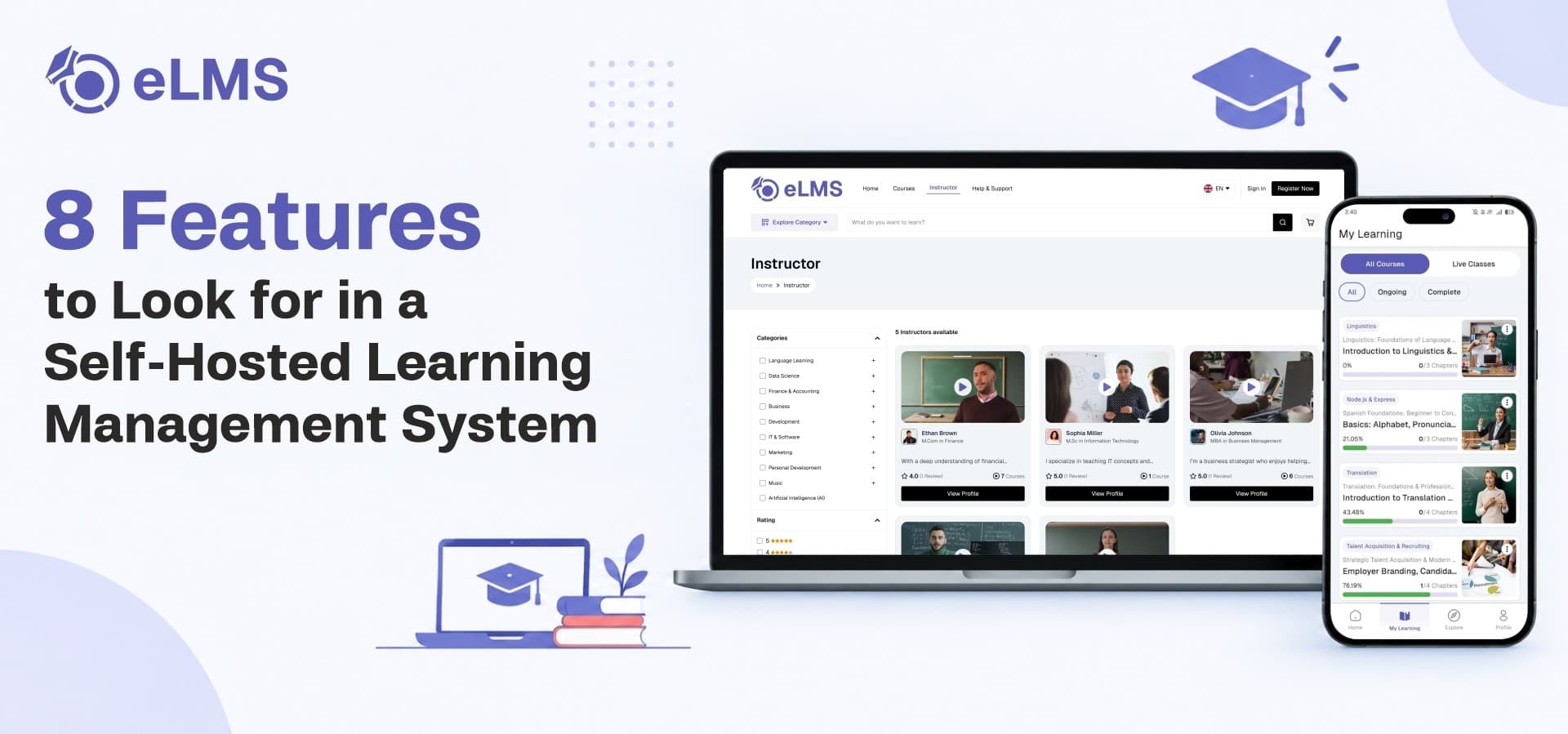
eLMS builds this in directly, letting instructors structure courses into modules while the platform handles certificate generation and premium certificate upsells without extra tooling.
2. Multi-Instructor Marketplace and Team Collaboration
If you plan to run more than one instructor on your platform, check whether the system supports a real marketplace model, not just a single admin uploading content.
That means instructors should be able to publish and sell their own courses, with commissions and payouts calculated automatically. Team-based course production is another detail worth checking: can two or more instructors co-manage a single course, or is every course locked to one owner?
-
Independent instructor accounts with their own course catalogs
-
Automatic commission and payout handling
-
Team accounts for co-managed courses
eLMS supports both a single-instructor academy and a multi-instructor marketplace, with team instructor accounts for courses that need more than one contributor.
3. Secure, Adaptive Video Streaming for Course Content
Video is the backbone of most online courses, and it's also the easiest part of a platform to get wrong. Basic file uploads buffer badly on slow connections and offer no real protection against content theft.
Look for HLS-based adaptive streaming, which adjusts video quality to the learner's connection automatically, along with secure delivery that protects premium video from being downloaded or shared outside the platform.
-
Adaptive streaming that adjusts to network speed
-
Encoded, protected video delivery
-
Smoother playback across devices
eLMS uses HLS video streaming with secure content delivery and encoding, which matters directly if your course catalog includes paid video content you don't want walking off the platform.
4. Assignments, Quizzes and Progress Tracking
Course completion rates drop fast when there's no way to check understanding along the way. A platform should let instructors attach assignments and quizzes to specific lessons, not just bolt them onto the end of a course.
Progress tracking closes the loop. Learners should be able to see exactly how far they've gotten in a course, and instructors should be able to see the same thing across their entire student base.
-
Assignment creation tied to specific lessons
-
Built-in quiz tools for knowledge checks
-
Learner-facing and instructor-facing progress tracking
eLMS includes assignment management and quiz tools alongside progress tracking, giving instructors a way to grade work and monitor completion without a separate system.
5. Multiple Monetization and Payment Options
A platform that only supports one-time course purchases limits how you can price and package your content. Check for coupon and discount tools for running seasonal promotions, plus a wallet system that lets learners top up and spend without re-entering payment details for every purchase.
If you plan to publish on iOS, in-app purchase compliance is worth confirming early. App Store rules require in-app purchases for digital content sold to iOS users, and a platform that doesn't support this can get an app rejected outright.
-
Coupon and discount management for promotions
-
Wallet-based payments for repeat purchases
-
App Store-compliant in-app purchases for iOS
eLMS is built as an online course selling platform with course sales, marketplace commissions, coupons, wallet top-ups, and in-app purchases already wired in, covering most of the revenue models a course business needs.
6. Admin Analytics and Reporting Dashboards
Running a course platform without visibility into what's actually happening is a common way to miss problems until they're expensive. A proper admin dashboard should show enrollment trends, revenue by course or instructor, and completion rates at a glance.
This data matters most when you're deciding what to build next: which courses to promote, which instructors are underperforming, and where learners are dropping off before finishing.
-
Enrollment and revenue reporting
-
Instructor performance breakdowns
-
Course completion and engagement metrics
eLMS ships with admin dashboards covering enrollments, revenue, instructor performance, and completion rates, so these decisions don't rely on guesswork.
7. Cross-Platform Apps With White Label Branding
Learners expect to study on their phone as easily as on a laptop. That means the platform needs native-feeling apps for both Android and iOS, alongside a proper lms website for desktop learners and instructors managing their content.
White labeling is the detail that gets overlooked until it's too late. If you're building a business under your own brand, confirm the platform lets you replace its default branding with yours across the apps and the web, rather than launching with someone else's name on it.
-
Android and iOS apps from a single codebase
-
Web platform for desktop learners and instructors
-
Full rebranding as a white label lms app
eLMS covers this with Flutter-based mobile apps, a Next.js web platform, and white-label source code you can rebrand and deploy under your own name.
8. Scalable, Self-Hosted Tech Stack You Control
Self-hosting only makes sense if the underlying stack can actually scale as your course catalog and student count grow. Check what the admin panel is built on, whether the database can handle a growing user base, and whether the platform exposes APIs for future integrations.
This is also where long-term flexibility comes from. A well-built stack means you're not locked into one hosting provider or stuck waiting on a vendor to add a feature you need now.
-
A structured backend admin panel
-
A database built for growing data volumes
-
REST APIs for future integrations
eLMS runs on a Laravel admin panel with a MySQL database and REST APIs, giving self-hosted deployments room to scale without a platform migration down the line.
Where eLMS Fits
Across these eight areas, eLMS covers course structuring, multi-instructor support, secure video, assessments, monetization, analytics, cross-platform apps, and a scalable backend as one connected system rather than a patchwork of add-ons.
If course structuring and certification is the piece you want to look at more closely, that's covered in depth in Course Structuring and Certification Tracking in eLMS, which breaks down how modules, lessons, and completion certificates work together.
Ready to launch your own learning platform? Explore eLMS on WRTeam Marketplace and see the full feature set and licensing options.