Most listing scripts look nearly identical during a demo. The gaps only appear once real sellers start posting and real buyers start searching, and by then switching costs are high. A classified ads platform succeeds when listings stay organized, buyers trust what they see, and sellers have a clear reason to keep posting and paying.
That is why it pays to evaluate software against a defined checklist before you commit. This guide covers eight capabilities that separate a usable online classified platform from a bare listing board. Under each one you will find:
-
What the feature does in everyday use
-
Why it affects your growth and revenue
-
What to check during a demo
-
How eClassify handles it
Whether you are about to buy classified ads script code, compare open source scripts, or review hosted options, treat this list as a scoring sheet. A platform that covers most of these items saves months of custom development. One that misses several will keep sending you back to a developer.
1. Category-Specific Ad Fields
What it means for your marketplace
Category-specific ad fields decide whether a listing feels useful or half finished. A car buyer needs mileage, fuel type, and transmission. A property seeker wants bedrooms, floor area, and furnishing status. A job seeker needs none of those. When every seller uses one generic form, key details get crammed into a single description box and buyers have to read paragraphs just to compare two options.
Why it matters
-
Structured fields make listings easier to filter, sort, and compare.
-
Better filtering keeps buyers browsing longer and returning more often.
-
Sellers finish forms faster when every question is relevant to what they sell.
What to check in a demo
Ask the vendor to create a brand new category live and attach its own fields. If that requires a developer, expect a delay every time you expand.
How eClassify handles it
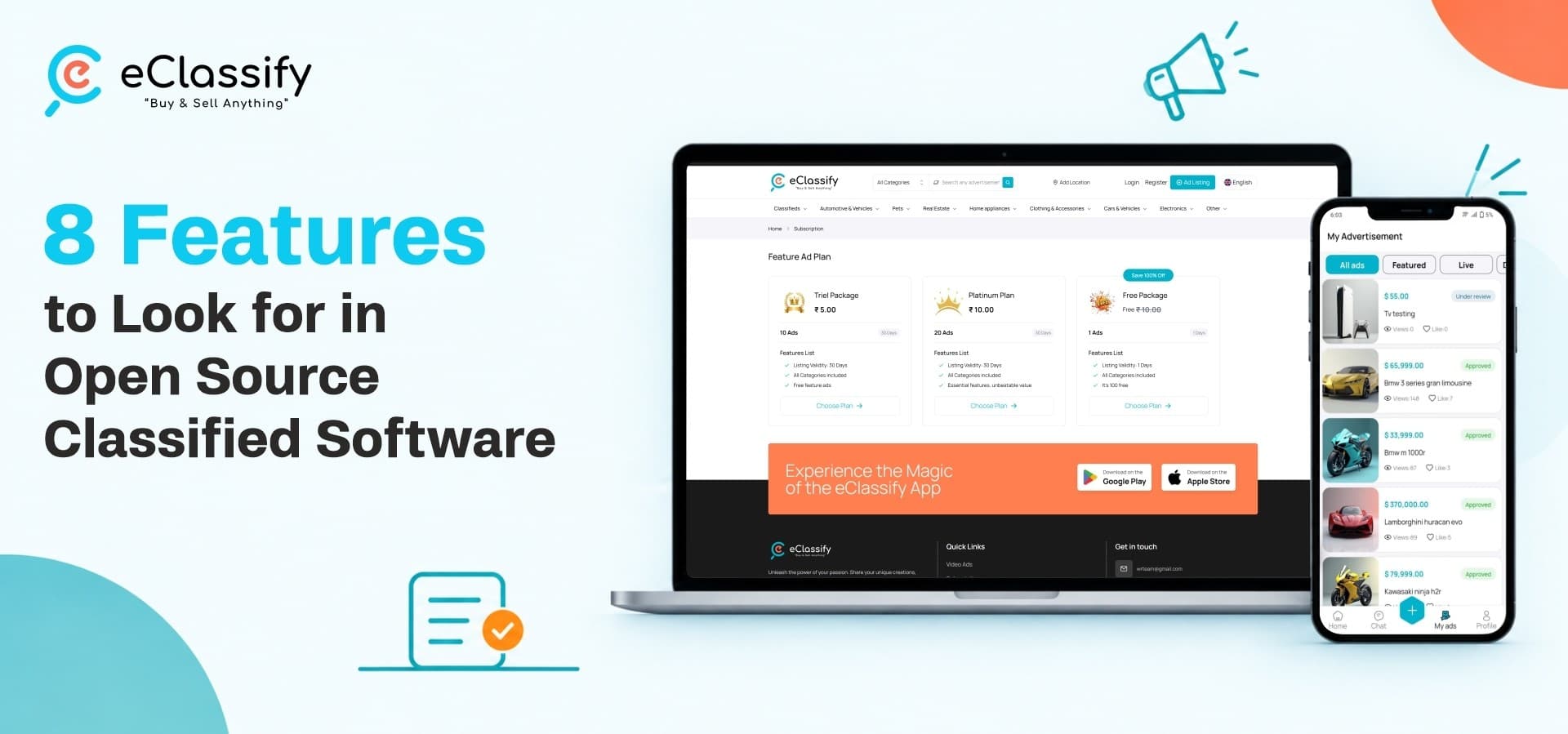
eClassify includes custom field management per category. Admins choose exactly which fields appear for vehicles, real estate, electronics, jobs, or any category added later, all from the admin panel.
2. AI-Assisted Listing Creation
What it means for your marketplace
Most casual sellers do not enjoy writing. They type two vague lines, add a photo, and move on. AI-assisted listing creation closes that gap by helping sellers produce a clear, complete description in seconds instead of minutes.
Why it matters
-
Stronger descriptions make listings easier to find inside the app.
-
Well-written pages are easier for external search engines to index, which brings free traffic.
-
Sellers who feel supported are more likely to post again.
What to check in a demo
Create a listing as a first-time seller and see how much effort it takes to get a polished result. Also ask whether the tool produces search-friendly metadata, not just body text.
How eClassify handles it
eClassify builds Gemini AI directly into the listing flow. It generates professional ad copy and SEO-friendly metadata, so a seller with no writing experience can still publish a listing that looks careful and complete.
3. Seller Verification and Trust Signals
What it means for your marketplace
Classifieds carry an old reputation problem. Buyers arrive wary of scams, and honest sellers get lumped in with bad actors. Seller verification is the mechanism that lets a marketplace separate the two, and it shapes whether a buyer decides to reach out at all.
Why it matters
-
Verification badges show that a real person stands behind a listing.
-
Ratings and reviews build a visible track record over time.
-
Buyers contact verified sellers far more readily than anonymous ones.
What to check in a demo
Look for trust cues on the listing page itself. If a buyer has to dig through a profile to find them, most will never see them.
How eClassify handles it
The platform combines a user verification system with seller badges and a review module. Buyers see clear trust signals before they send a single message, which supports conversion for genuine sellers.
4. In-App Buyer-Seller Communication
What it means for your marketplace
Making buyers hunt for a phone number or email address inside a listing is an outdated pattern. It also pushes conversations off your platform, where you cannot see or influence what happens. Built-in chat keeps the entire exchange in one place.
Why it matters
-
Questions, negotiation, and scheduling all stay inside the app.
-
Admins can watch for abuse or suspicious behavior without relying on outside channels.
-
Users do not need extra tools to close a deal, so more conversations finish.
What to check in a demo
Send a message from a buyer account and confirm the seller is alerted immediately. Slow notifications quietly kill deals.
How eClassify handles it
eClassify includes native chat, so buyers can message sellers straight from any listing. Instant push notifications alert users the moment a new message arrives, which shortens response times and keeps conversations moving.
5. Featured and Premium Listing Options
What it means for your marketplace
Every marketplace eventually faces the same question: how will it earn money once listings are flowing? Featured and premium listings are among the most dependable answers, because sellers in crowded categories often pay for extra visibility.
Why it matters
-
Serious sellers get a clear way to stand out from the crowd.
-
Owners gain a revenue stream that grows alongside traffic.
-
Paid placement works best in high-traffic spots such as search results and the homepage.
What to check in a demo
Confirm that paid placement is built in, not a paid add-on, and ask where promoted ads actually appear.
How eClassify handles it
The platform supports featured and premium placement across search results, category pages, and the homepage. Sellers see a direct benefit in paying, and owners earn from the traffic they already have.
6. Flexible Payment Gateway Support
What it means for your marketplace
Subscriptions, featured listing fees, and premium packages all depend on smooth payments. A script tied to one regional payment method hits a wall the moment you attract sellers elsewhere, so flexible payment gateway support protects your ability to grow.
Why it matters
-
More checkout options mean fewer abandoned payments.
-
Sellers in different countries can pay in the way they already trust.
-
You avoid rebuilding the payment layer for every new market.
What to check in a demo
Ask for the full gateway list and confirm that each one works for subscriptions and featured ads, not only for a single payment type.
How eClassify handles it
eClassify supports PayPal, Stripe, Razorpay, Paystack, PhonePe, FlutterWave, and bank transfer. That covers a broad mix of regional and international preferences out of the box.
7. Image Watermarking and Content Protection
What it means for your marketplace
Sellers put real effort into their photos, and listing images are often copied and reused elsewhere without permission. Image watermarking is a small detail that experienced operators value highly, because it protects sellers and quietly builds your brand at the same time.
Why it matters
-
Watermarks discourage scraping and unauthorized reuse.
-
They tie each photo to a specific seller and platform.
-
They strengthen brand trust as your marketplace grows and gets noticed.
What to check in a demo
Upload a photo and see whether the watermark is applied automatically. A manual step means most sellers will skip it.
How eClassify handles it
eClassify applies an automatic watermark to uploaded photos. Sellers get protection without any editing, and your platform's name travels with every image.
8. Multi-Language and Multi-Currency Support
What it means for your marketplace
A classifieds platform locked to one language and one currency has a ceiling from the first day. Even a local launch benefits from multi-language and multi-currency support, because it lets you widen your audience later without starting over.
Why it matters
-
Extra languages widen your potential user base immediately.
-
Multiple currencies make pricing and subscriptions clear to sellers anywhere.
-
Growth into new regions does not depend on custom development.
What to check in a demo
Switch the interface language and currency during the demo, and check that prices, plans, and payments follow the change.
How eClassify handles it
eClassify ships with multilingual support and multi-currency handling. Owners can open the platform to new audiences as demand appears, without commissioning a rebuild.
Where eClassify Fits
Taken together, these eight features describe a classified ads marketplace that can actually launch and earn, not just display items on a page. eClassify was built around these expectations. It combines a Flutter mobile app, a web platform, and a Laravel admin panel in one ready-to-launch package, so you do not have to commission a separate build for each piece.
A focused first category is one of the most common ways new operators enter this space. A narrower launch makes it easier to build early listing volume before you expand into more categories. If that approach appeals to you, read about launching a vehicle classifieds marketplace.
Ready to launch your own classifieds marketplace? Explore eClassify on WRTeam Marketplace